The Recolor the Past Blog
Guides and insight on bringing old photos back to life — colorization, restoration, scanning and preserving your family's history.
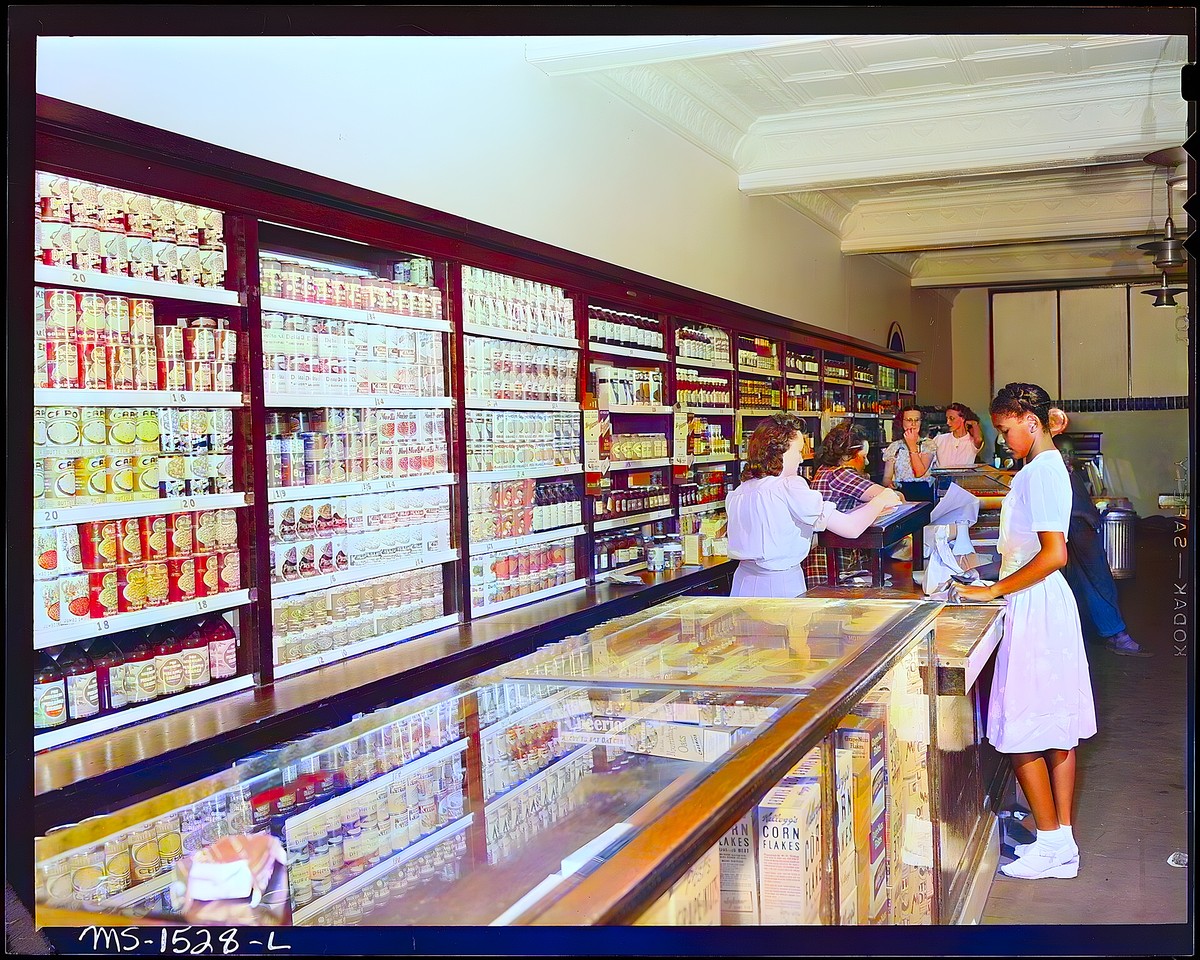
From Print to Pixels to Colour: How Photo Digitization Changed—and How Recolor the Past Works Today
Photo digitization once required specialist copy cameras, flatbed scanners and a desktop workflow. See how today’s options compare—and how Recolor the Past combines free scanning, perspective correction and optional AI colourization.
August 4, 2026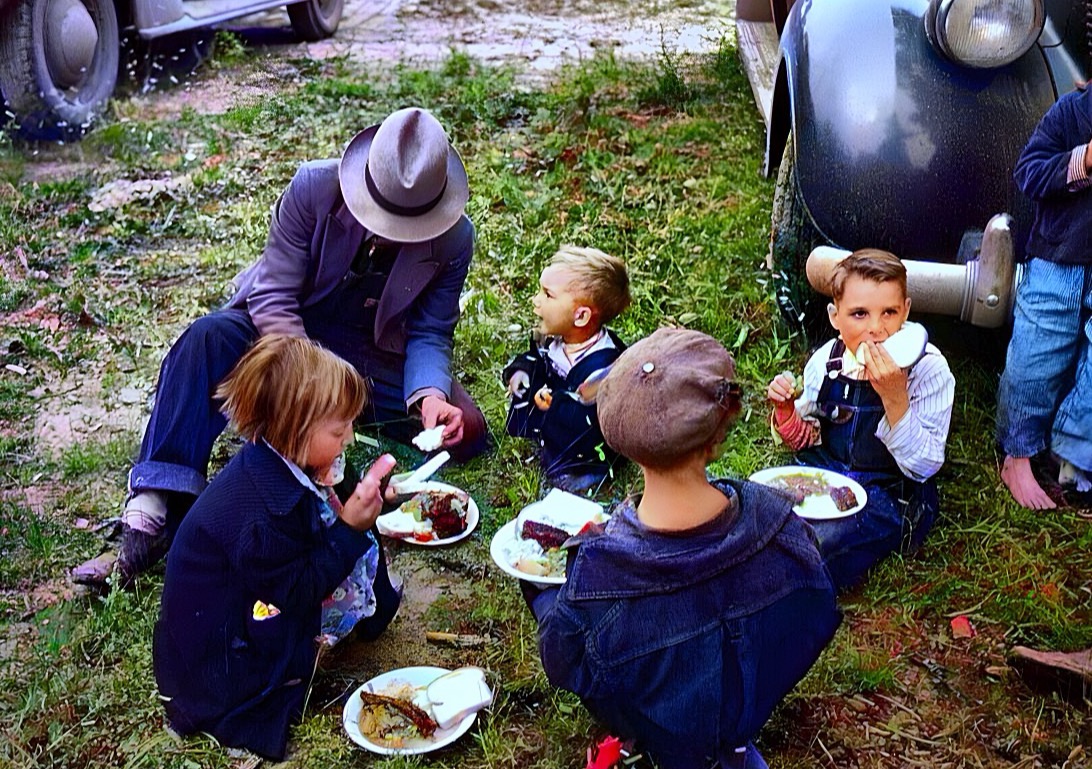
Recolor the Past App: From a Printed Photo to a Restored Family Album
A complete guide to scanning or importing photos, preparing them in Studio, creating free previews, choosing restoration options and keeping full-resolution results organized.
July 12, 2026Prepare, Then Restore: Every Photo Option Explained
Learn which corrections you make locally in Studio and which optional restoration processes create the final result.
July 1, 2026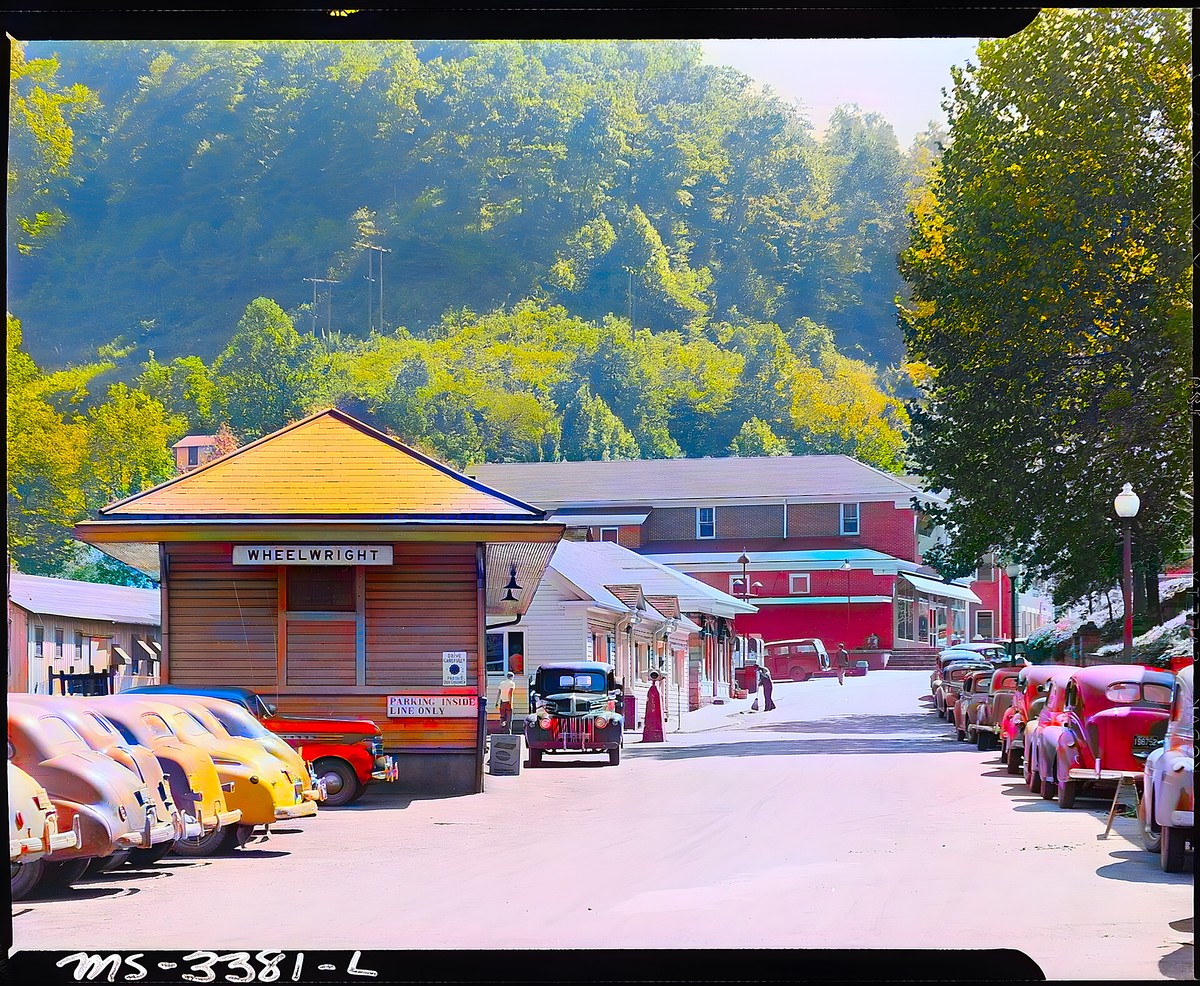
How to Scan Old Photos with Your Phone (Google PhotoScan) — Then Colorize Them
A step-by-step guide to capturing sharp, glare-free scans of old prints with Google PhotoScan or a flatbed, so colorization and restoration come out their best.
July 1, 2026
How to Scan Old Photos at Home for the Best Results
The quality of your restoration starts with the scan. Practical tips for scanning old prints at home so every detail is captured.
June 30, 2026Preserving Family Photos for Future Generations
Prints fade and boxes get lost. A simple, practical guide to digitizing, organizing and safely backing up your family's photographic history.
June 27, 2026
How to Restore Damaged, Torn and Faded Old Photos
Scratches, creases, fading and water damage don't have to be permanent. Here's how photo restoration works and how to get the best results.
June 24, 2026
How AI Photo Colorization Works — and Why Old Photos Were Black and White
A friendly look at why early photography was monochrome and how modern AI brings believable, natural color back to old pictures.
June 20, 2026Free photo tools
Photo scan resolution calculator
Calculate the DPI, pixel dimensions, megapixels and printable size for an old photo scan. Free tool for family archives and genealogy photos.
Photo print size calculator
Calculate the largest high-quality photo print your image can make from its pixel dimensions. Free print size and PPI calculator.
Photo storage calculator
Estimate how much storage a scanned photo collection needs, including backup copies. Free calculator for family photo archives.
Photo aspect ratio crop calculator
Calculate exactly how many pixels to crop for square, 4:3, 3:2, 5:4 and 16:9 photo formats without stretching the image.
Photo date estimator
Estimate when an old family photograph was made by identifying its physical format. Free guide to daguerreotypes, tintypes, cabinet cards and snapshots.
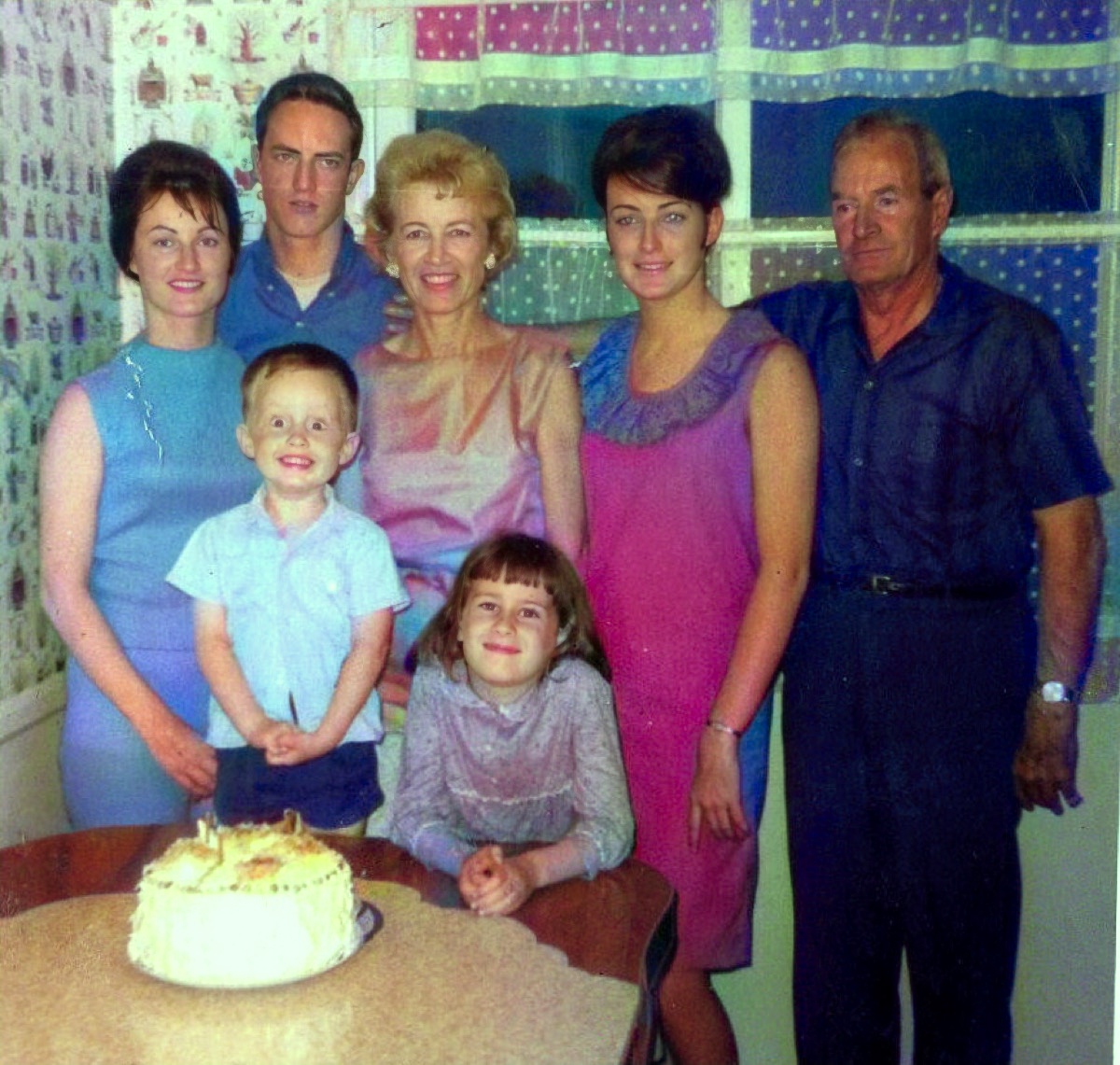
Genealogy photo filename generator
Create consistent, searchable filenames for genealogy photos using date, surname, event and place. Free family archive naming tool.
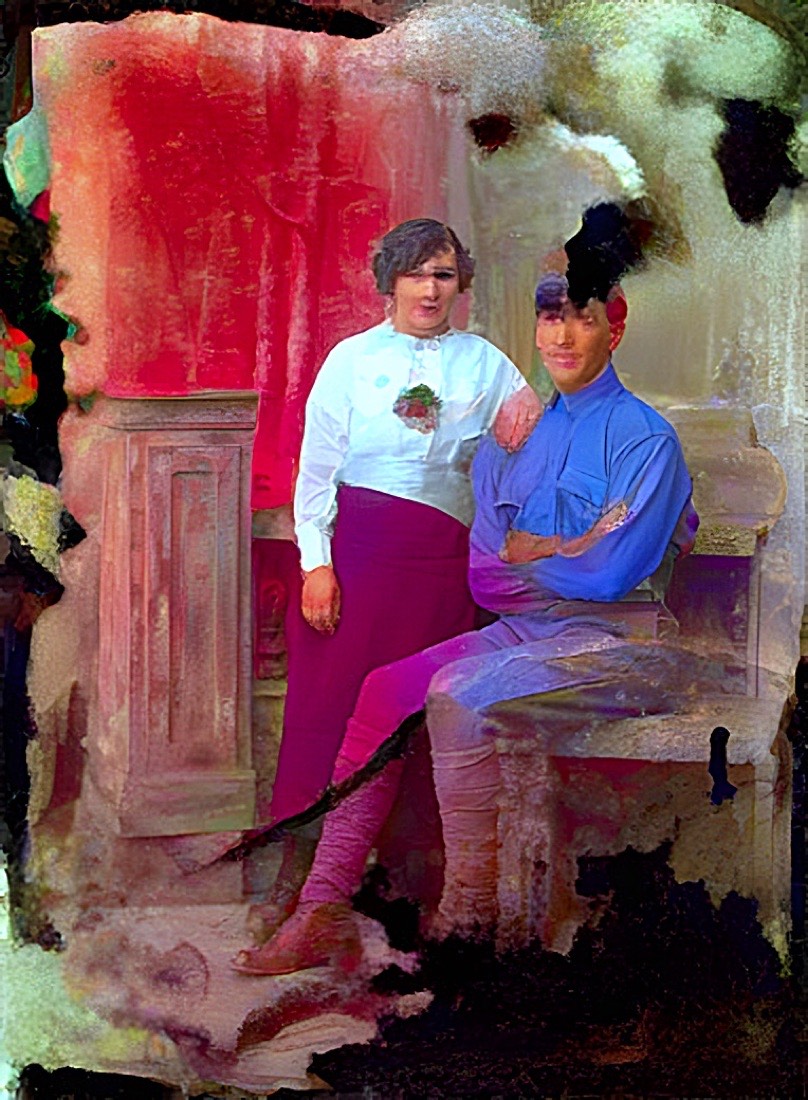
Photo preservation checklist
Follow an interactive checklist for safely handling, scanning, naming, storing and backing up old family photographs.
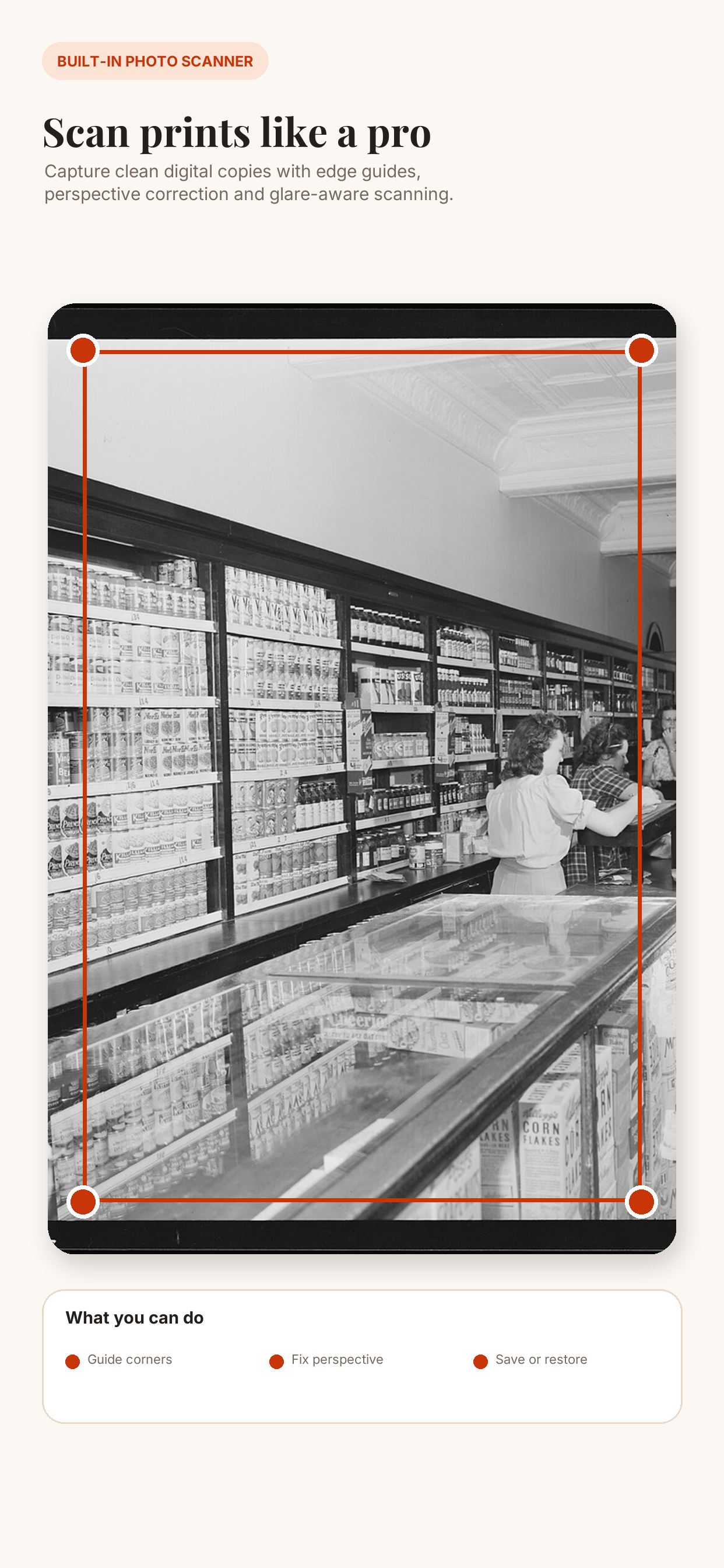
Scan photos with your phone
Scan printed family photos with your phone, correct perspective, reduce glare, organize albums and restore old pictures on iPhone or Android.