
How AI Photo Colorization Works — and Why Old Photos Were Black and White
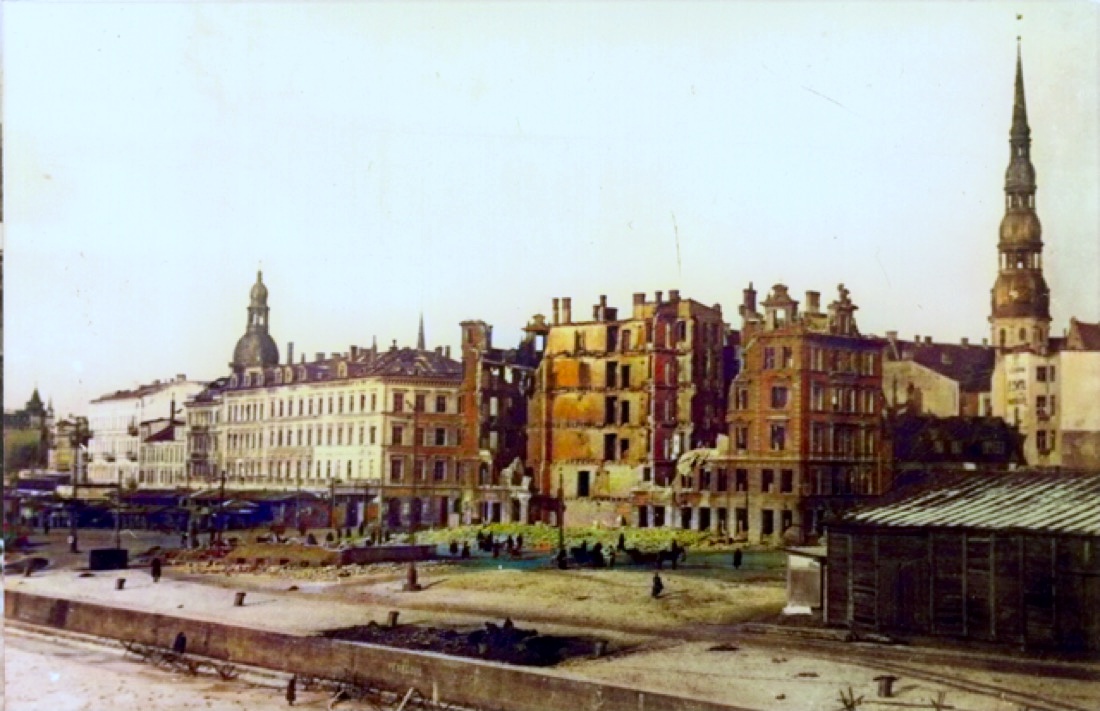
Why old photos were black and white
For most of the first hundred years of photography, color film simply didn't exist — and when it did, it was expensive and slow. Cameras recorded only *brightness*, not color. That's why your great-grandparents live in our memory in shades of gray.
The information about color was never captured. So how can a photo be colored decades later? The short answer: an educated, very well-informed guess.
What the AI is actually doing
Modern colorization models have studied millions of photographs — landscapes, skin tones, clothing, buildings, skies, plants. From all those examples they learn the *probable* color of things given their shape, texture and context. Grass tends to be green, denim tends to be blue, a clear midday sky tends to be pale blue near the horizon.
When you upload a black-and-white photo, the model looks at every region and predicts the most plausible color, then blends it smoothly so the result looks like a real photograph rather than a painting.
It's a plausible reconstruction, not a record
This is worth saying clearly: colorization is an *interpretation*. The AI cannot know that a dress was red rather than green if nothing in the image implies it. What it can do is produce a natural, coherent, believable result — the kind of colors that photo most likely had.
For most family photos that's exactly what people want: to see a grandparent's face in lifelike tones instead of gray.
Getting the best result
- Start with the cleanest scan you have — more detail means better color decisions.
- Very dark or very faded images give the model less to work with.
- If a result looks slightly off, try again; small differences in the input can change the outcome.
Want to see it on your own photo? Upload one and watch the preview appear in seconds — the first few are free.
More from the blog
From Print to Pixels to Colour: How Photo Digitization Changed—and How Recolor the Past Works Today
Photo digitization once required specialist copy cameras, flatbed scanners and a desktop workflow. See how today’s options compare—and how Recolor the Past combines free scanning, perspective correction and optional AI colourization.
Recolor the Past App: From a Printed Photo to a Restored Family Album
A complete guide to scanning or importing photos, preparing them in Studio, creating free previews, choosing restoration options and keeping full-resolution results organized.
Prepare, Then Restore: Every Photo Option Explained
Learn which corrections you make locally in Studio and which optional restoration processes create the final result.