
Free photo tool
Photo aspect ratio crop calculator
Choose a target shape and see the largest crop that fits inside your image. The calculator preserves proportions and shows how much of the original will be removed.
Recommended centred crop
- Output dimensions
- 4,000 × 2,667
- Pixels removed
- 1,332,000
- Image area kept
- 88.9%
Move the crop window away from the centre when faces or important details are close to an edge.
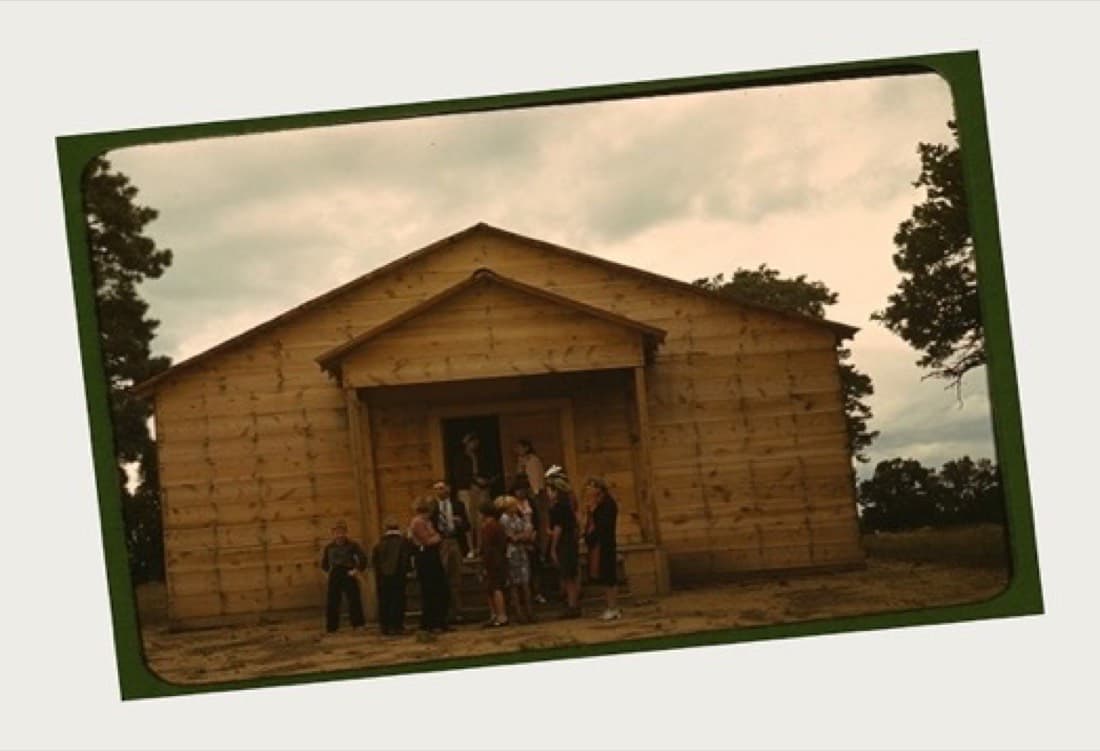
Angled camera capture
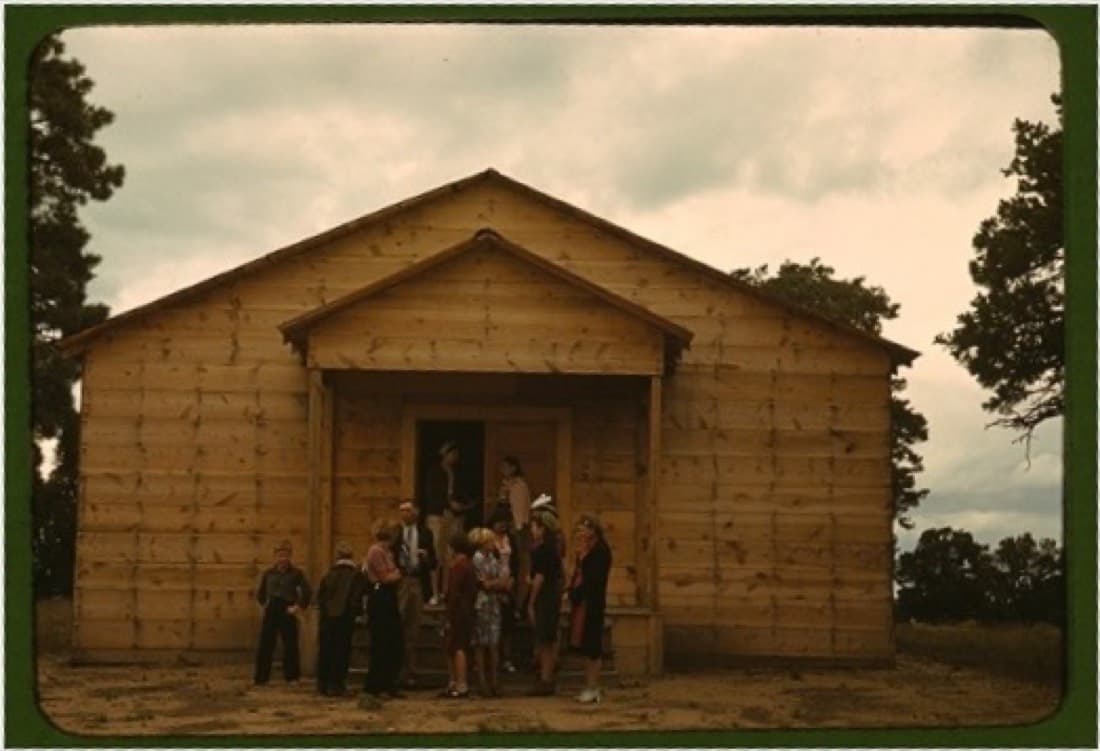
Corrected rectangular scan
Common photo aspect ratios
3:2 matches many cameras and 4×6-inch prints. 4:3 is common on phones. 5:4 fits 8×10-inch prints, while 1:1 is square. Never stretch a photograph to force a ratio.
Crop without losing family details
- Keep an uncropped master before making print-specific versions.
- Leave space around handwritten borders, studio mounts and inscriptions.
- Use different crops for social sharing and archival preservation.
Correct perspective and restore the crop
Prepare a clean composition, then repair damage and improve faded detail on a separate copy.