
 Recolor the Past
Your phone is the photo scanner
Photograph prints straight from the album. The app finds the edges, straightens each photo and takes out the glare, then colors it with the same engine as recolorthepast.com.
Free to download, with optional credit packs. Requires iOS 15 or later, or Android 8.0 or later.
Prefer a computer? Color a photo in your browser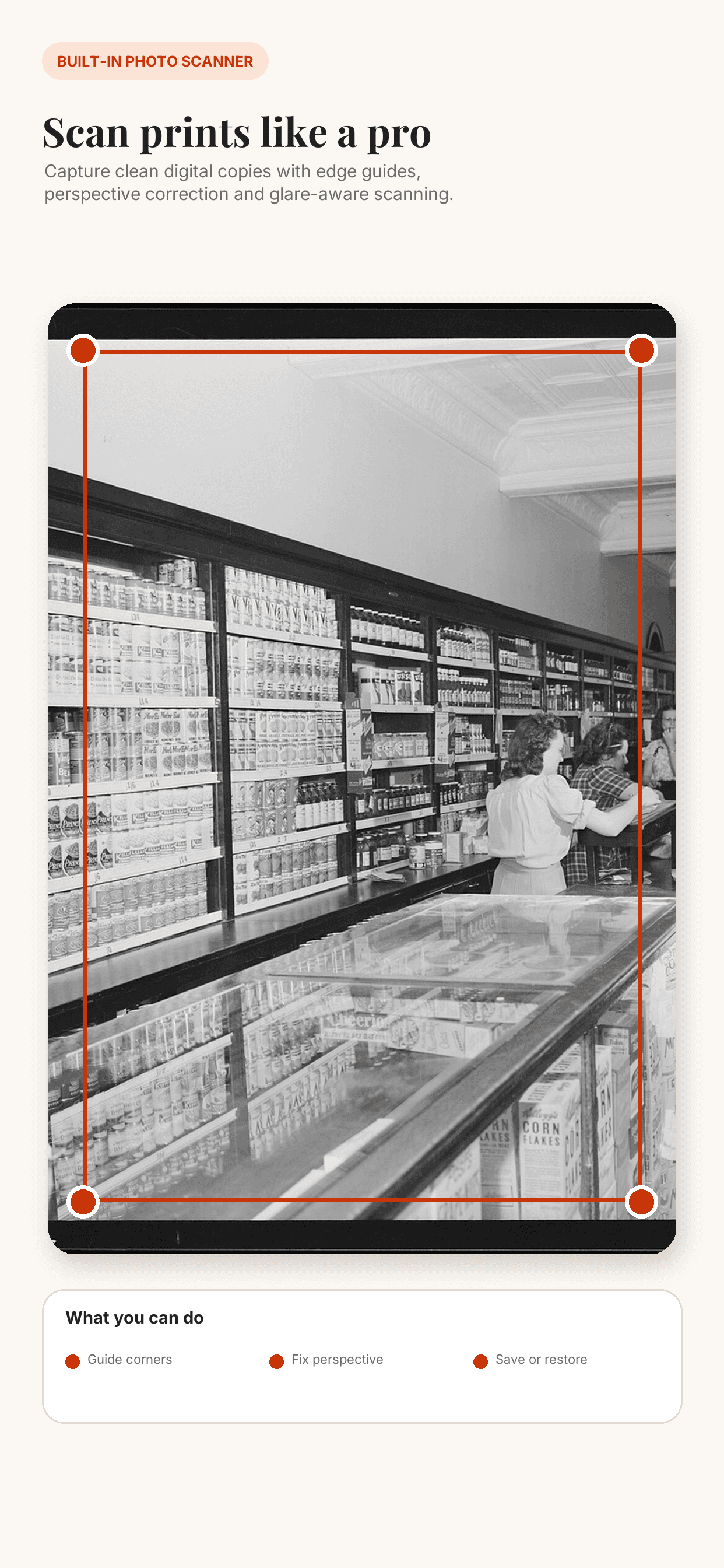
A scanner that handles glare
Point the camera at a print and the app finds its edges and corrects the perspective. For glossy prints and album sleeves, Glare-free mode combines shots from several angles to remove reflections.
Albums that stay on your phone
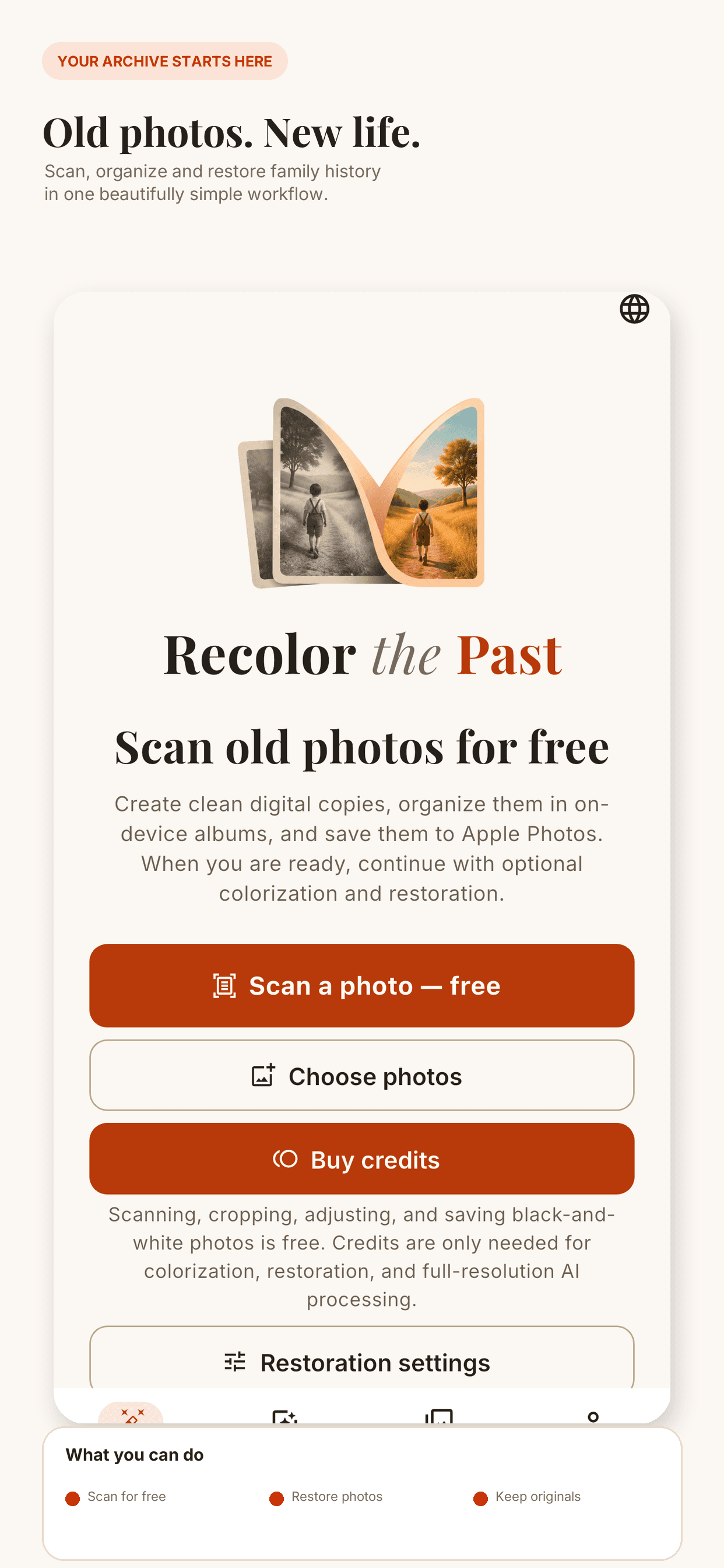
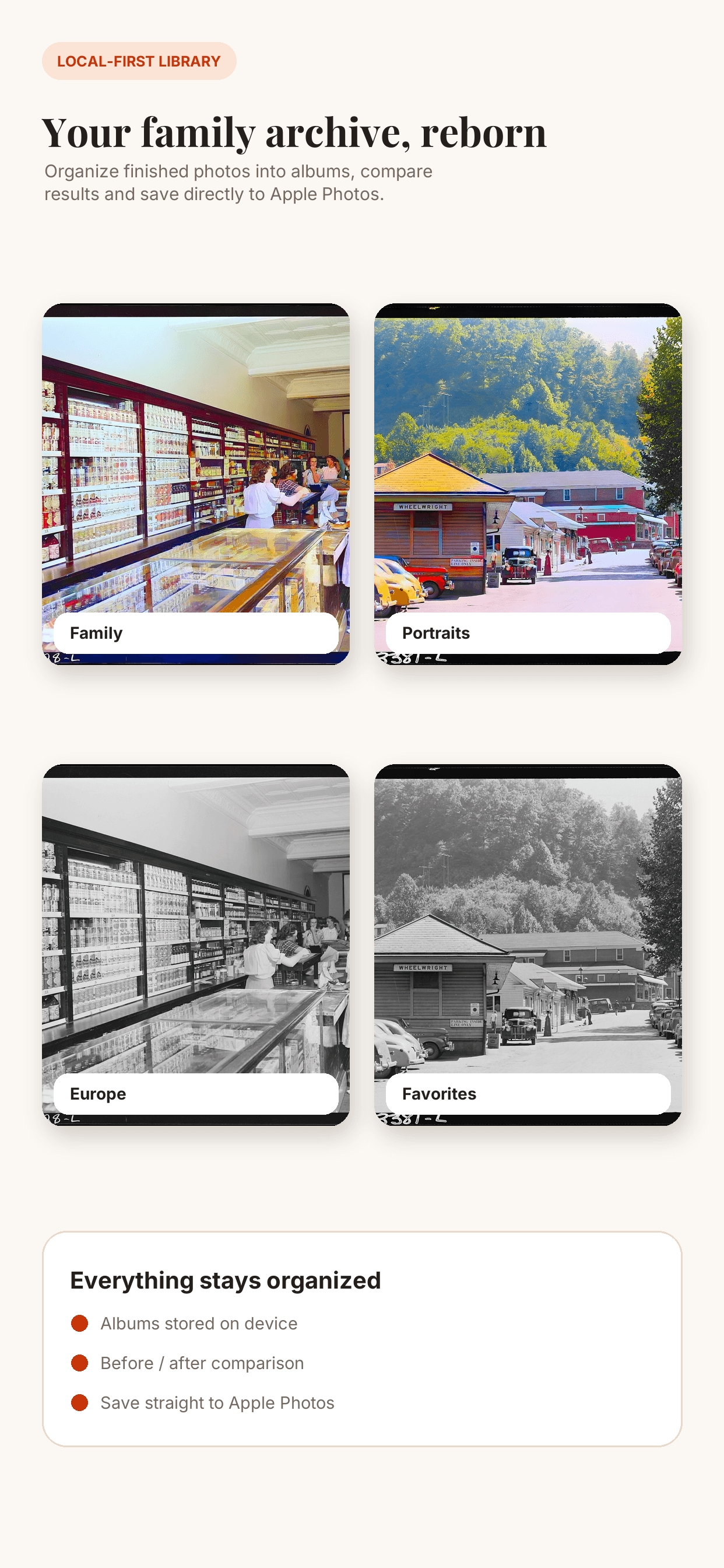
Scan photo after photo into a folder. Scans stay on your device until you choose to restore them, and then a whole folder can go at once.
Same engine, same account
Natural color, face improvement and scratch repair, with a free watermarked preview before you spend a credit. Sign in with the same account and your credits work on the web and in the app.
Private by design
Scanning happens on your phone. A photo leaves it only when you start a restoration, and it is processed in the EU and deleted automatically.

Got a shoebox of prints? Start with one.
Scan a photo, check the free preview, and decide from there.