
Photo scan resolution calculator
Enter the size of your printed photo and choose a scan resolution. See the digital dimensions, megapixels and practical print size before you scan.
Your scan
- Pixel dimensions
- 3,543 × 2,362
- Megapixels
- 8.4 MP
- Print size at 300 DPI
- 30 × 20 cm
Approximate uncompressed RGB size: 25.1 MB. A JPEG or PNG is normally much smaller.
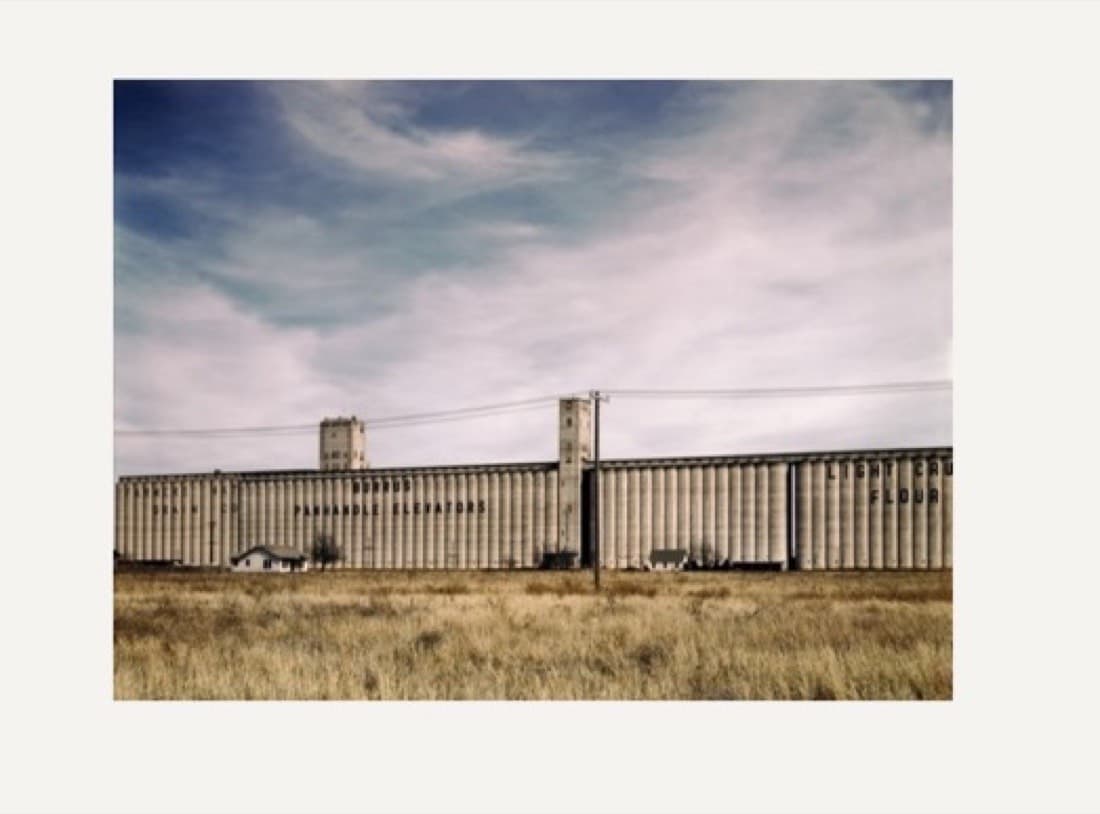
Uncorrected camera capture
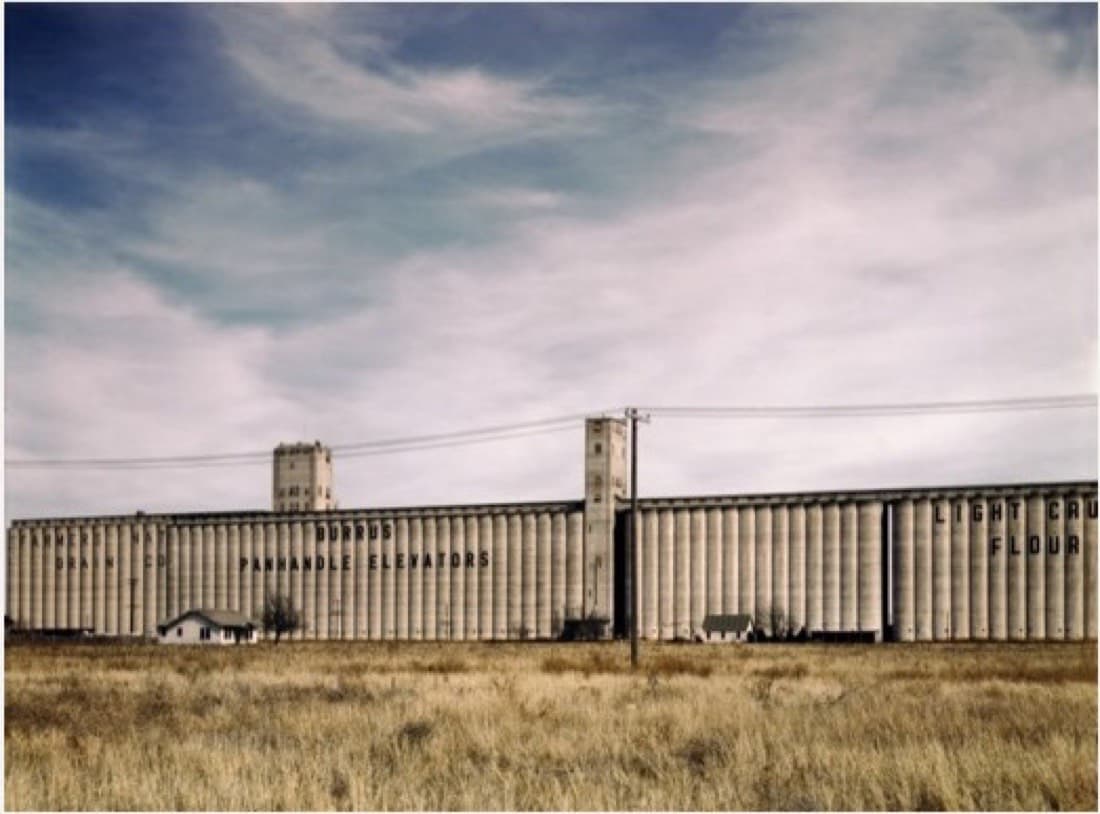
Detected and cropped photograph
What DPI should I use?
300 DPI: 300 DPI is enough for ordinary sharing and same-size reprints.
600 DPI: 600 DPI is the best default for family photos: it preserves detail for restoration and moderate enlargement.
1200 DPI: 1200 DPI is useful for very small originals, cropped faces or fine damage, but creates much larger files.
Get a better restoration from your scan
- Clean dust from the print and scanner glass before scanning.
- Save a lossless TIFF or PNG master when possible; make JPEG copies for sharing.
- Do not sharpen, denoise or increase contrast aggressively before restoration.
- Keep the original scan alongside every restored or colorized version.
Ready to restore the scan?
Recolor the Past can repair damage, improve faded detail and add natural color. Previews are free, photos are processed in the EU and are never used to train AI.
The calculator rounds dimensions to the nearest pixel. File size is an estimate for uncompressed 24-bit RGB data.