
Position the photo
Place the print on a flat, contrasting surface in soft, even light.
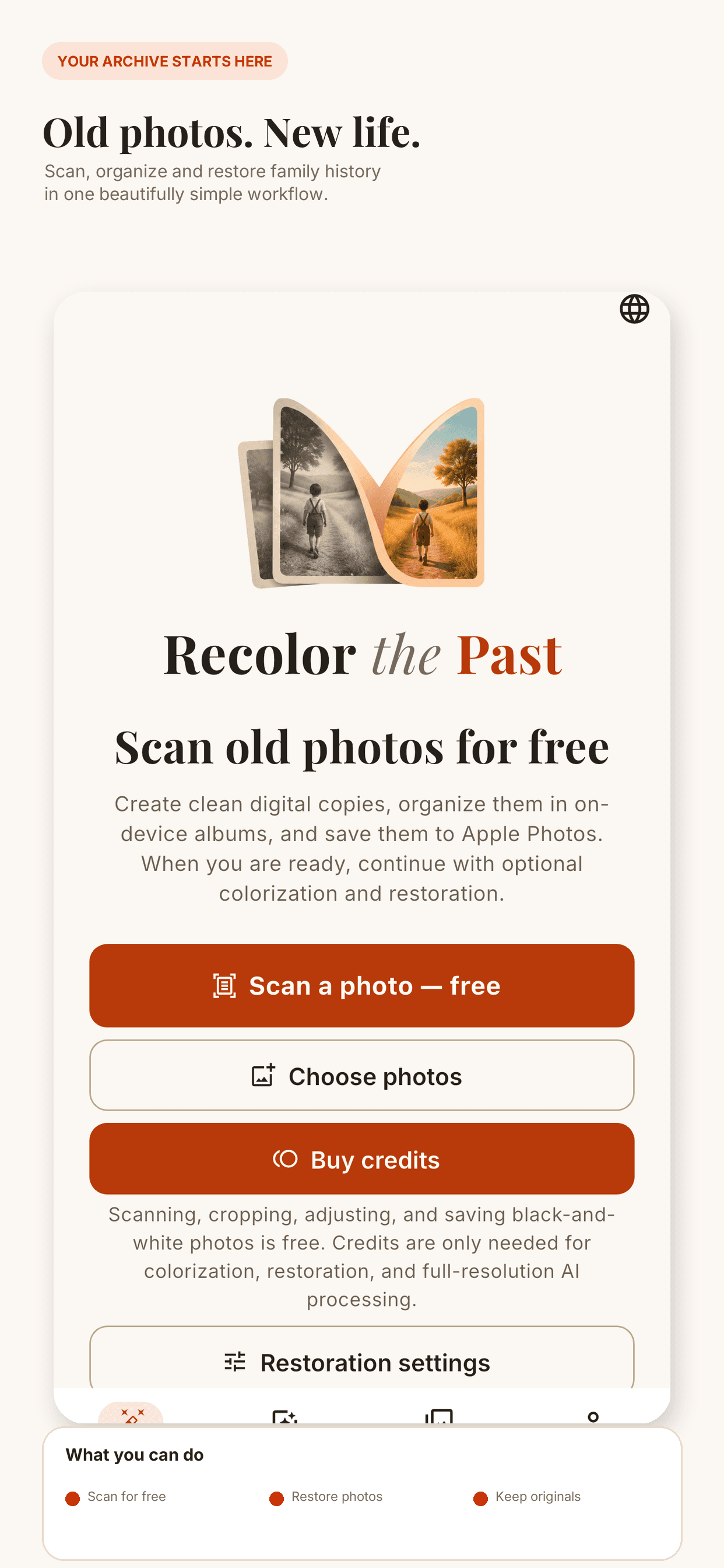
Turn printed family photographs into clean digital files, organize them into albums and prepare them for restoration—all from Recolor the Past on iPhone or Android.
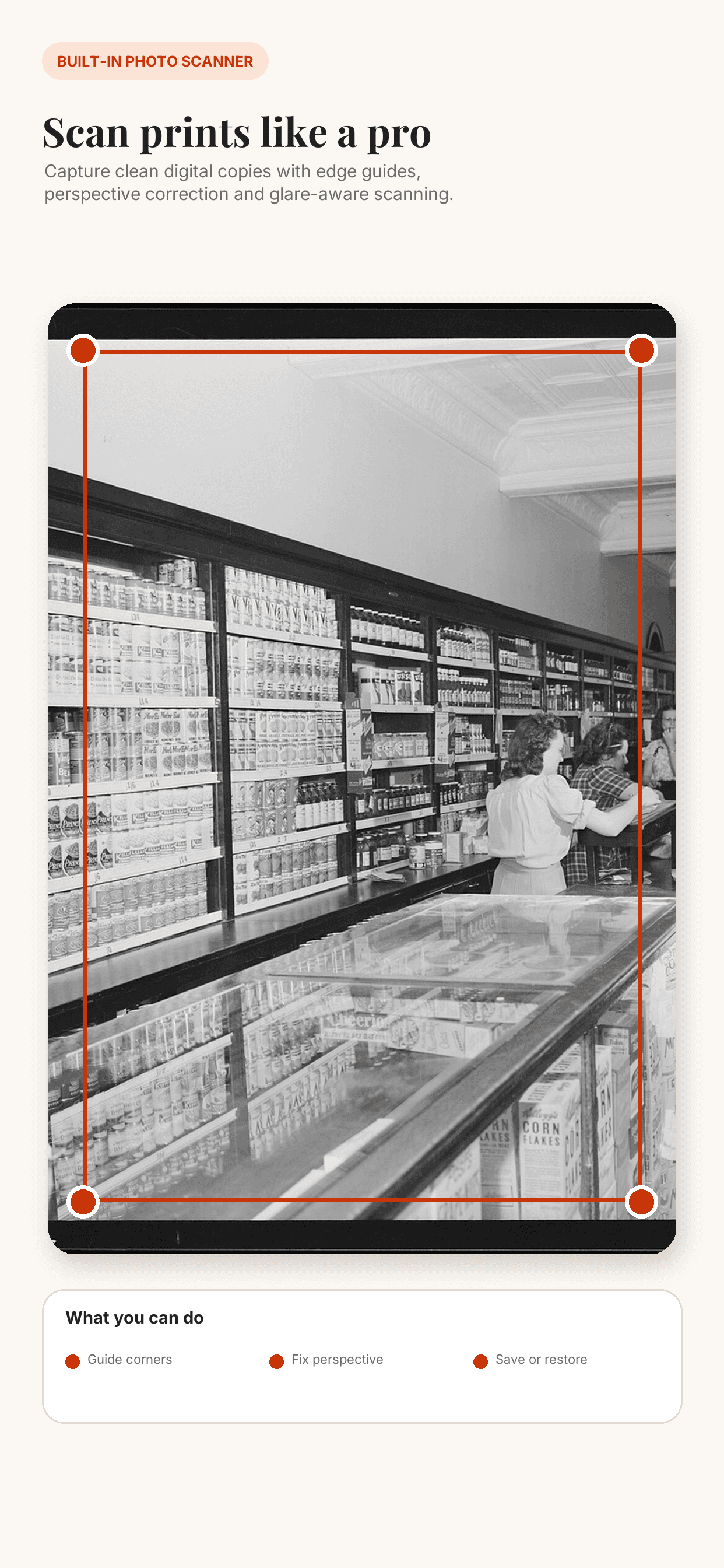
Place the print on a flat, contrasting surface in soft, even light.
Use automatic border detection or adjust the four corners manually.
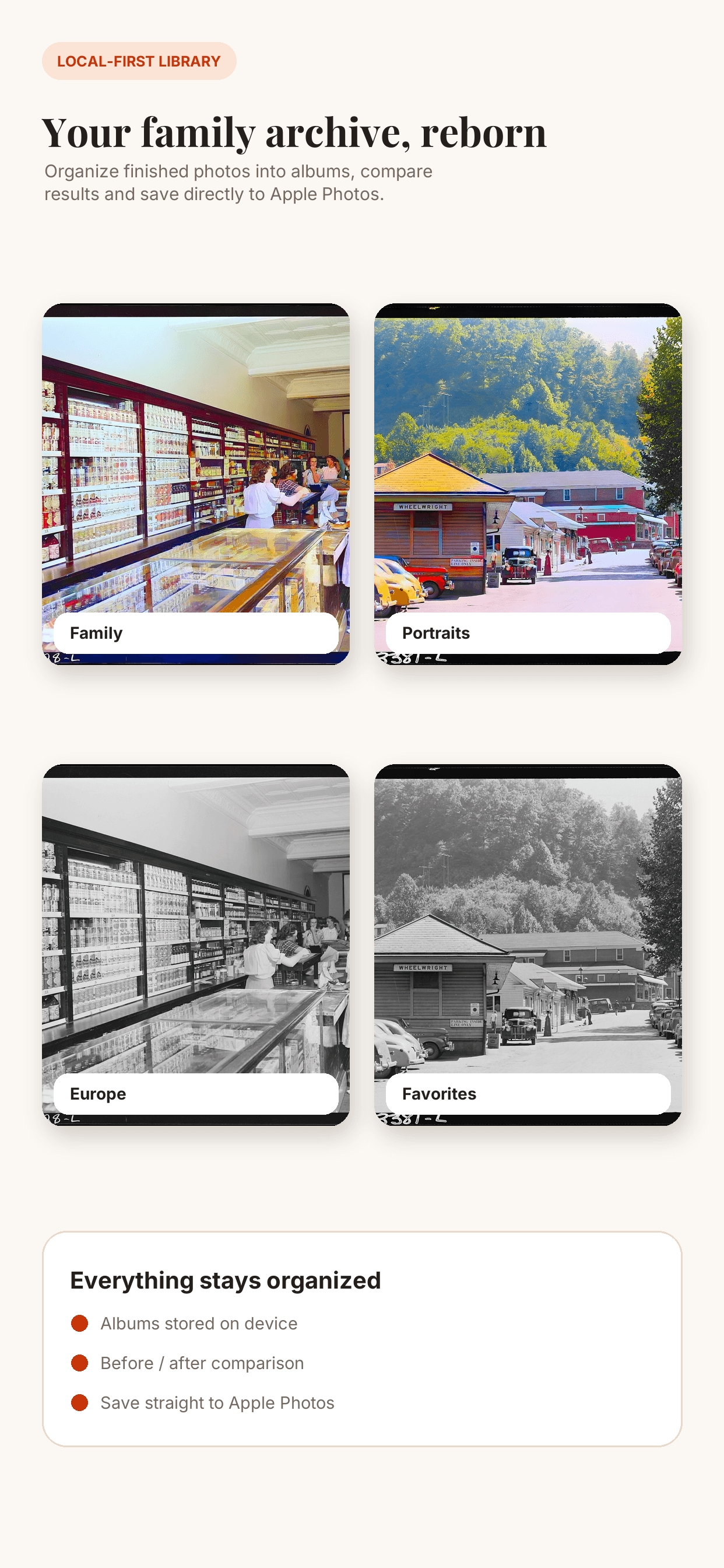
Straighten perspective, crop, rotate and save related scans in an album.
Preview colorization, scratch repair and faded-detail restoration before exporting.

Perspective correction turns an angled capture into a rectangular scan. Glare-free capture helps with glossy prints, while manual exposure and crop controls keep the original under your control.
Photos are processed on EU infrastructure, are never used to train AI and are automatically removed from temporary cloud storage. Keep original scans with every edited result.
Download Recolor the Past for iPhone or Android and preserve the photographs that matter.