
Preserving Family Photos for Future Generations
Why act now
Photographic prints are not forever. Colors shift, paper becomes brittle, and a single flood or house move can erase decades of memories. The good news: once a photo is digitized well, it can be copied perfectly and shared with the whole family — forever.
A simple three-step plan
1. Digitize. Work through your boxes and albums and get everything into digital form. A scanner gives the best quality, but a careful phone photo in good light is far better than nothing. Prioritize the irreplaceable ones first.
2. Organize. Give files meaningful names and group them by decade, family branch or event. Add a few notes about who and where — this context is often more precious than the photo itself, and it disappears with the people who remember.
3. Back up. Follow the "3-2-1" rule: three copies, on two kinds of storage, with one kept somewhere else. A cloud backup plus an external drive at a relative's house is plenty for most families.
Restore and colorize while you're at it
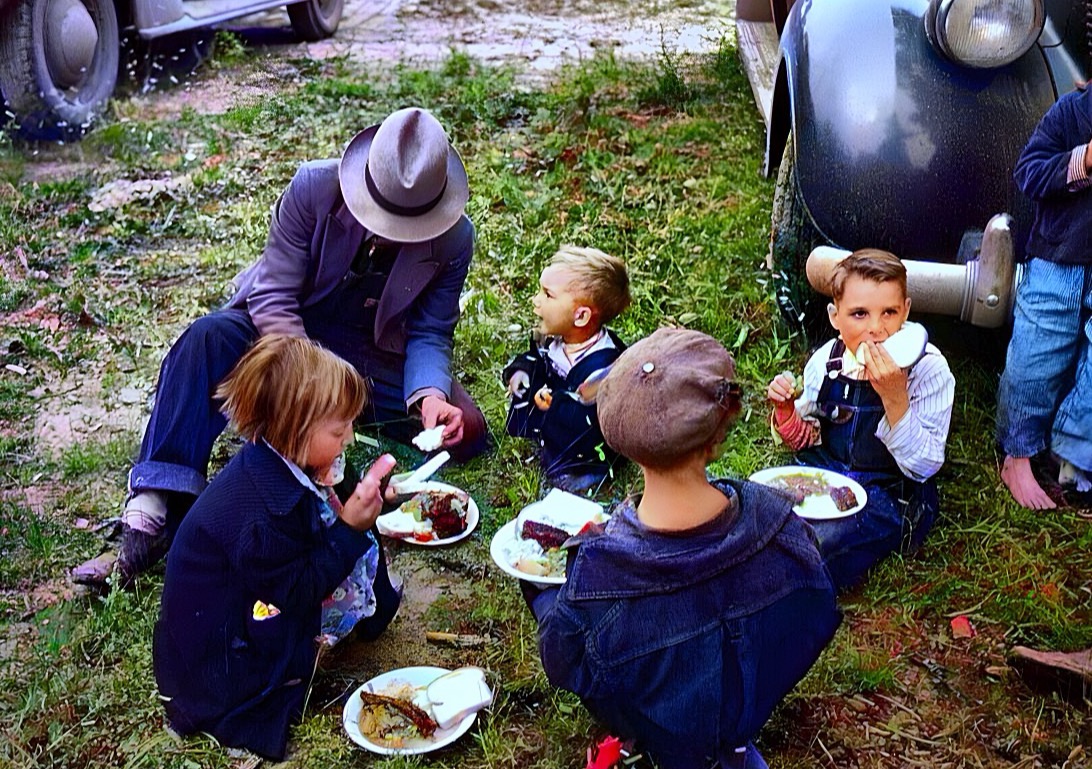
Digitizing is the perfect moment to repair the damage that's crept in over the years and, if you like, to see monochrome photos in natural color. It brings distant relatives to life for younger family members who never met them.
A note on privacy
Family photos are deeply personal. When you use any online service, check where your images are stored and whether they're used to train AI. We keep processing inside the EU, never train on your photos, and delete them automatically — your memories stay yours.
Start with a handful of your favorites and build from there. Future generations will thank you.
More from the blog
From Print to Pixels to Colour: How Photo Digitization Changed—and How Recolor the Past Works Today
Photo digitization once required specialist copy cameras, flatbed scanners and a desktop workflow. See how today’s options compare—and how Recolor the Past combines free scanning, perspective correction and optional AI colourization.
Recolor the Past App: From a Printed Photo to a Restored Family Album
A complete guide to scanning or importing photos, preparing them in Studio, creating free previews, choosing restoration options and keeping full-resolution results organized.
Prepare, Then Restore: Every Photo Option Explained
Learn which corrections you make locally in Studio and which optional restoration processes create the final result.