RecolorthePast
Free to try · No account needed

They didn't live in black and white

Drop in an old black-and-white photo and see it in natural, lifelike color. The preview is free, and a free account adds your first full-resolution download.

  • Free watermarked preview, no account needed
  • First full-resolution photo free with an account, then 1 credit per colorized photo
  • Processed in the EU and never used to train AI

Try it free. Previews need no account: smaller, with a watermark. A free account gives you 3 previews and your first full-resolution photo on us.

Create free account →
Free preview
Full-resolution downloads
Folders and ZIP files
Processed in the EU
Never used to train AI

Real photographs, real results

Every pair is a public-domain photograph run through our own engine, from a 1920 power-house mechanic to a Tokyo street in 1970. Drag any slider to compare.
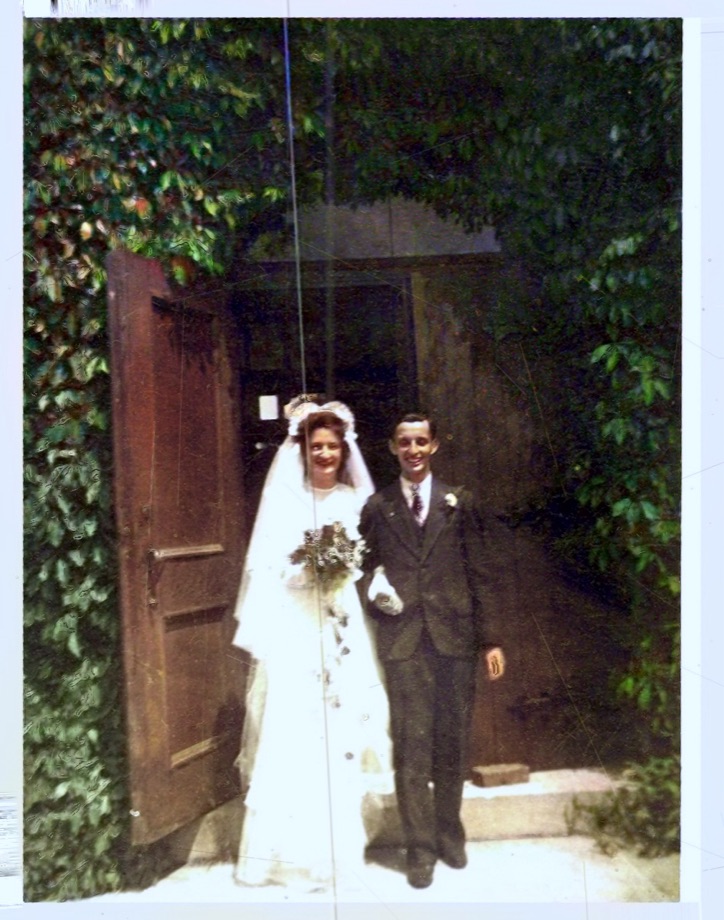
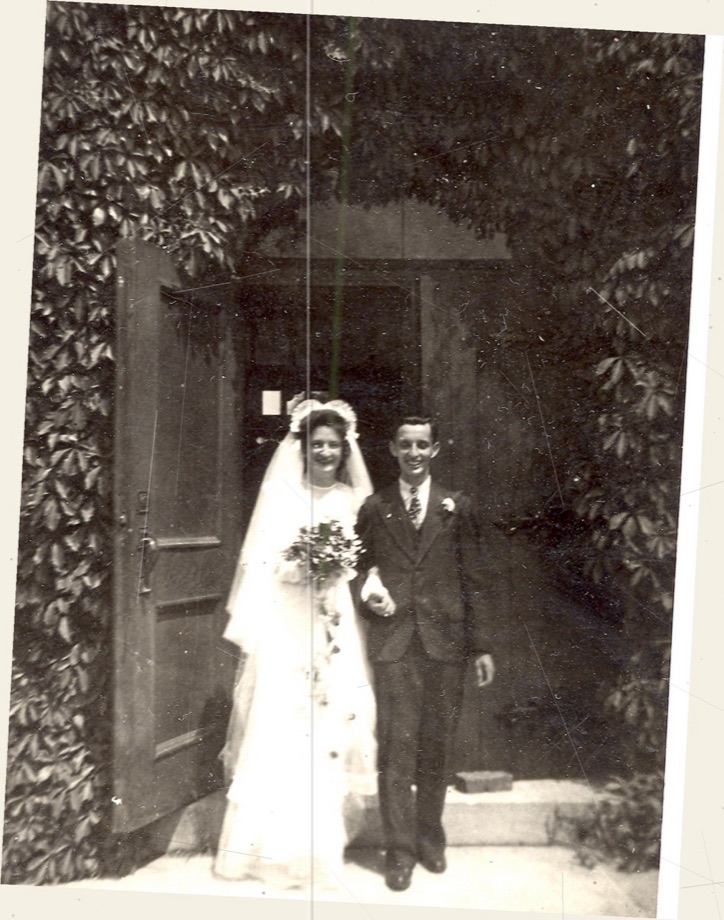
Use the left and right arrow keys to compare the before and after images.The same 1945 wedding photo straightened, repaired and colorized with warm, natural tonesAfterAI-processed
A skewed, scratched black-and-white 1945 wedding photograph of a couple in a doorway
Before
1945 wedding — A creased, scratched 1945 wedding photo — straightened, repaired and colorized
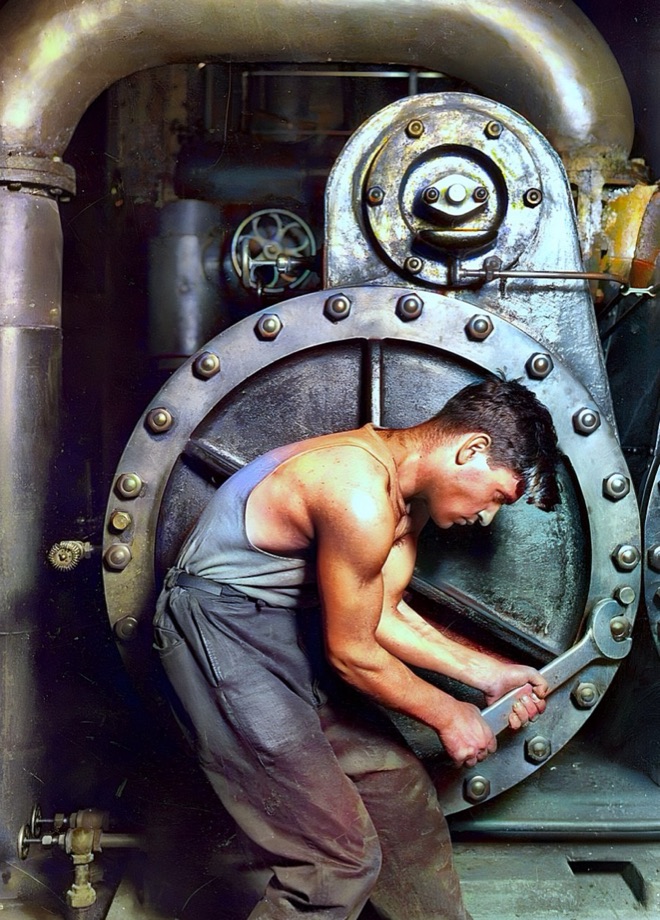
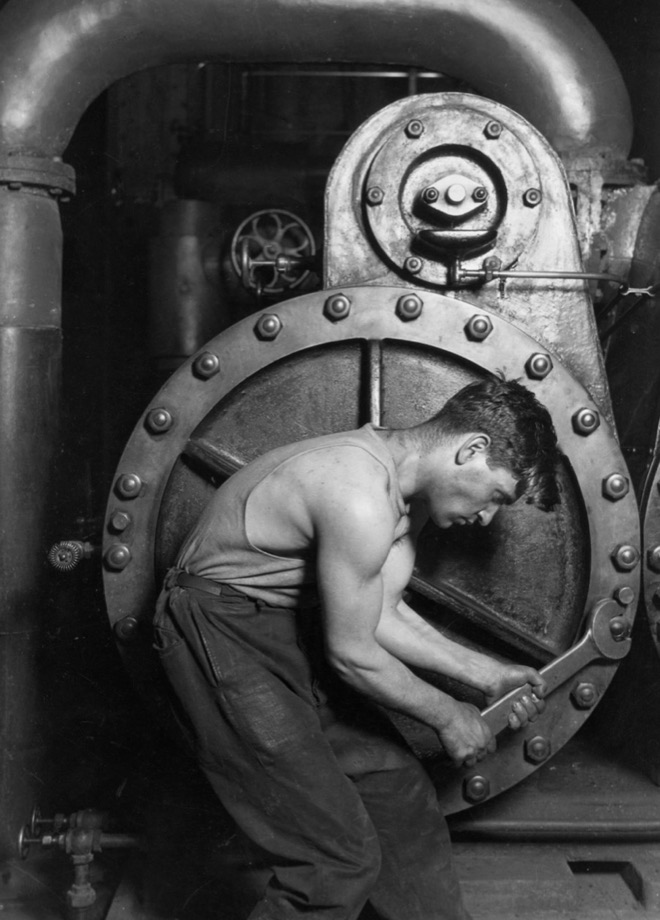
Use the left and right arrow keys to compare the before and after images.The same 1920 mechanic colorized: warm skin tones against gunmetal machinery and brass pipesAfterAI-processed
Black-and-white 1920 photograph of a mechanic bent over a steam pump with a wrench
Before
Power-house mechanic, 1920 — Lewis Hine's iconic machinist, colorized — skin, steel and brass each finding their own tone
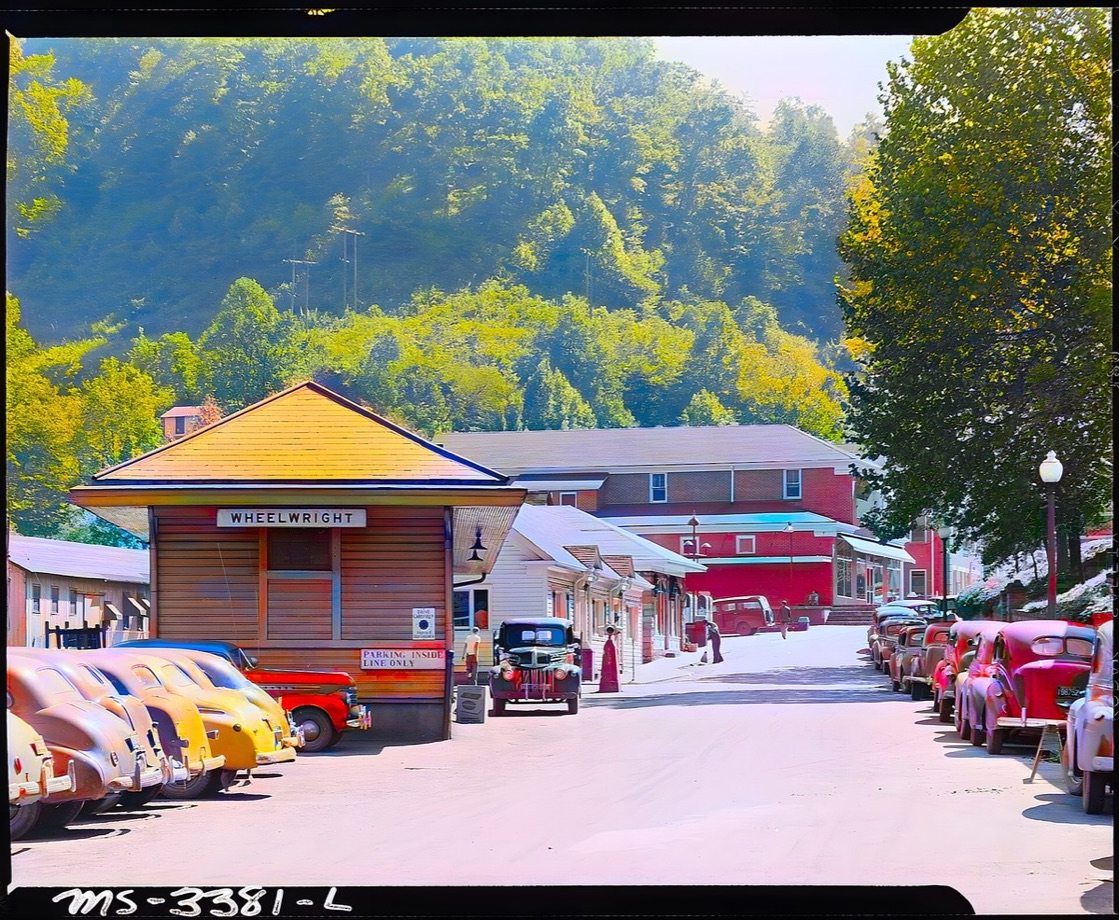
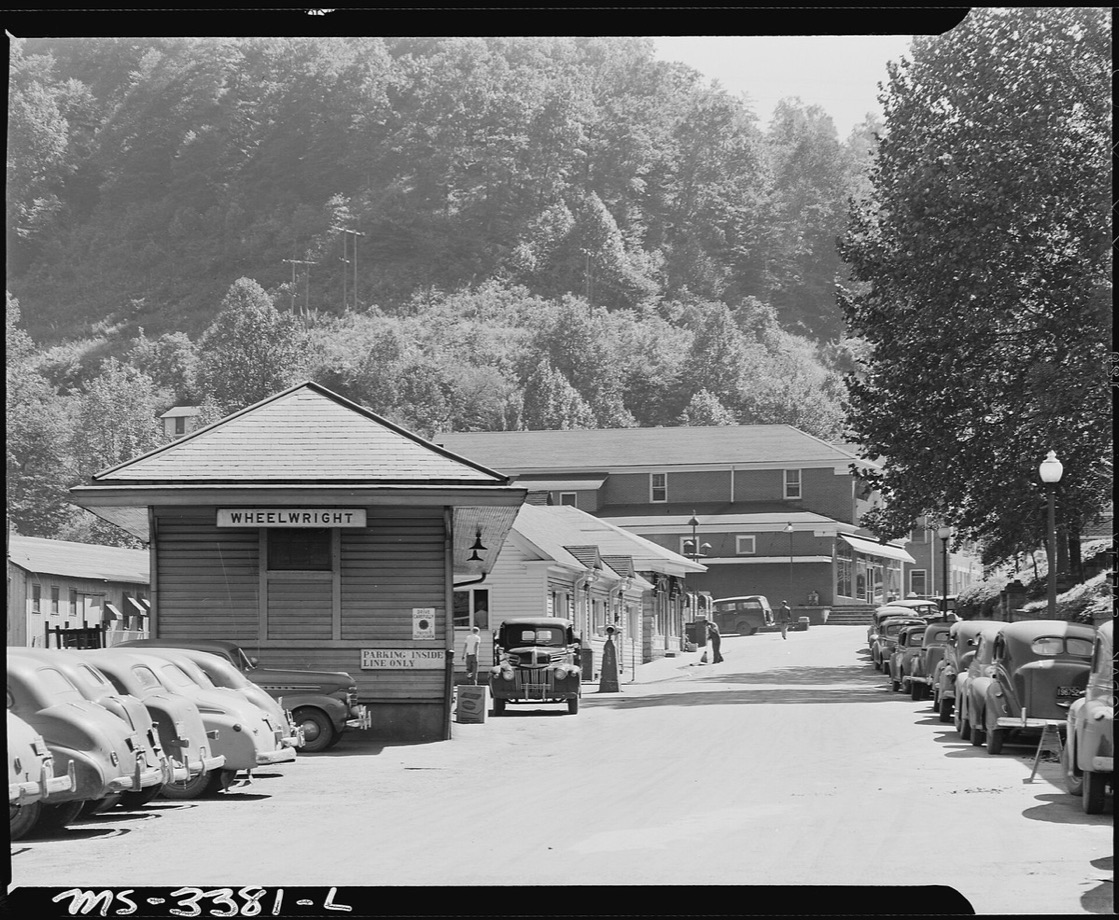
Use the left and right arrow keys to compare the before and after images.The same 1946 street colorized, with bright parked cars, green hillside trees and warm wooden buildingsAfterAI-processed
Black-and-white 1946 photograph of a Wheelwright, Kentucky street lined with parked cars and a parking sign
Before
Wheelwright street, 1946 — Parked cars, hillside trees and a company-town street brought back in color
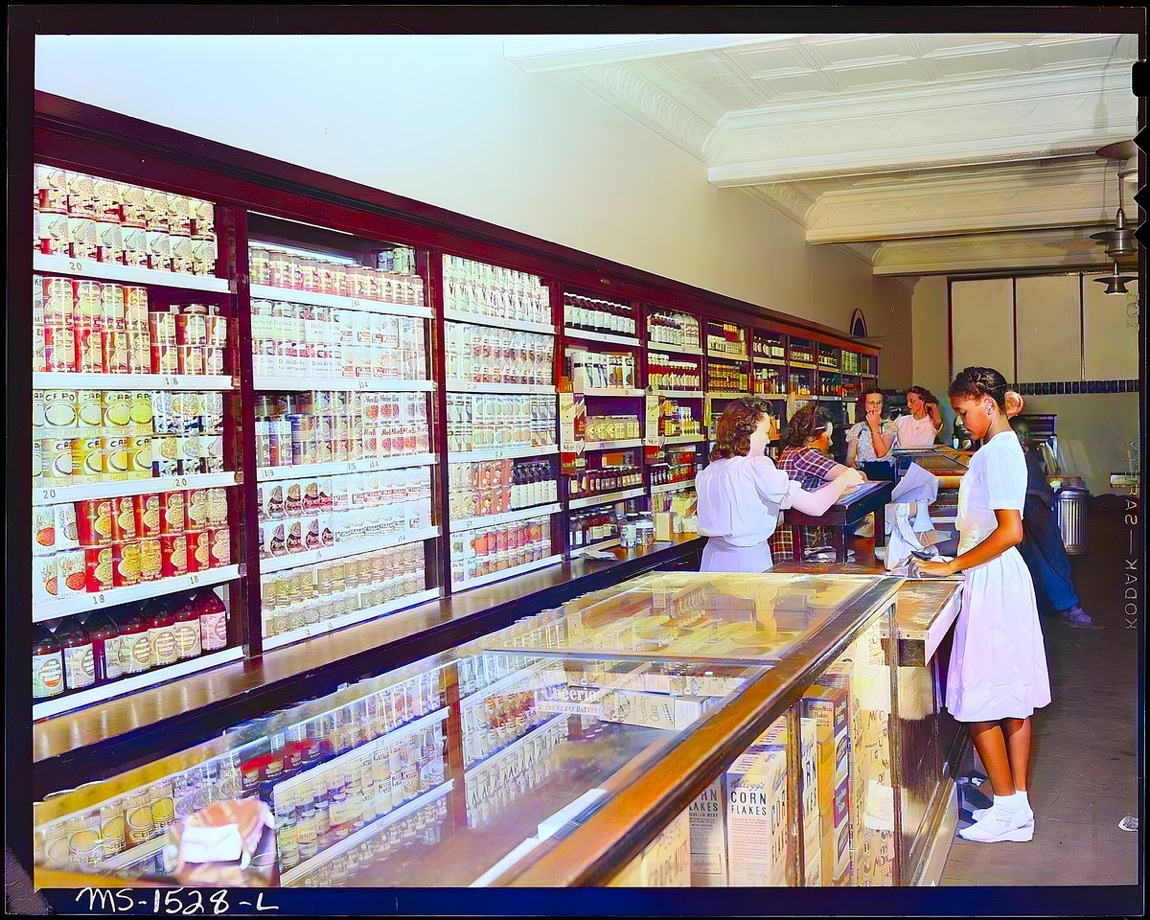
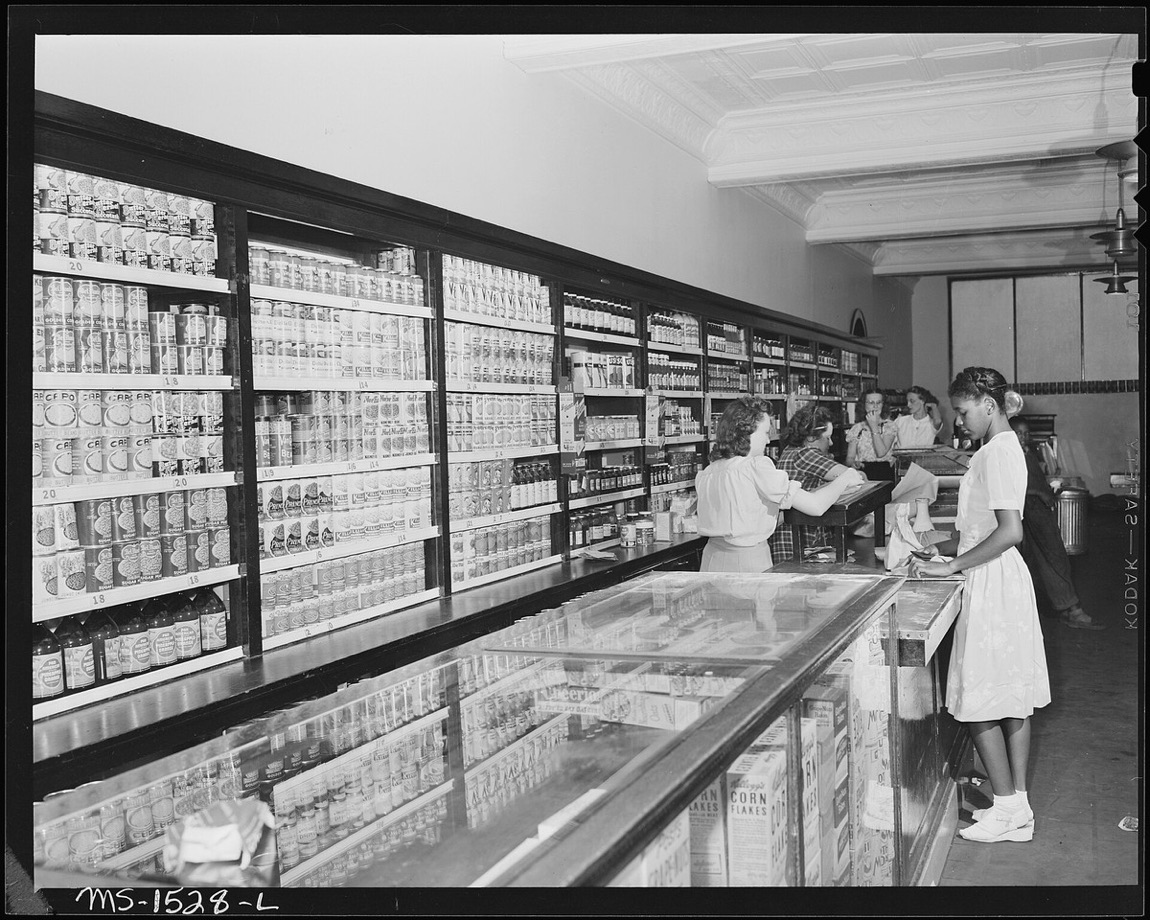
Use the left and right arrow keys to compare the before and after images.The same 1946 company store colorized, with red shelving, bright product labels and warm interior lightAfterAI-processed
Black-and-white 1946 photograph inside the U.S. Coal and Coke company store in Wheelwright, Kentucky
Before
Company store, 1946 — A Wheelwright, Kentucky store interior, colorized with vivid shelves and warm counter light
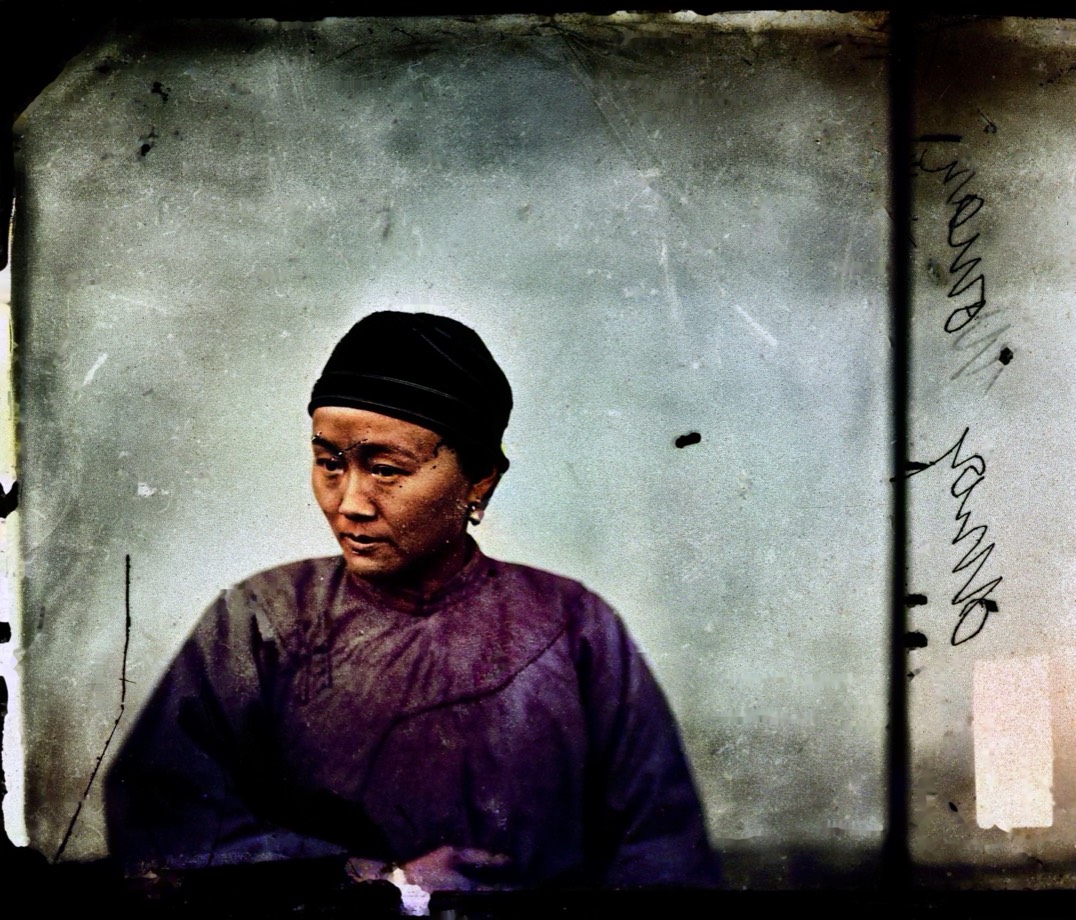
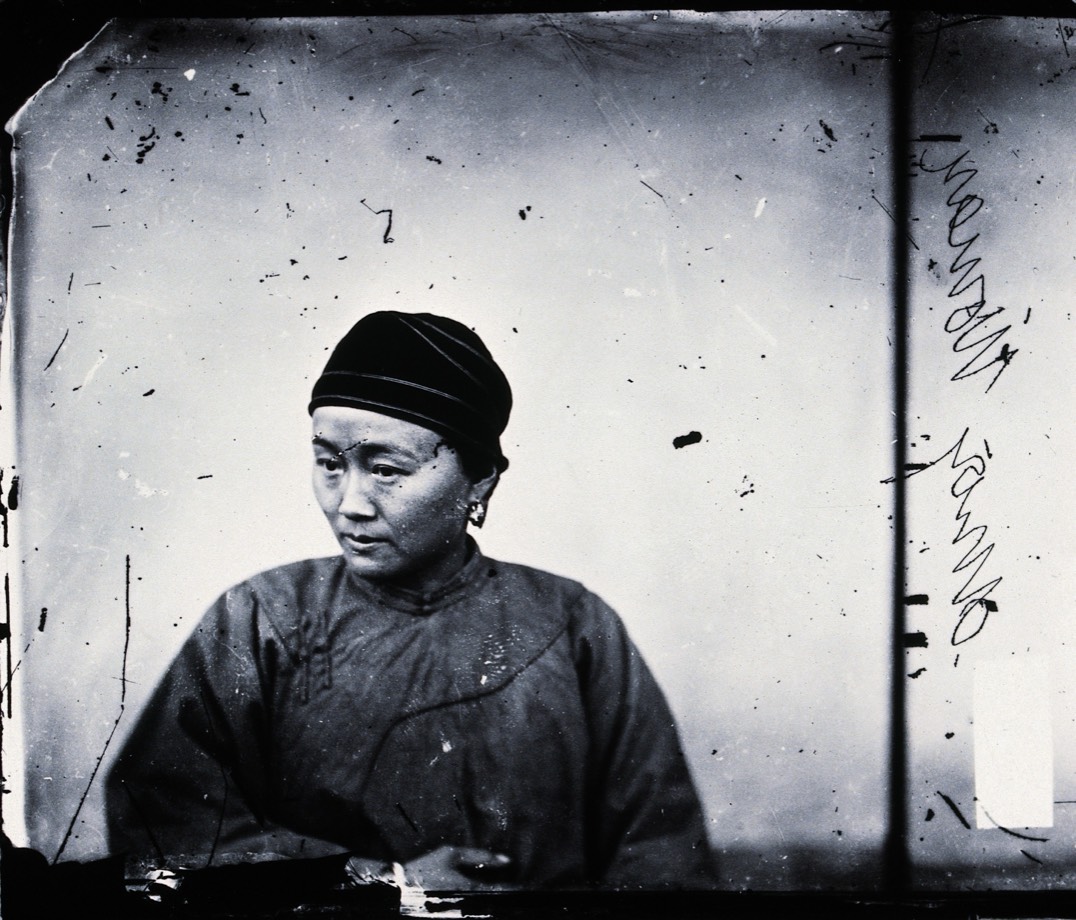
Use the left and right arrow keys to compare the before and after images.The same Amoy portrait repaired, colorized and face-protected with natural tonesAfterAI-processed
A scratched black-and-white glass-plate portrait of a seated woman in Amoy, China
Before
Amoy portrait, c.1867 — Scratched glass-plate portrait repaired and colorized while keeping the face intact
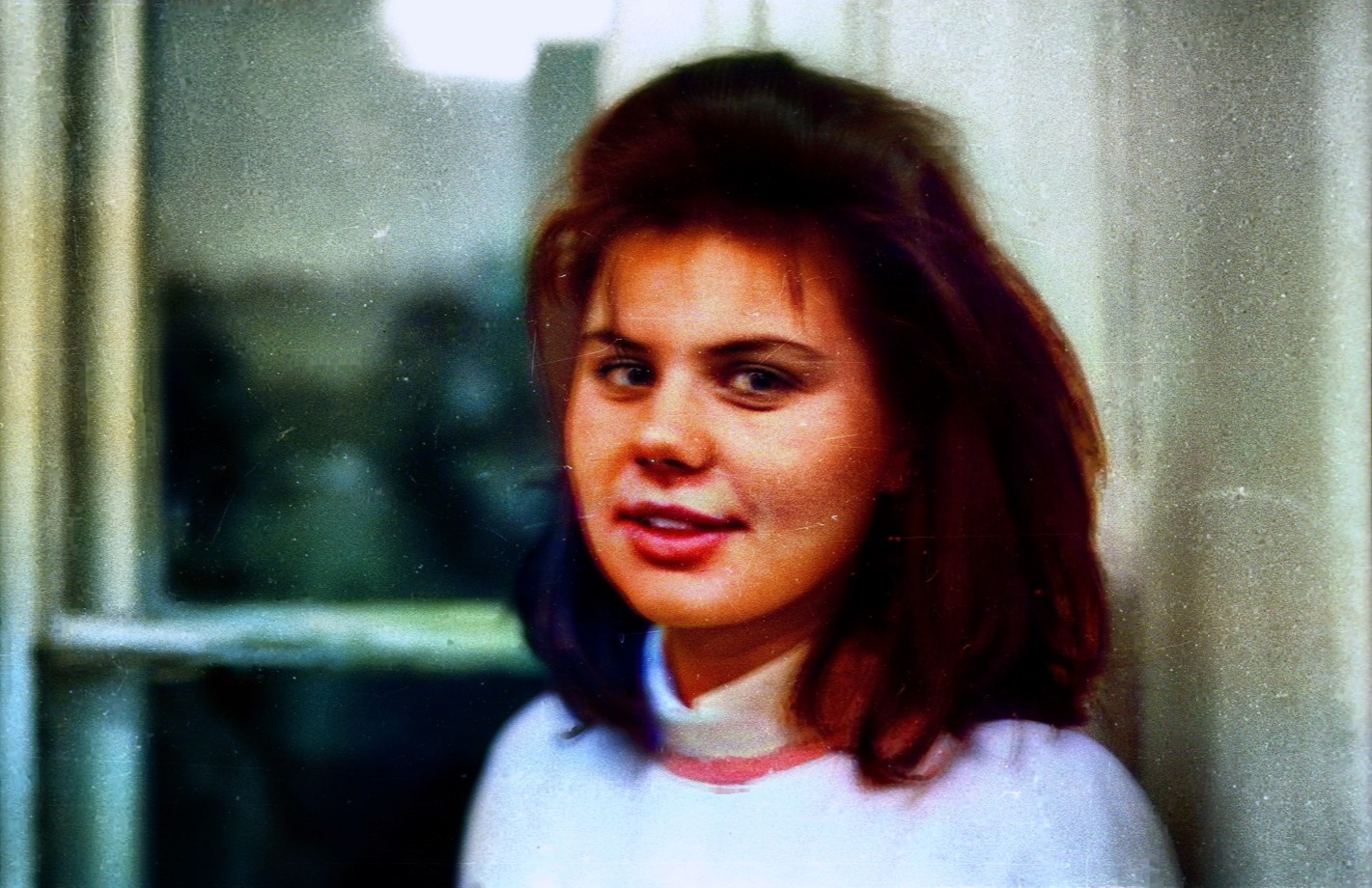
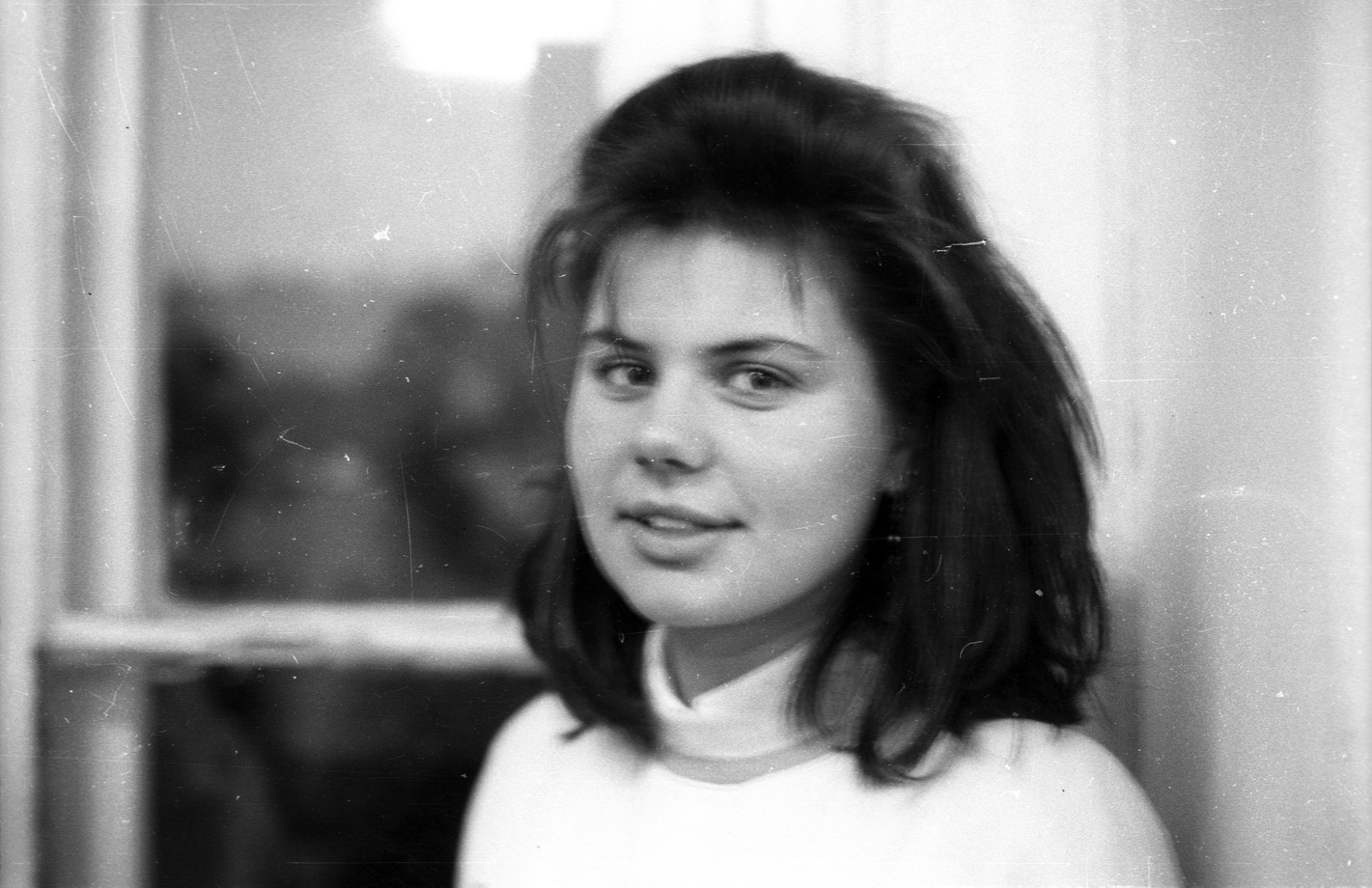
Use the left and right arrow keys to compare the before and after images.The same Fortepan portrait repaired and colorized with natural skin tones and protected face detailsAfterAI-processed
A scratched black-and-white portrait of a young girl in front of a window from the Fortepan collection
Before
Girl, 1971 — Scratched Fortepan portrait cleaned, colorized and kept natural around the face details
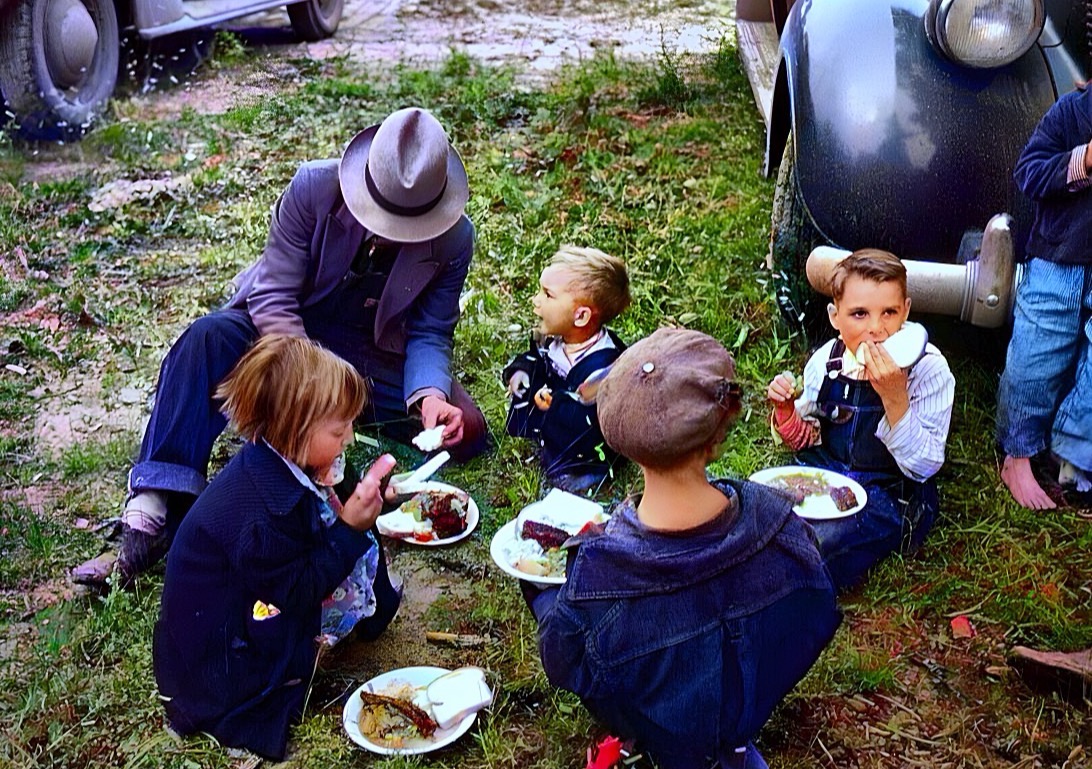
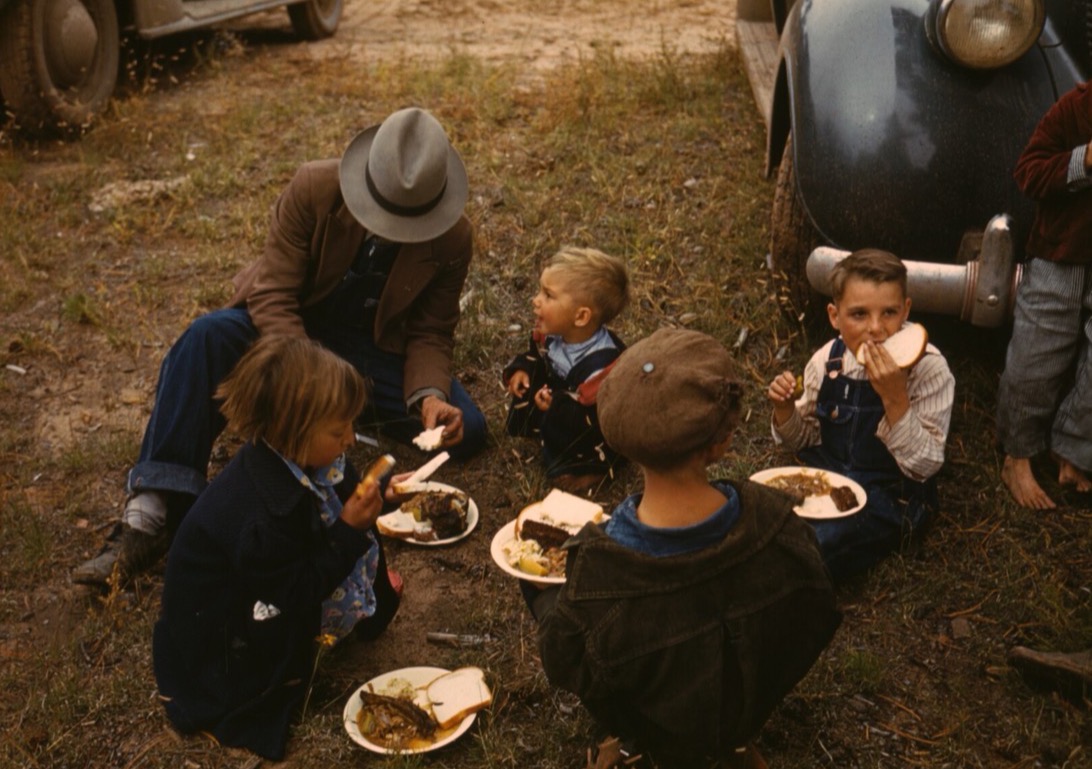
Use the left and right arrow keys to compare the before and after images.The same 1940 picnic colorized: green grass, denim overalls and warm afternoon lightAfterAI-processed
Black-and-white 1940 photograph of a father and five children eating barbecue on the grass beside parked cars
Before
Fair-day picnic, 1940 — A homesteader and his children at the Pie Town, New Mexico fair — barbecue plates on the grass
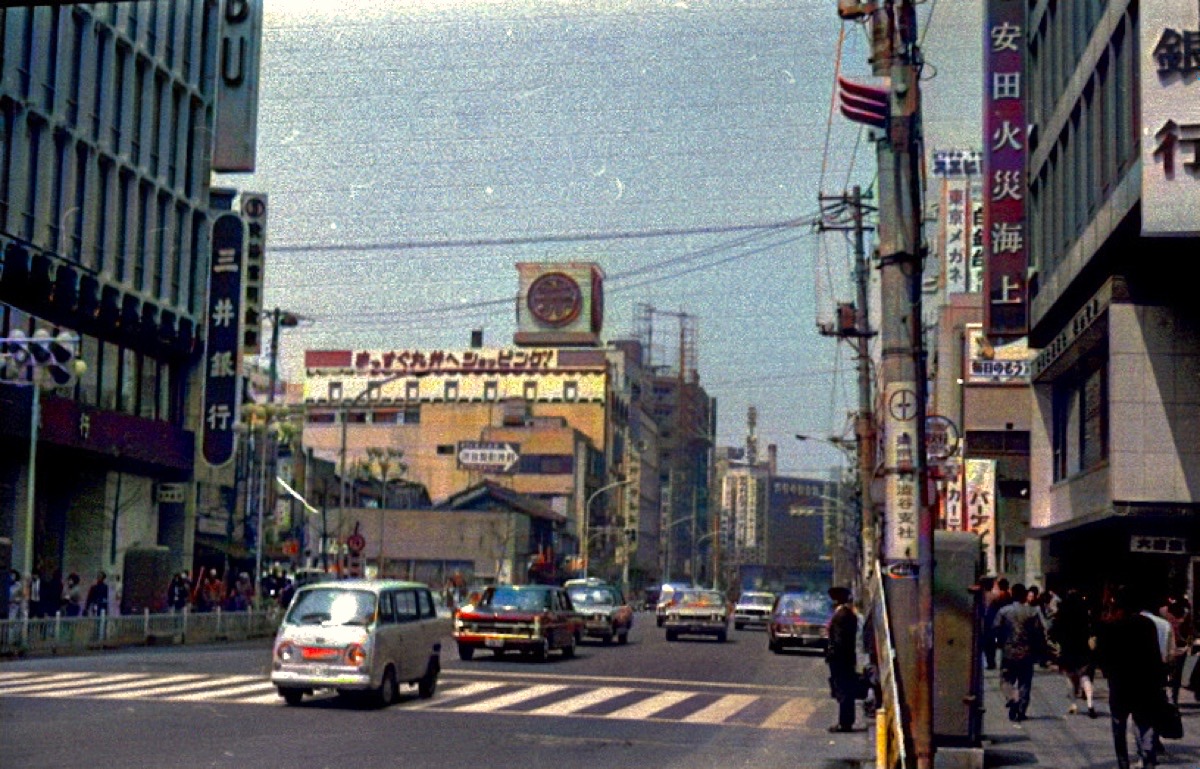
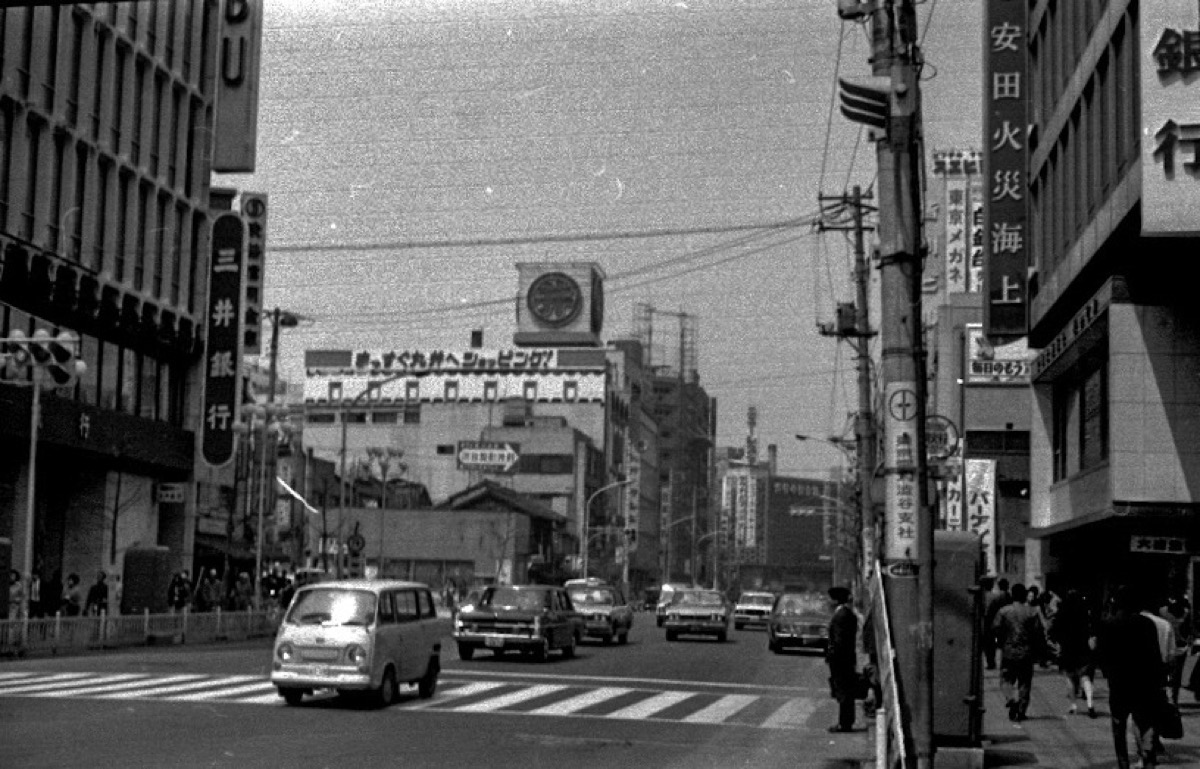
Use the left and right arrow keys to compare the before and after images.The same 1970 Tokyo street colorized, with natural signage, cars and skyAfterAI-processed
A black-and-white 1970 photograph of a Tokyo street with cars and shop signs
Before
Tokyo street, 1970 — A 1970 Tokyo street, colorized
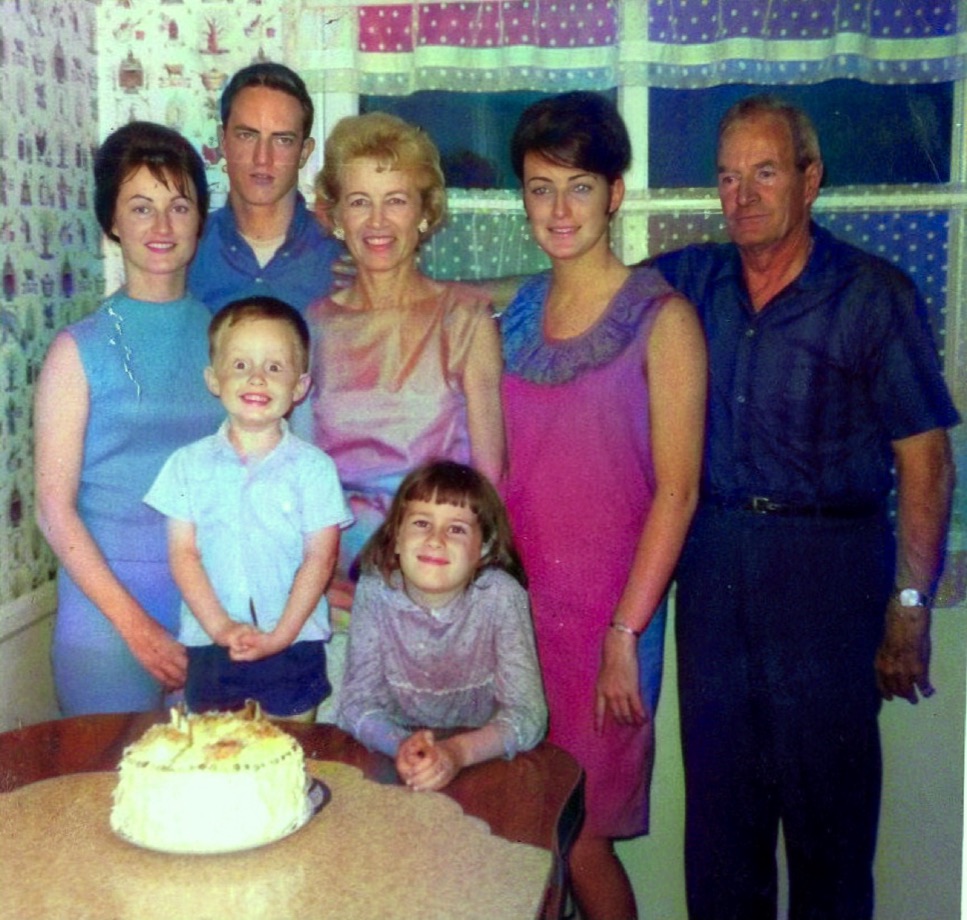
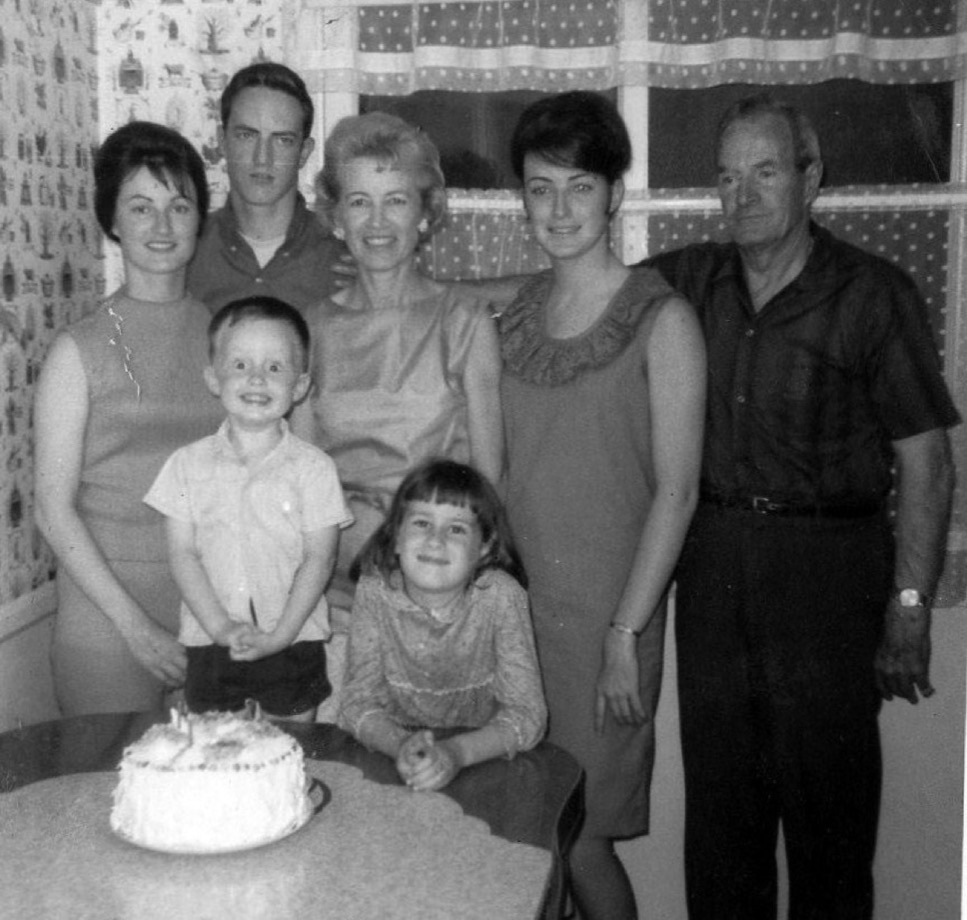
Use the left and right arrow keys to compare the before and after images.The same 1965 family photo colorized, with 1960s clothing colors and warm skin tonesAfterAI-processed
A black-and-white 1965 family photograph gathered around a birthday cake
Before
Family photo, 1965 — A 1965 family gathering, colorized
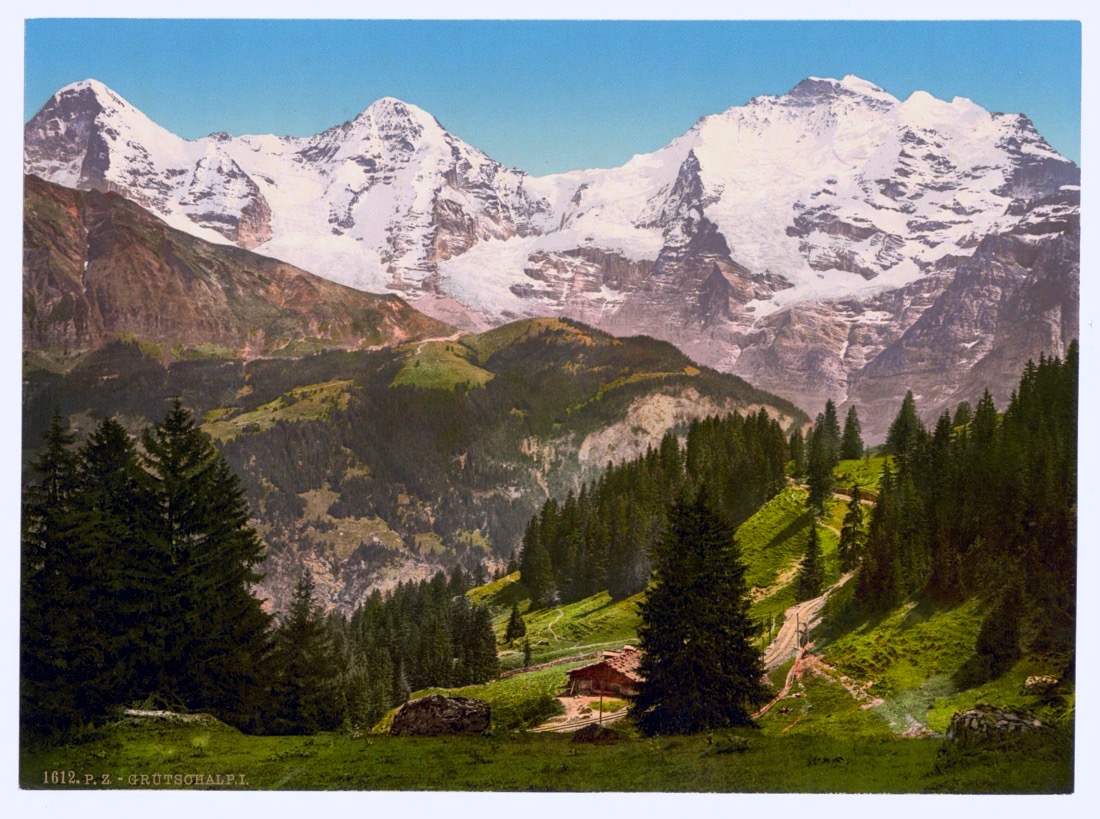
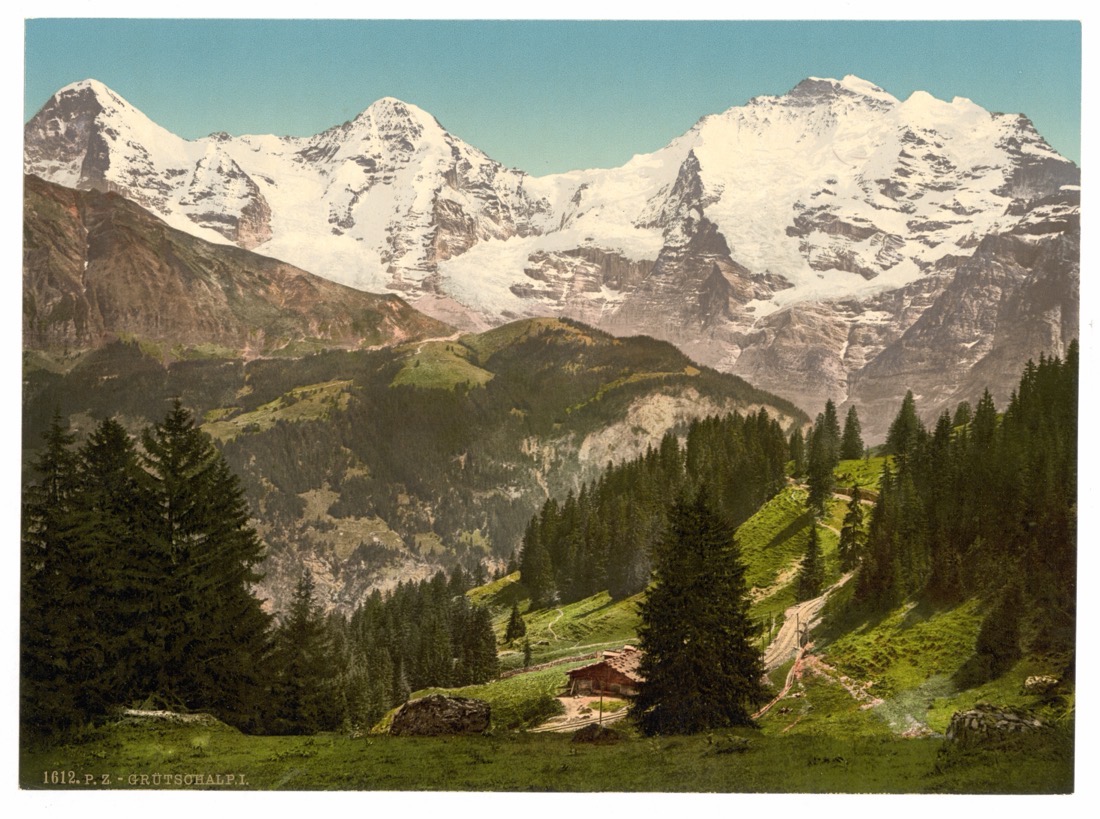
Use the left and right arrow keys to compare the before and after images.The same Alpine photochrom with its color revived — a green valley beneath snow-capped peaksAfterAI-processed
A faded 1890s photochrom of the Eiger, Mönch and Jungfrau in the Bernese Alps
Before
The Bernese Alps — An 1890s photochrom of the Eiger, color revived
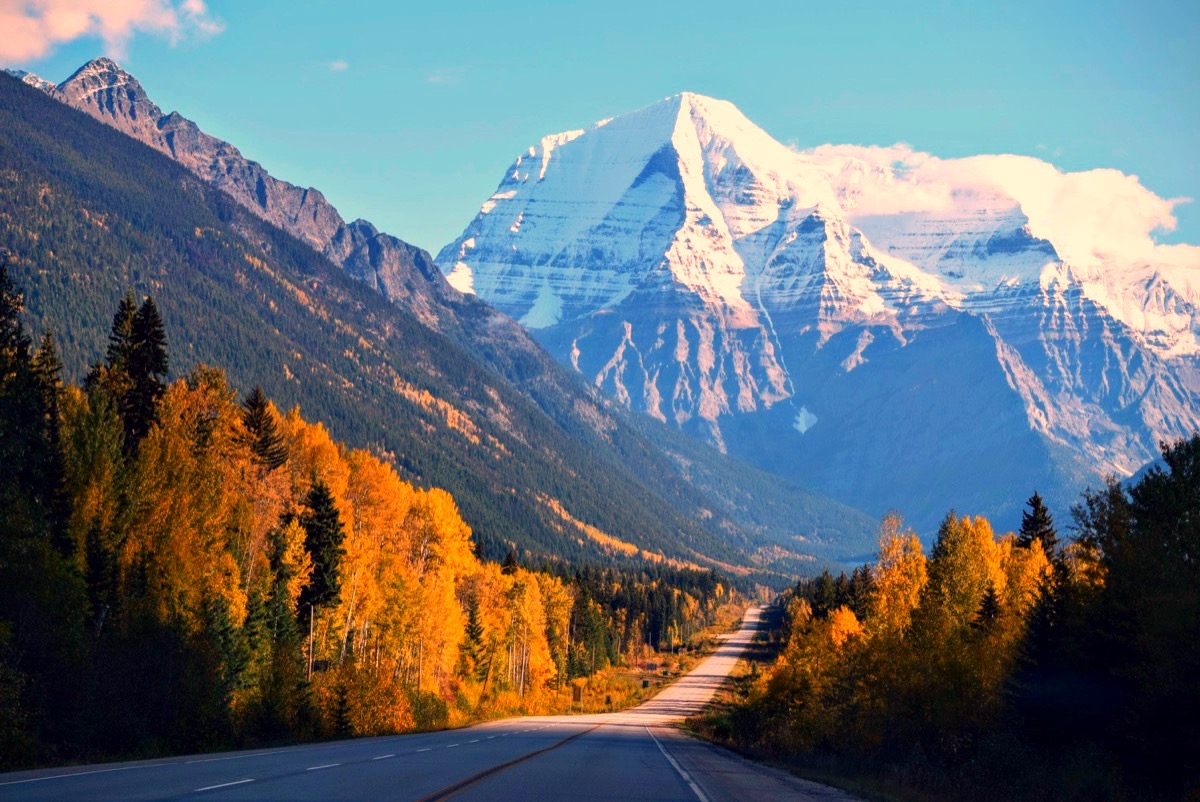
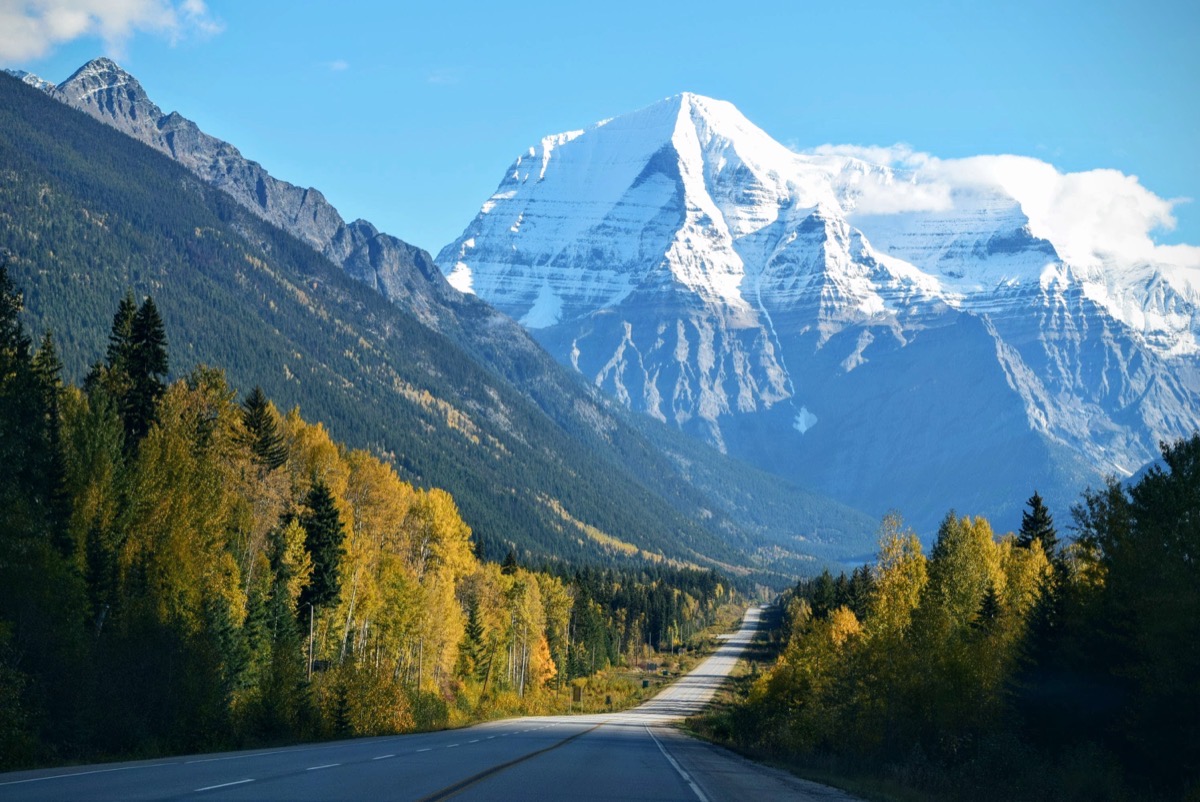
Use the left and right arrow keys to compare the before and after images.The same Mount Robson landscape with restored color — snow, blue sky and autumn treesAfterAI-processed
A faded color photograph of a snow-capped mountain and an autumn forest road
Before
Mount Robson — A faded mountain landscape, color restored
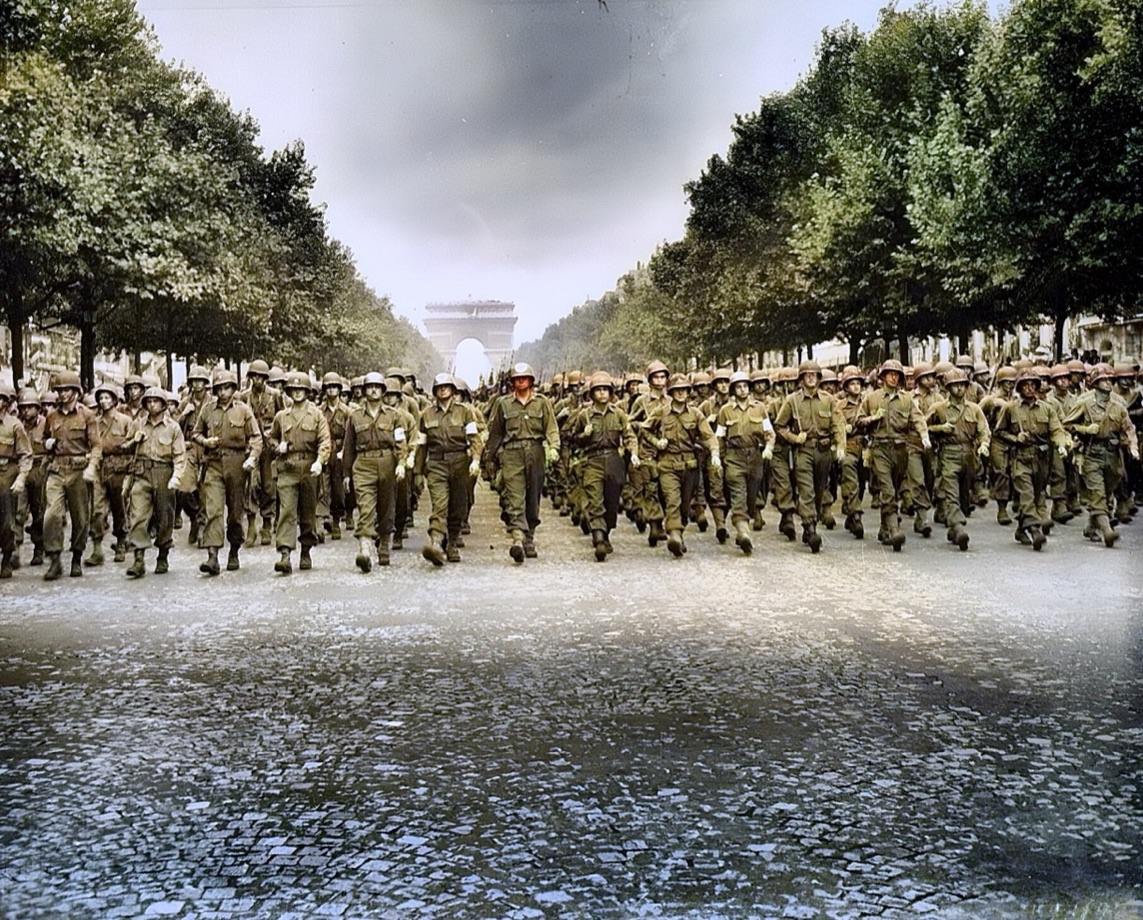
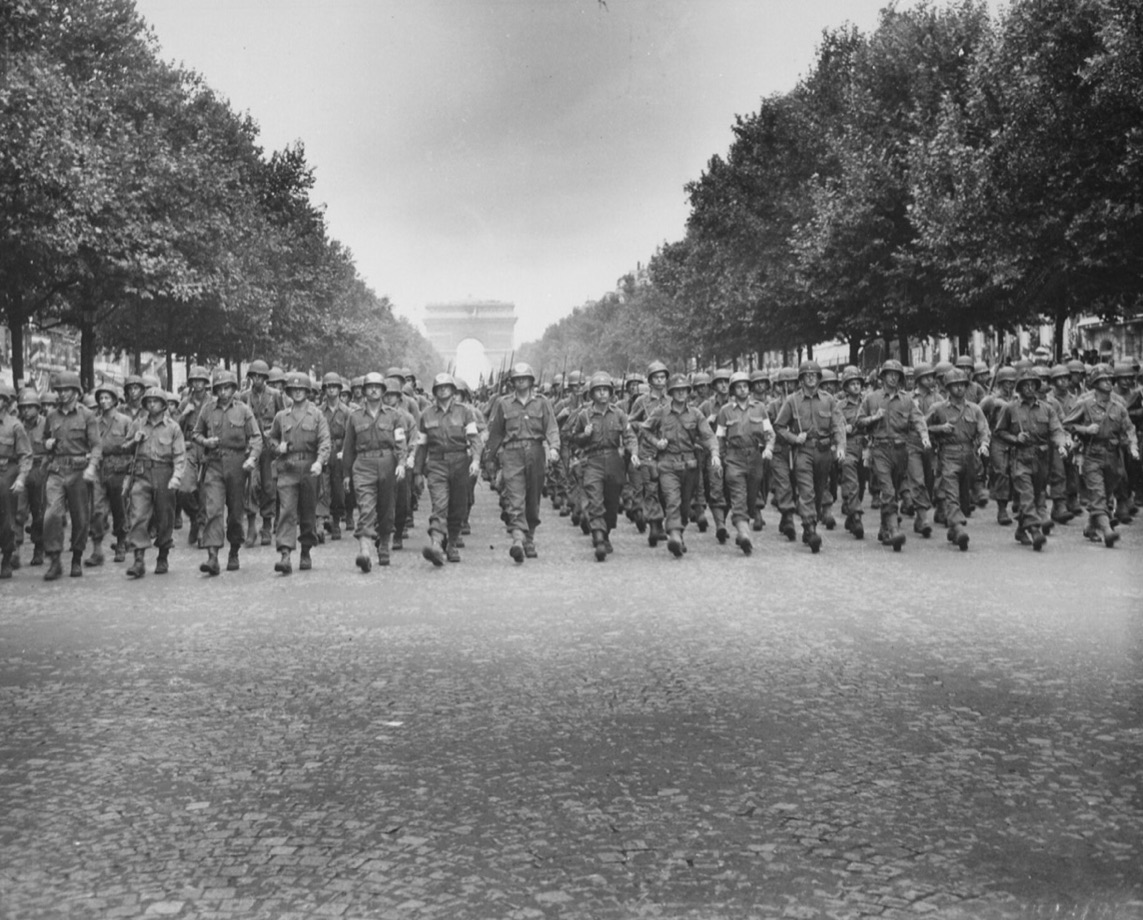
Use the left and right arrow keys to compare the before and after images.The same 1944 victory parade colorized: olive uniforms, summer trees and the Arc de TriompheAfterAI-processed
Black-and-white 1944 photograph of American troops marching 24-abreast down the Champs-Élysées toward the Arc de Triomphe
Before
Paris, 29 August 1944 — The US 28th Infantry Division marching down the Champs-Élysées, days after the Liberation
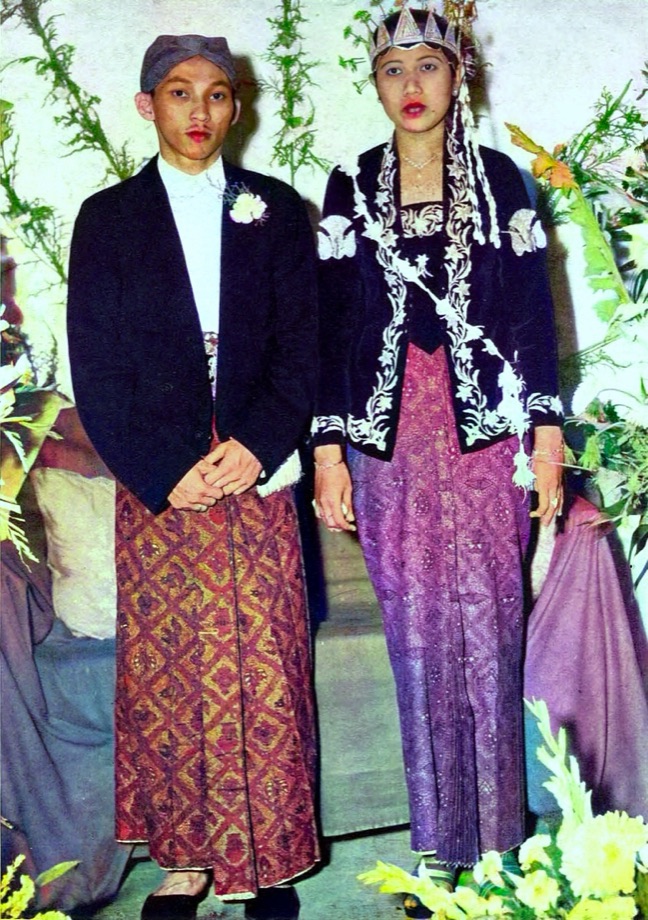
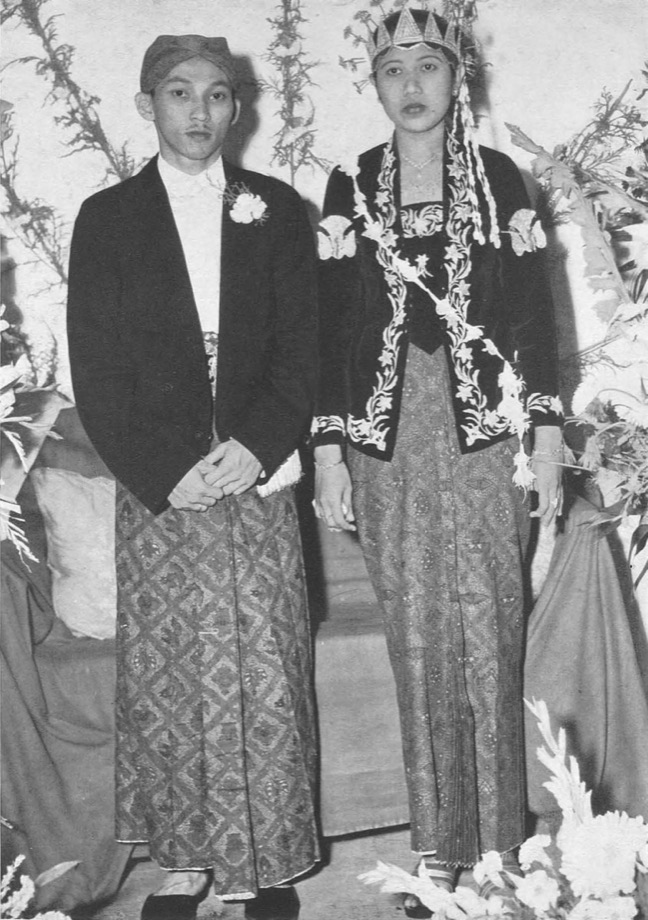
Use the left and right arrow keys to compare the before and after images.The same 1953 Javanese wedding colorized, with rich batik reds and goldsAfterAI-processed
A black-and-white 1953 photograph of a Javanese wedding couple in traditional dress
Before
Javanese wedding, 1953 — A 1953 Javanese wedding, colorized
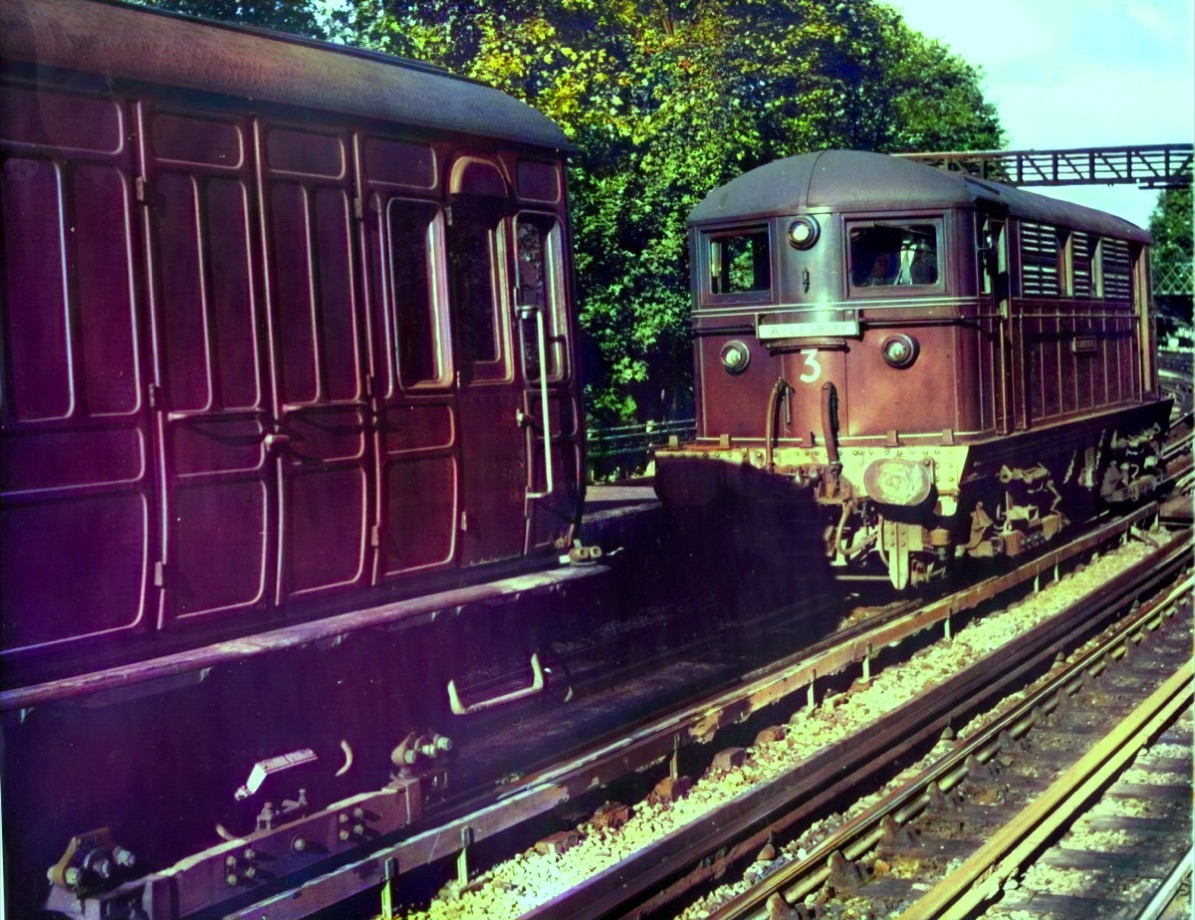
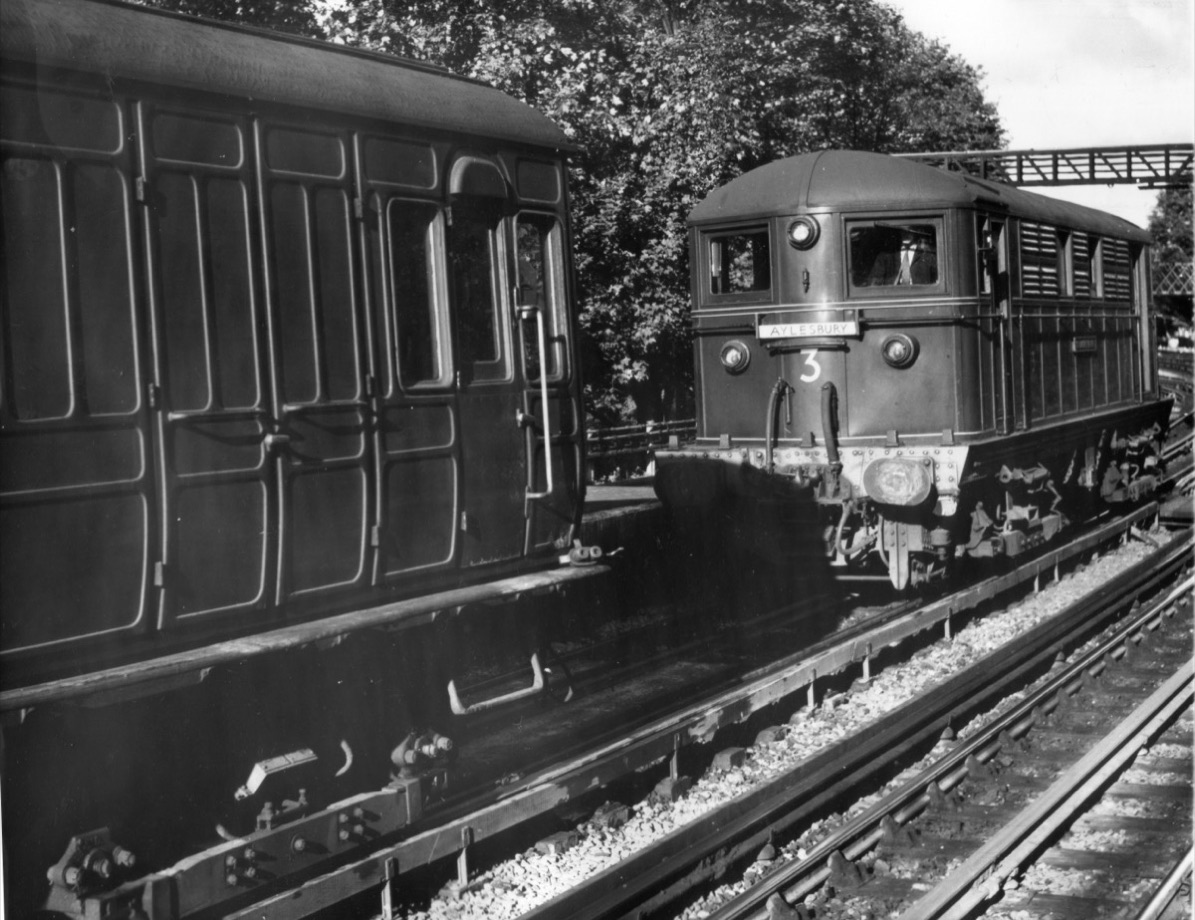
Use the left and right arrow keys to compare the before and after images.The same 1961 railway scene colorized, with natural metal, foliage and skyAfterAI-processed
A black-and-white 1961 photograph of an electric train at a railway changeover
Before
Railway, 1961 — A 1961 railway scene, colorized

Refresh faded color prints, repair scratched and cracked originals, and correct photos taken at an angle. These are real results too.
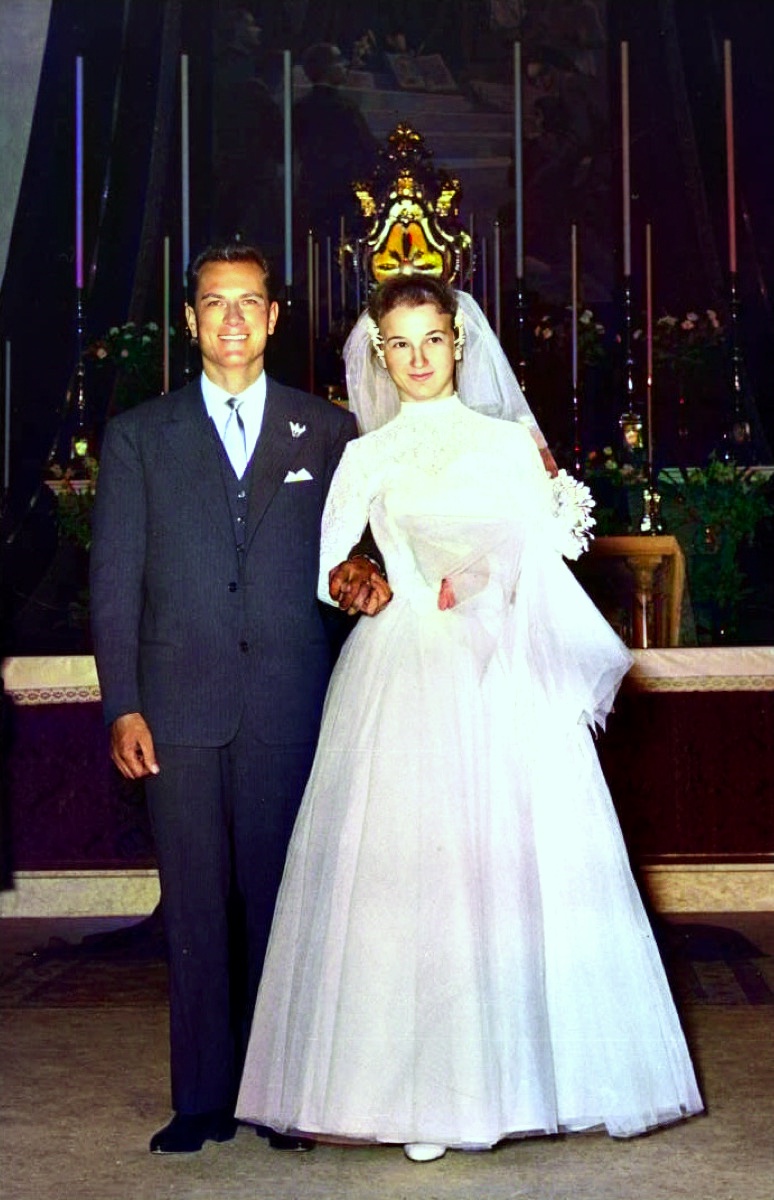
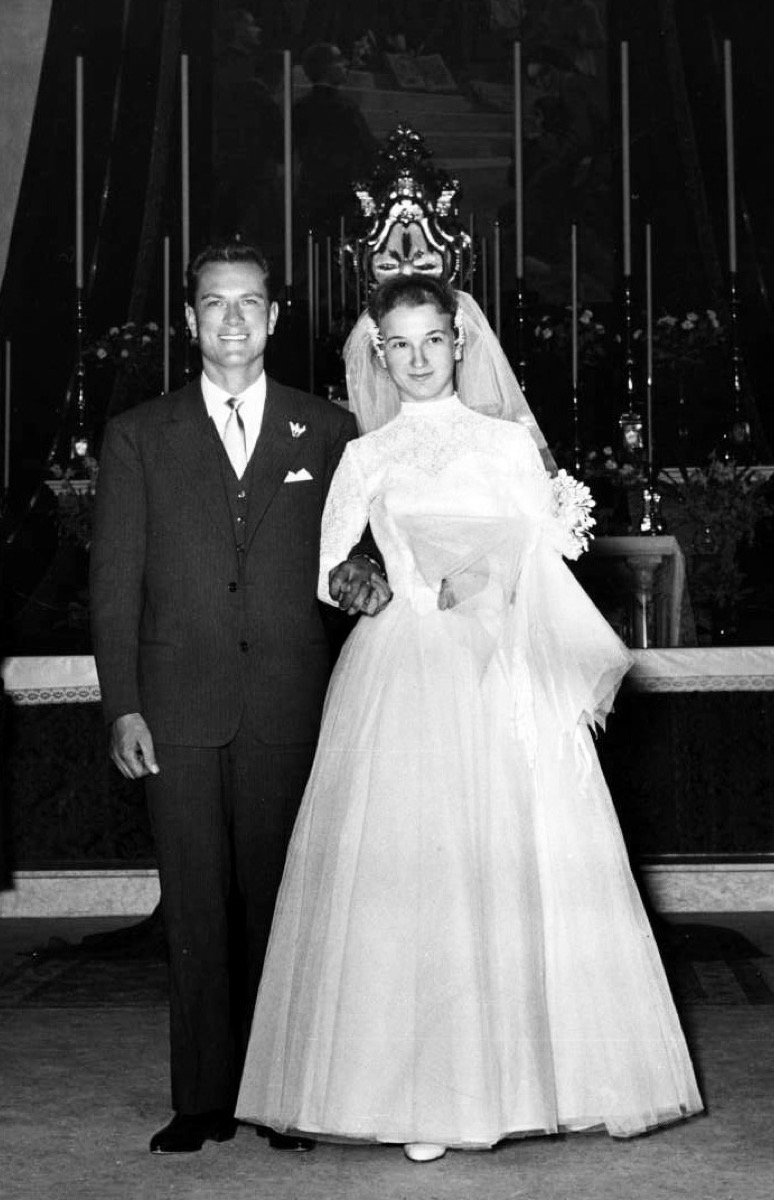
Use the left and right arrow keys to compare the before and after images.The same 1957 wedding portrait colorized, with warm skin tones and a white dressAfterAI-processed
A black-and-white 1957 Italian wedding portrait of a bride and groom
Before
Italian wedding, 1957 — A 1957 Italian wedding portrait, colorized
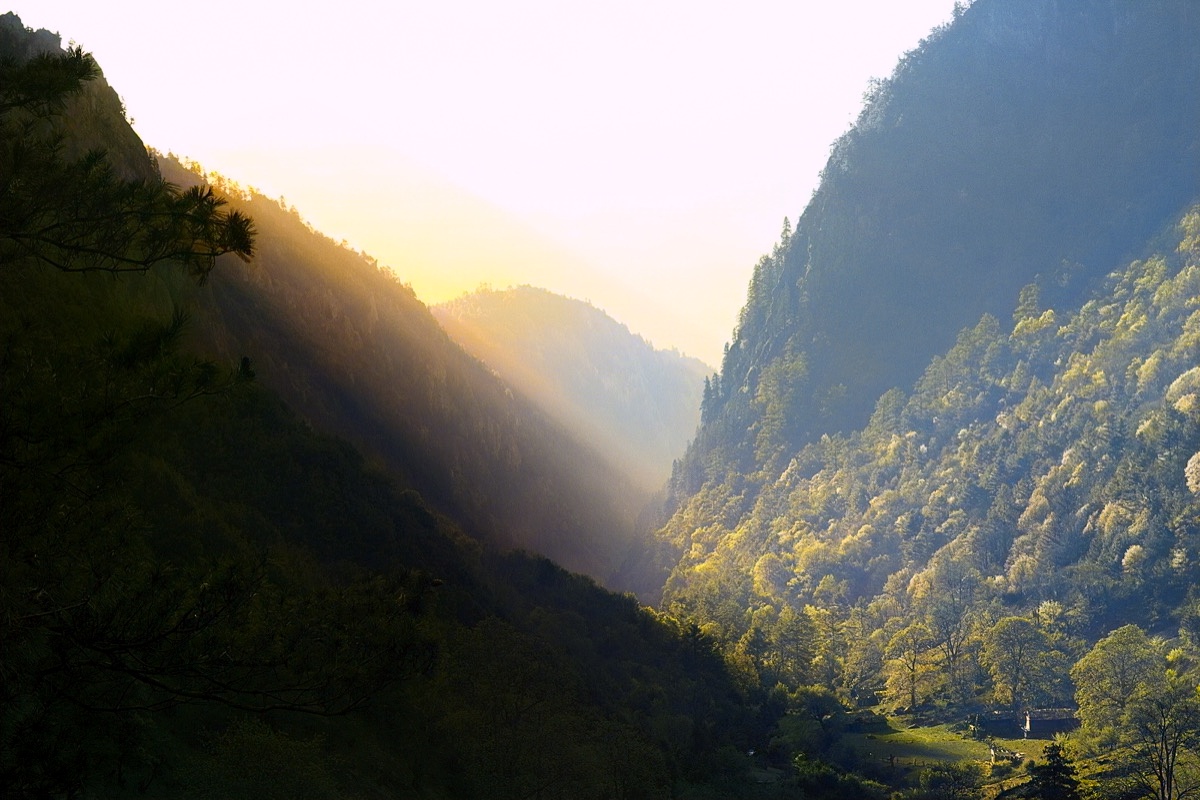
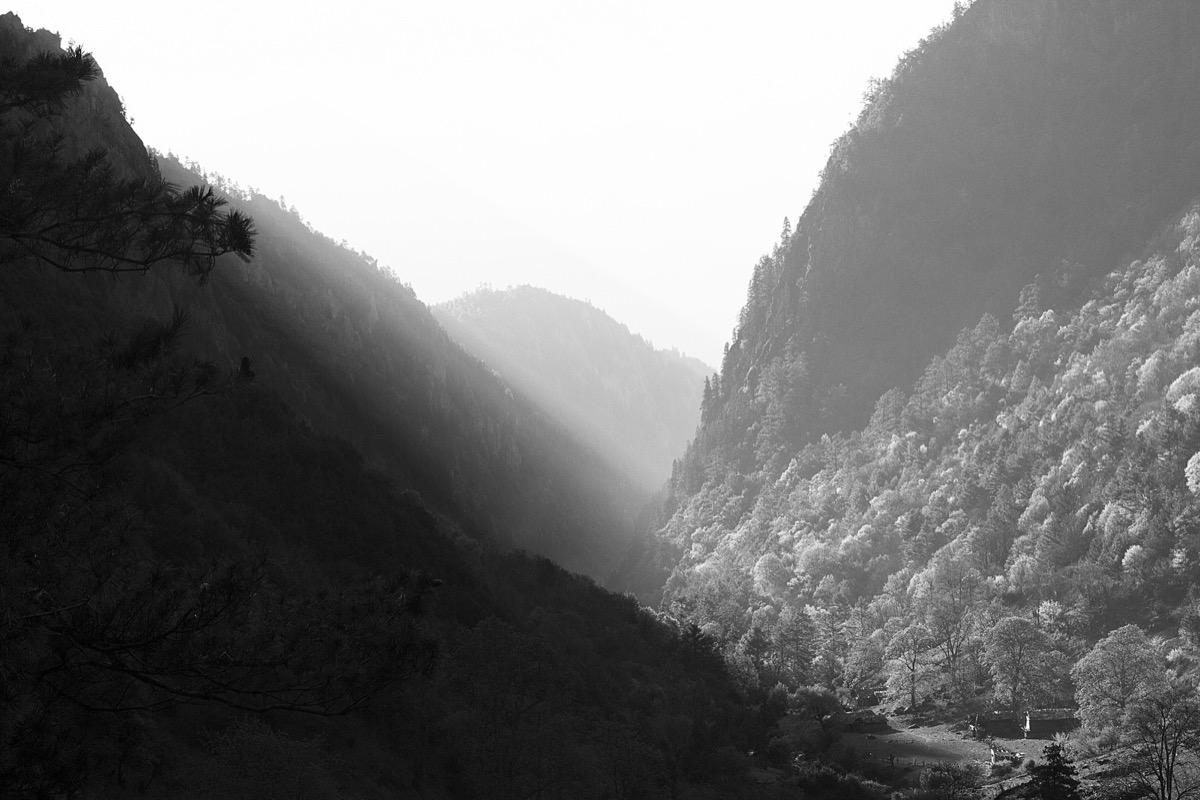
Use the left and right arrow keys to compare the before and after images.The same mountain valley colorized, with warm light, green forest and a soft skyAfterAI-processed
A black-and-white photograph of a forested mountain valley at dusk
Before
Mountain valley — A monochrome mountain valley, colorized
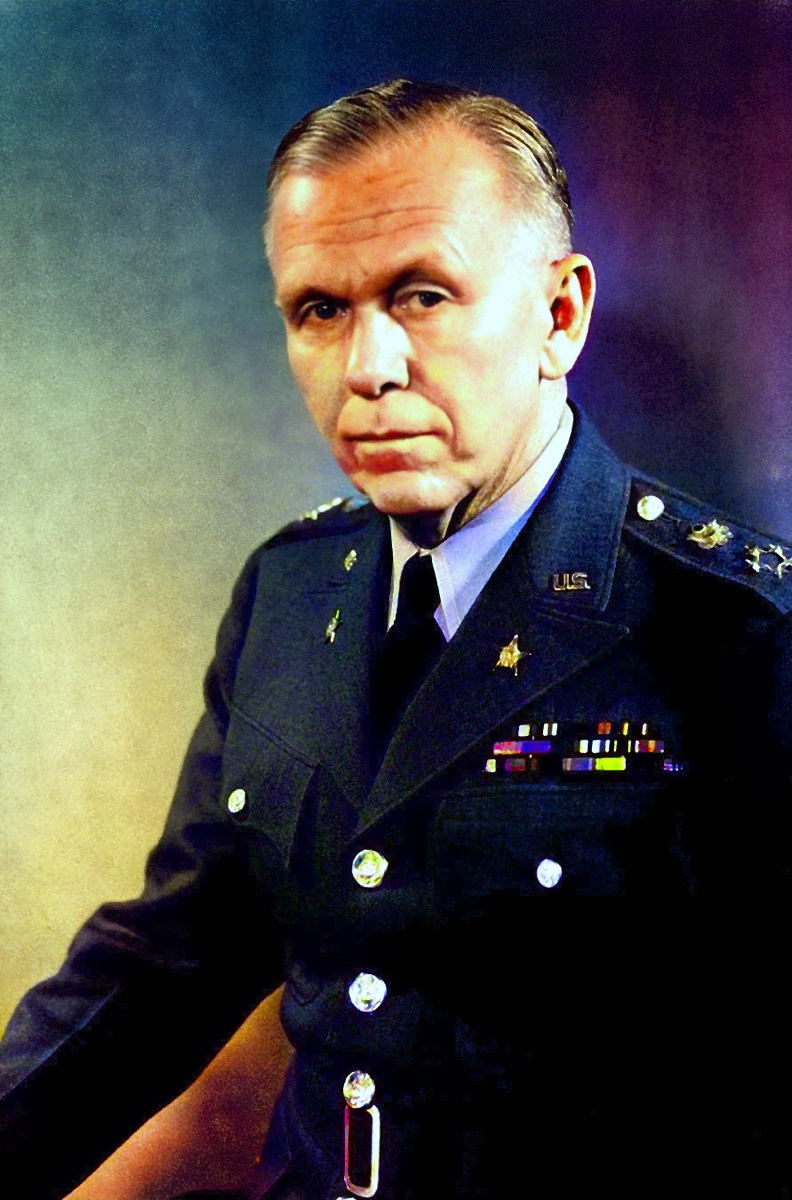
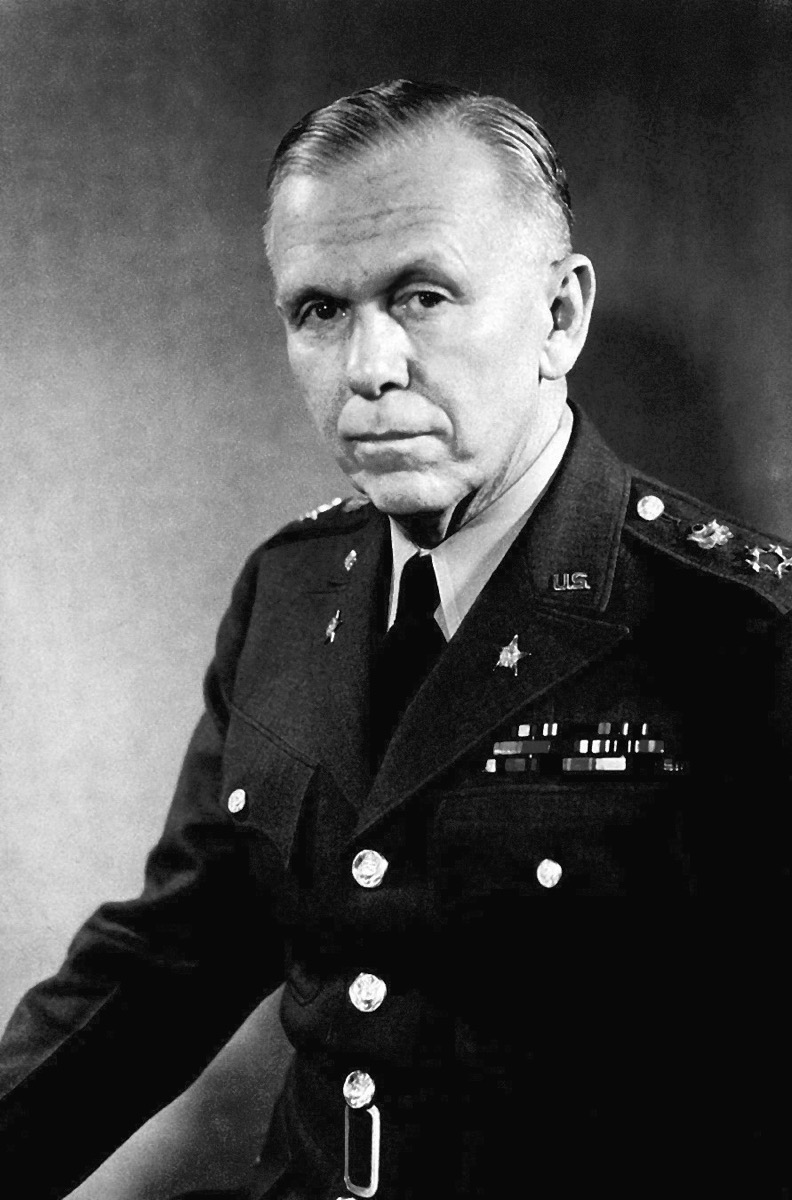
Use the left and right arrow keys to compare the before and after images.The same 1946 military portrait colorized, with an olive uniform, insignia and medal ribbonsAfterAI-processed
A black-and-white 1946 official portrait of General George C. Marshall in uniform
Before
General Marshall, 1946 — A 1946 official military portrait, colorized
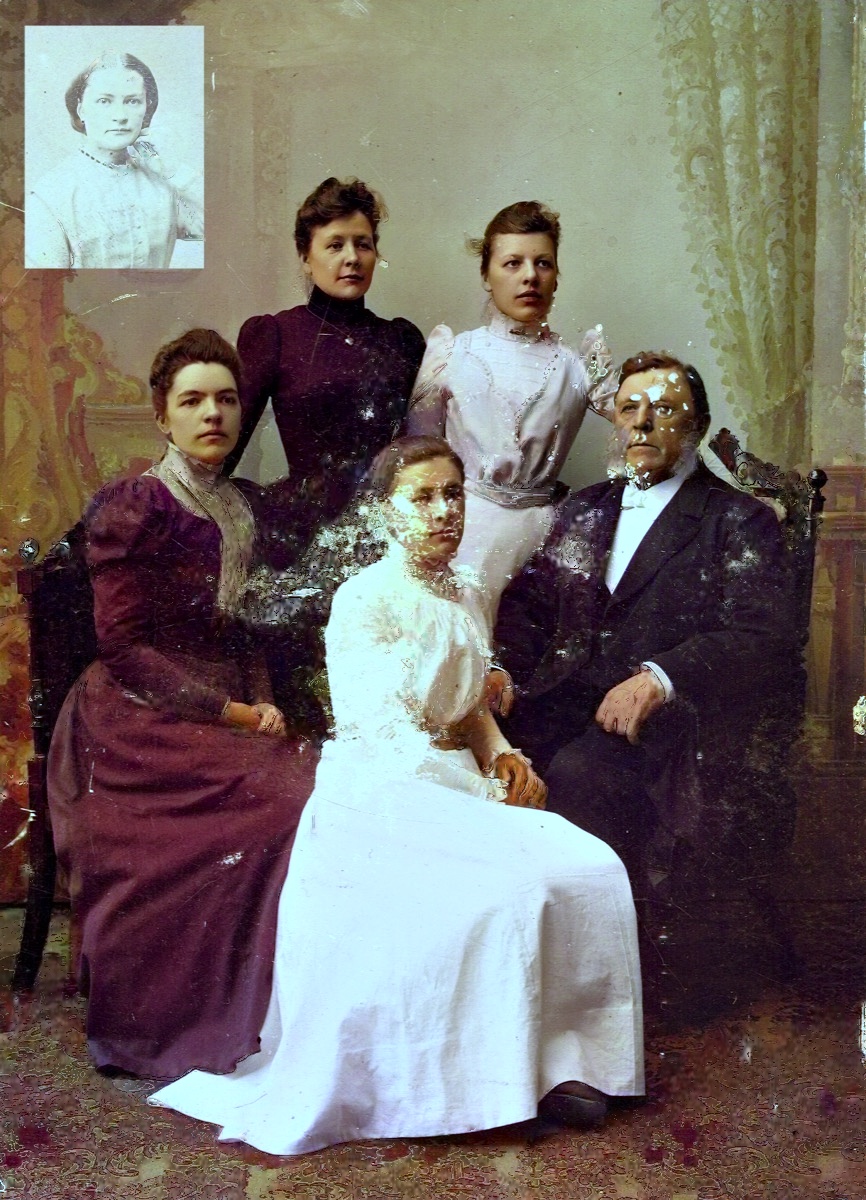
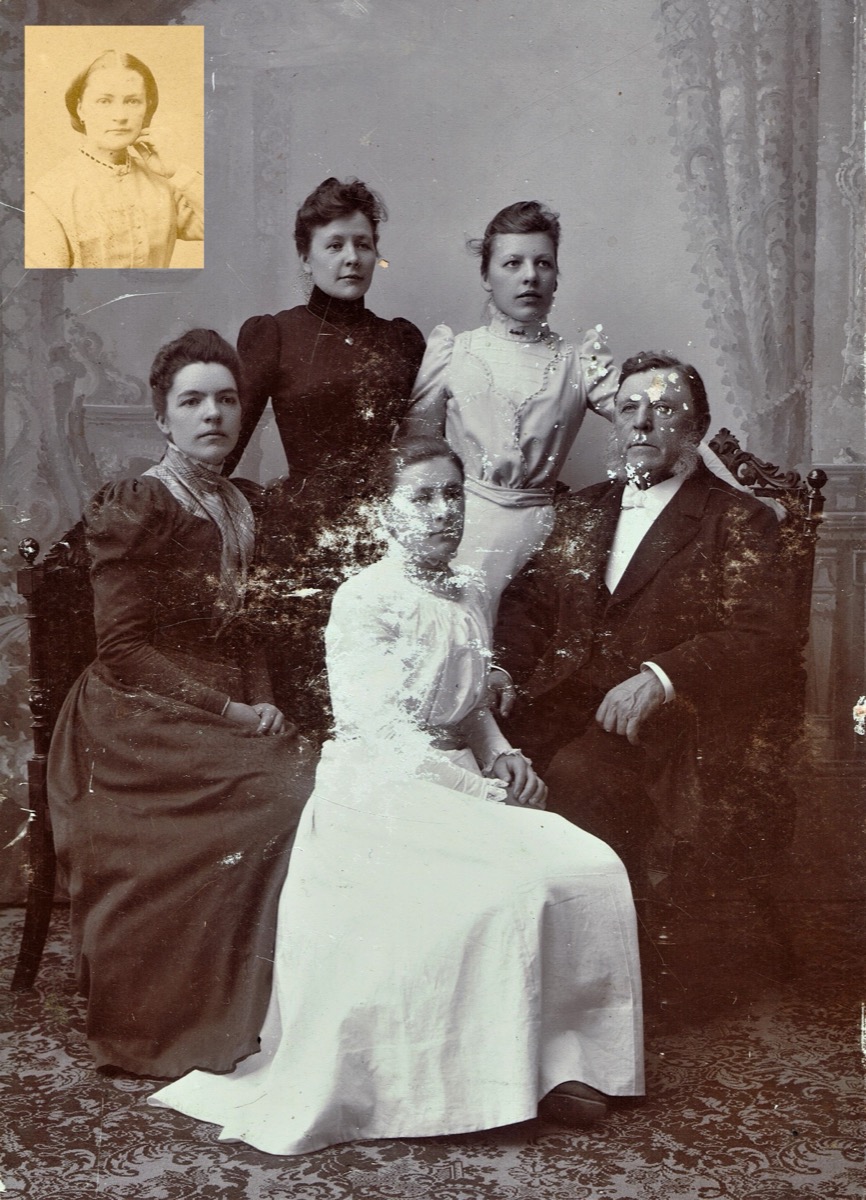
Use the left and right arrow keys to compare the before and after images.The same family photograph repaired and colorized, with warm, lifelike tonesAfterAI-processed
A damaged and faded black-and-white photograph of the Wallin family
Before
The Wallin family — A cracked, faded family photo restored
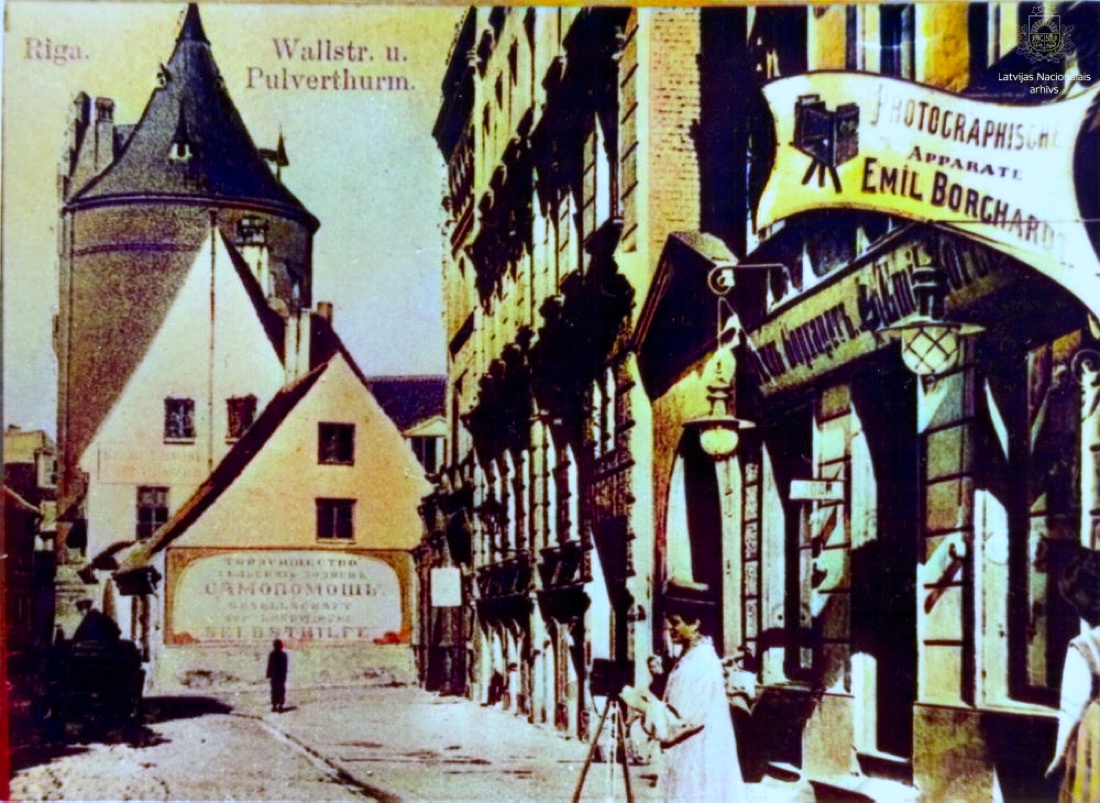
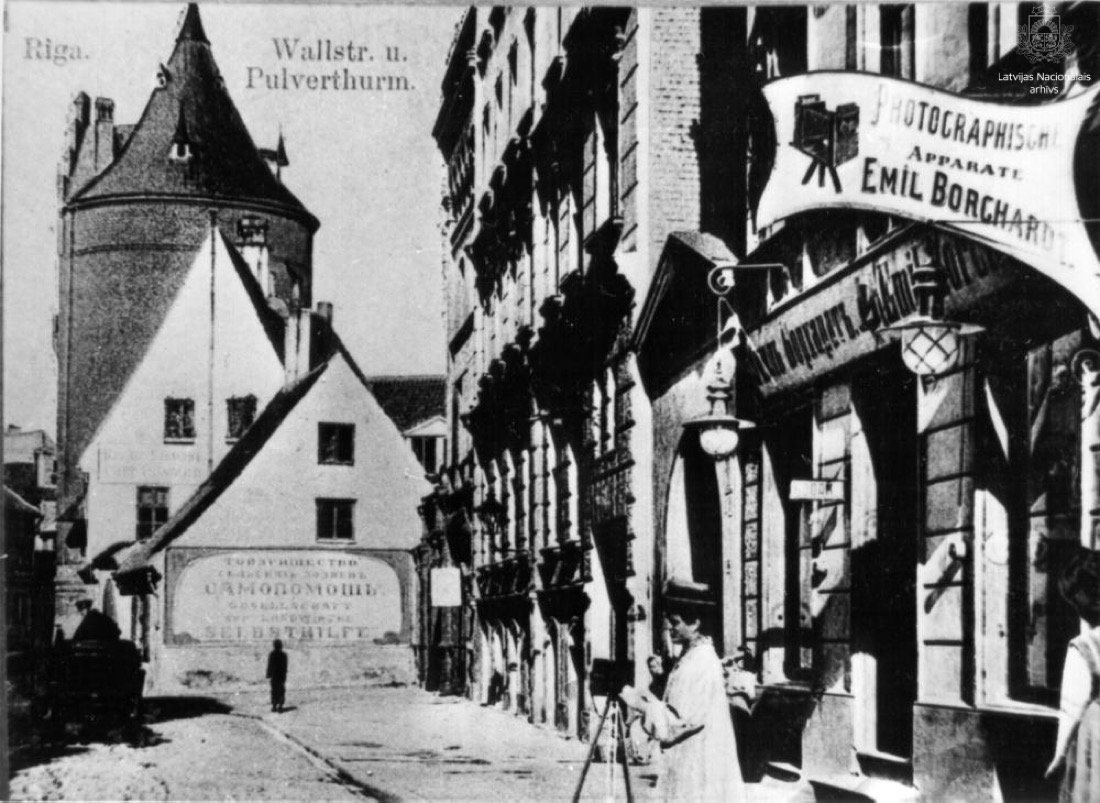
Use the left and right arrow keys to compare the before and after images.The same Riga street around 1900, colorized with warm building tones and a soft skyAfterAI-processed
A black-and-white photograph of Vaļņu iela in Riga around 1900
Before
Old Riga, Vaļņu iela — A c.1900 Riga street brought to life in color
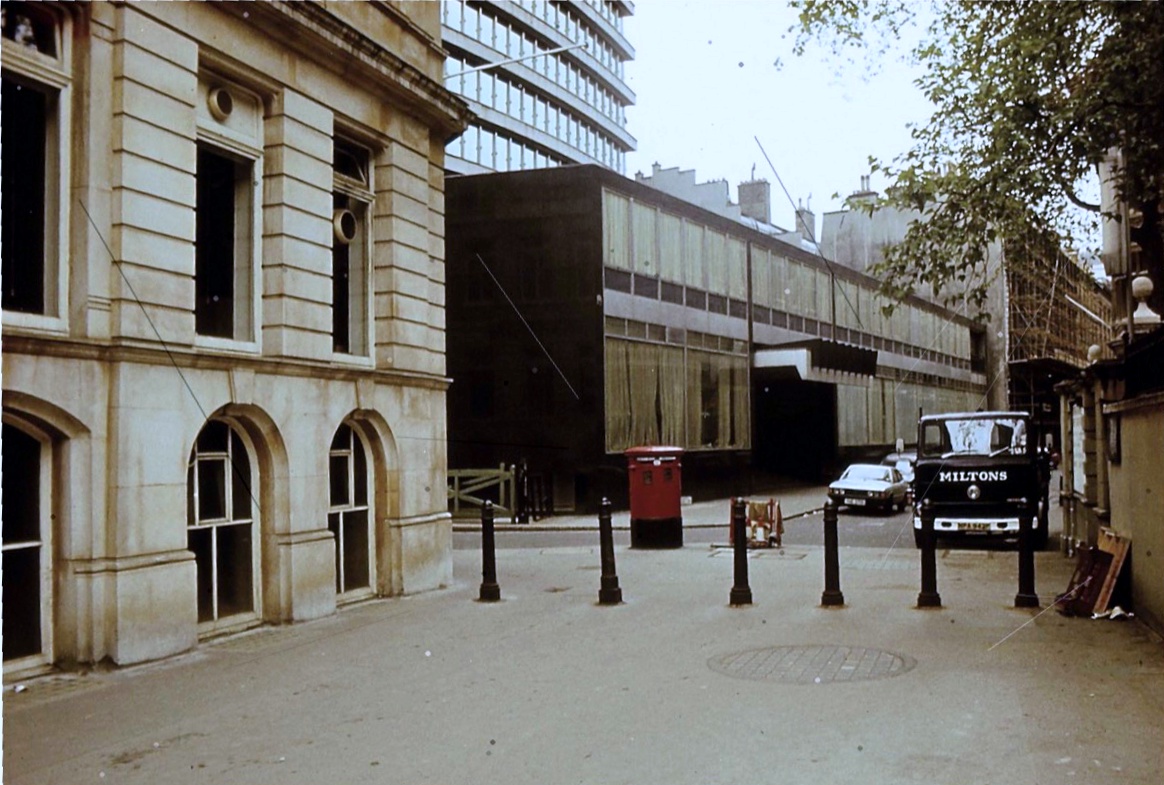
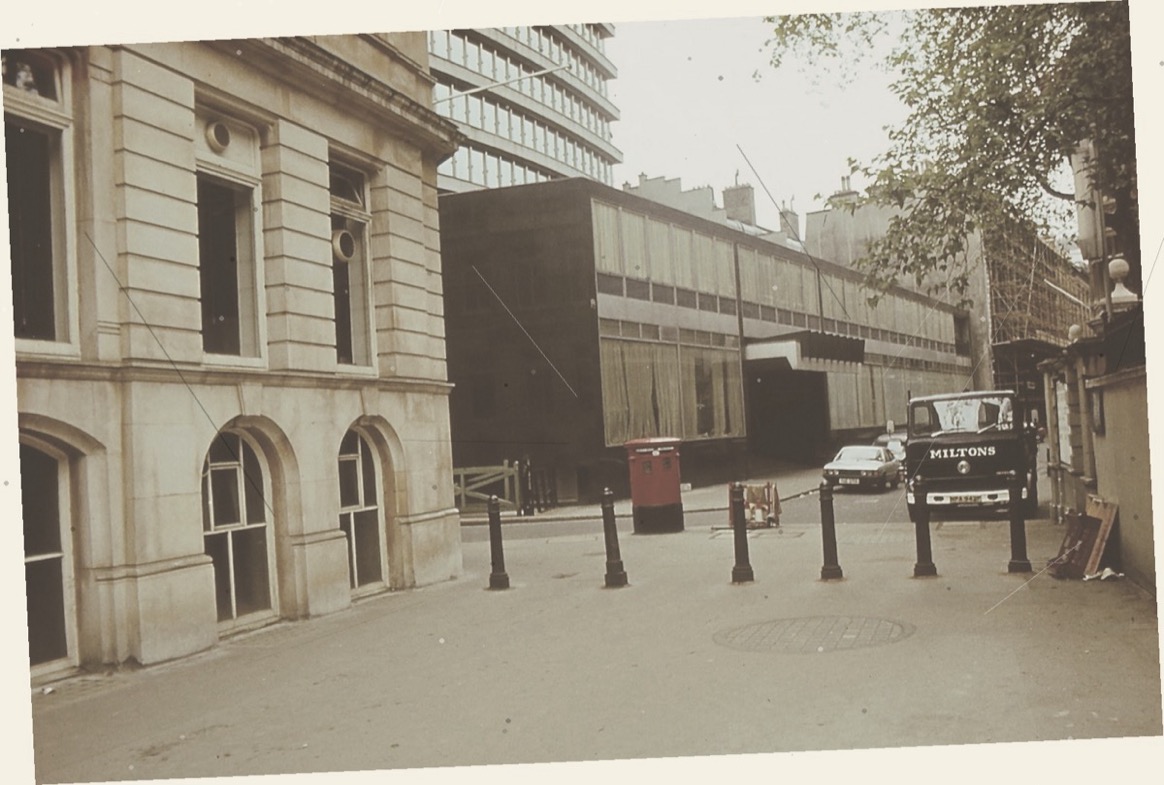
Use the left and right arrow keys to compare the before and after images.The same London street with its perspective rectified and color restoredAfterAI-processed
A 1979 London street photograph shot at an oblique angle with faded color
Before
Angled scan, corrected — A photo taken at an angle — perspective corrected and color restored

What to expect from AI color

Colorizing is part science, part educated guess. Here is where it shines and where it doesn't, before you upload anything.

Where it does well

  • Black-and-white portraits, weddings and street scenes with clear faces
  • Faded color prints that have gone pale or turned orange
  • Scratches, dust spots and fine cracks across the print
  • Crooked or angled scans, corrected in the Studio before you upload

Where it falls short

  • It can't know the real colors. A dress, a uniform or a car may come out a different shade than it really was.
  • It won't invent what's missing. A torn-off corner or a face lost to water damage stays lost; we don't let AI make it up.
  • It can't add detail your file doesn't have. Full resolution means the size of your scan, so scan prints at 600 dpi or more.
  • Faces too small to improve without guessing are left as they are, on purpose. Blurry faces get clearer, but not studio-sharp.

Keep your original scan. A colorized copy is an interpretation to enjoy and share, not a replacement for the original.

Try it on one of your photos

How it works

Nothing to install and no editing skills needed. It runs in your browser, or in the iPhone and Android app.

  1. 1

    Add your photos

    Drag in one photo, a folder or a ZIP file. JPG, PNG, WEBP and TIFF work, up to 40 MB each. Crop, straighten or brighten a photo in the Studio first if it needs it.

  2. 2

    Check the free preview

    We add natural color by default. With a free account you can also improve faces, remove scratches or reduce blur. Every preview is free, watermarked and smaller than the original.

  3. 3

    Keep the full-resolution photo

    Like what you see? Download it in full resolution without a watermark. Your first one is free; after that, a colorized photo costs 1 credit.

Private by design

Your family photos stay yours

These are someone's parents and grandparents, not training data. We process your photos in the EU with our own engine, never use them to train AI and never sell or share them.

Read the privacy policy
  • Processed in the EU

    Uploads, processing and storage stay in the European Union, under the GDPR. Your photos aren't sent to outside AI services.

  • Never used for training

    Your photos are used only to make your result. We don't use them to train, tune or test AI models.

  • Deleted automatically

    Without an account, uploads and results are deleted after about 24 hours. With an account, after about 7 days. Nightly backups may keep copies of photos and results for about 14 days after the backup is made, even if you delete a photo sooner.

  • You stay in control

    Delete any photo from your account whenever you like, or delete the account and your photos go with it.

Pay per photo, no subscription needed

Previews are free and your first full-resolution photo is free. After that, buy a credit pack when you need one; pack credits stay valid for at least two years. Colorizing often? The optional Pro plan adds credits every month.

Before you upload

Yes. You can preview a colorized photo without an account. Previews are smaller and carry a watermark. A free account gives you 3 previews and one full-resolution download on us, and you only pay if you want more full-resolution photos.