
Restore your old family photos
Mend scratches, sharpen faded faces, soften blur and bring gentle, natural color back to the photos you love most. Free preview, no sign-up to try.
Use the left and right arrow keys to compare the before and after images.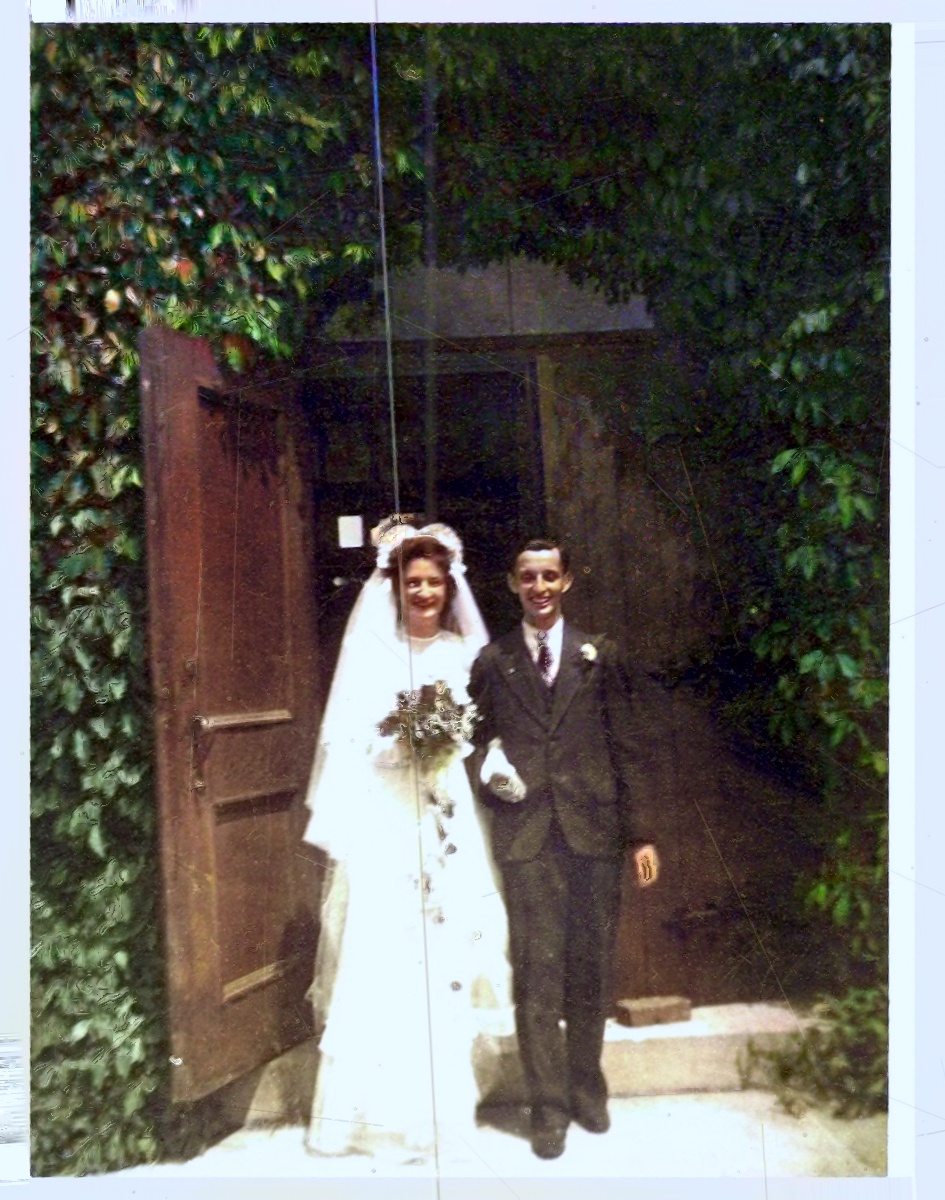 AfterAI-processed
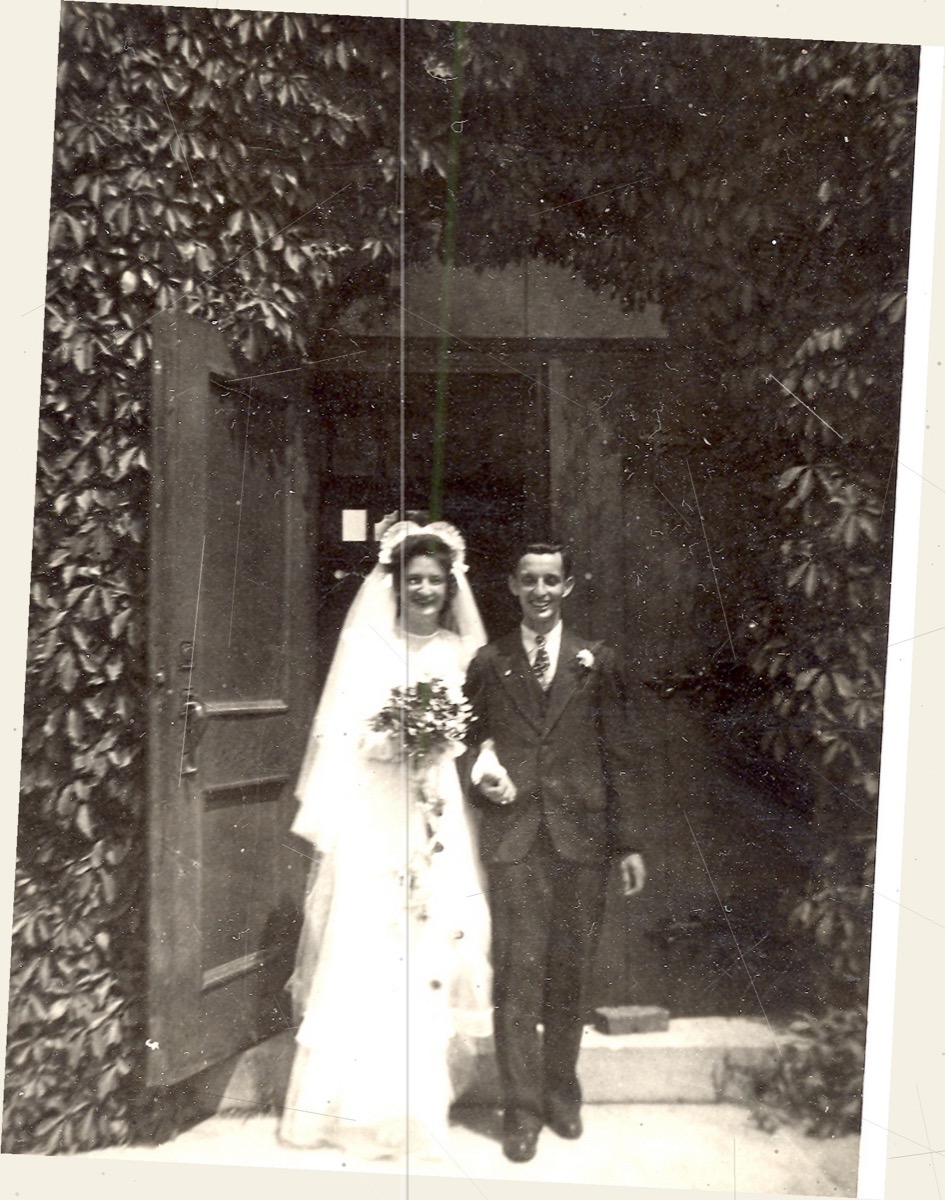 Before
AfterAI-processedMore real examples
Use the left and right arrow keys to compare the before and after images.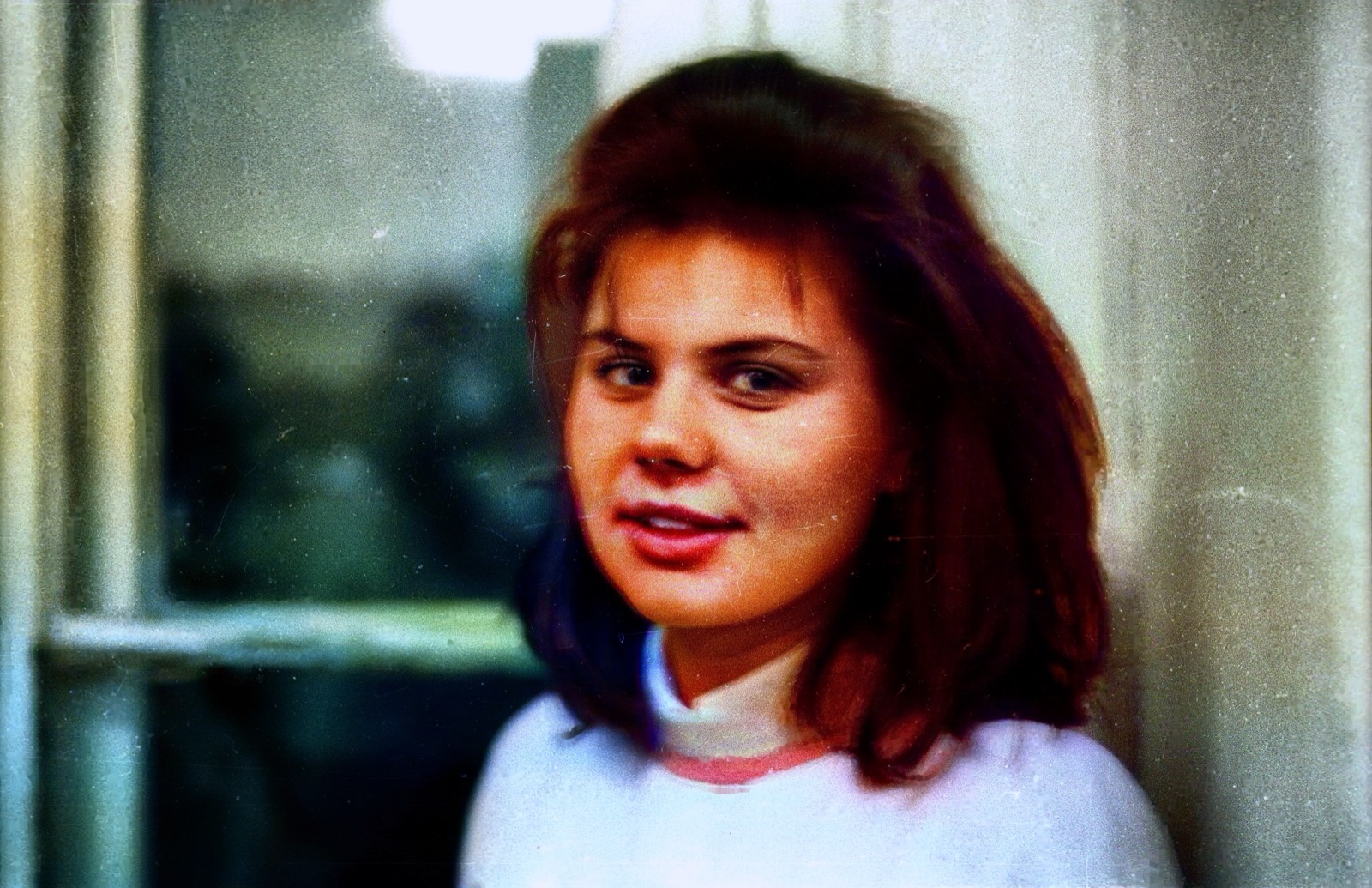 AfterAI-processed
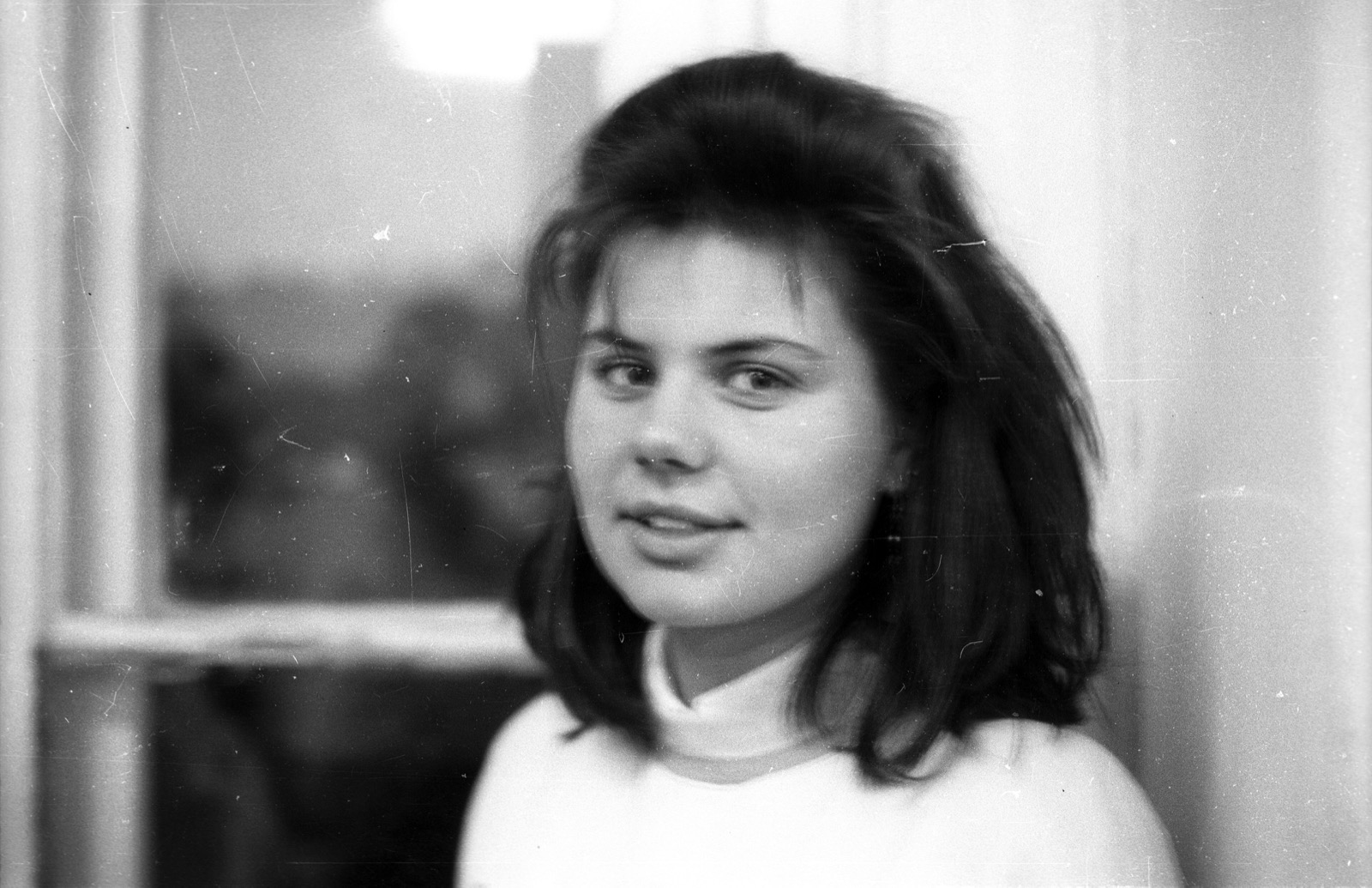 Before
AfterAI-processedUse the left and right arrow keys to compare the before and after images.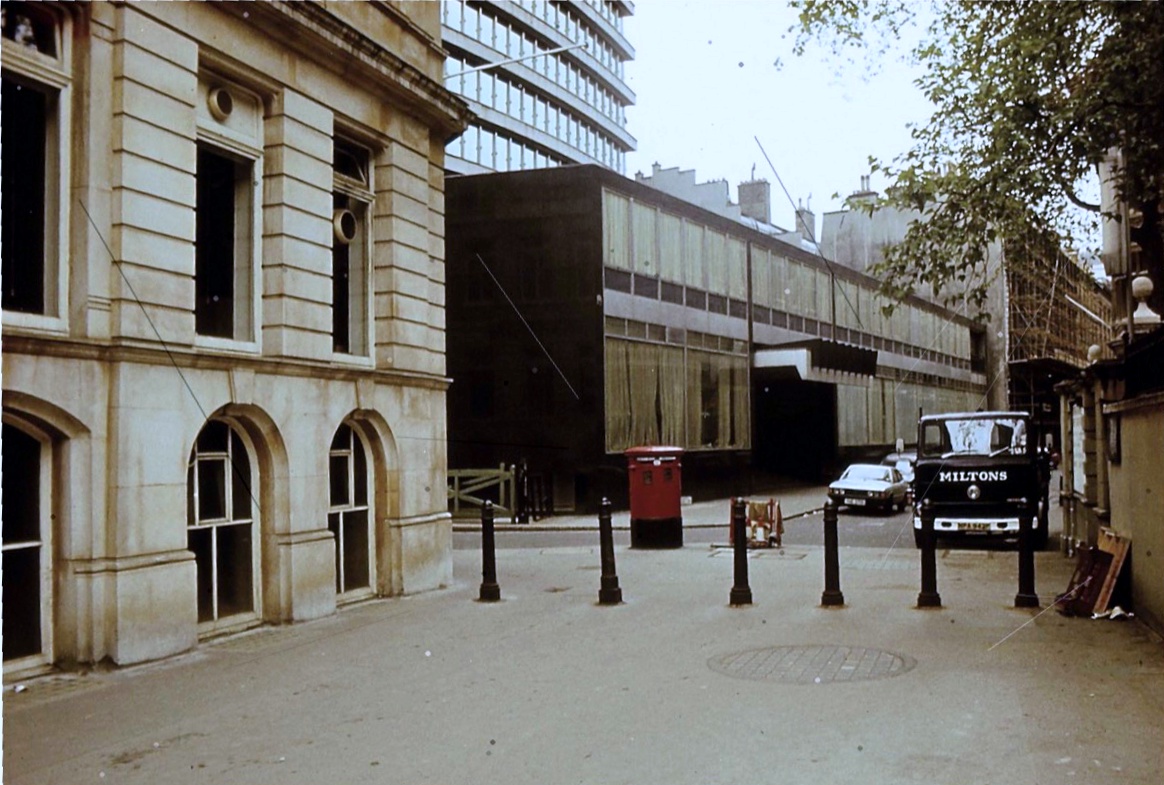 AfterAI-processed
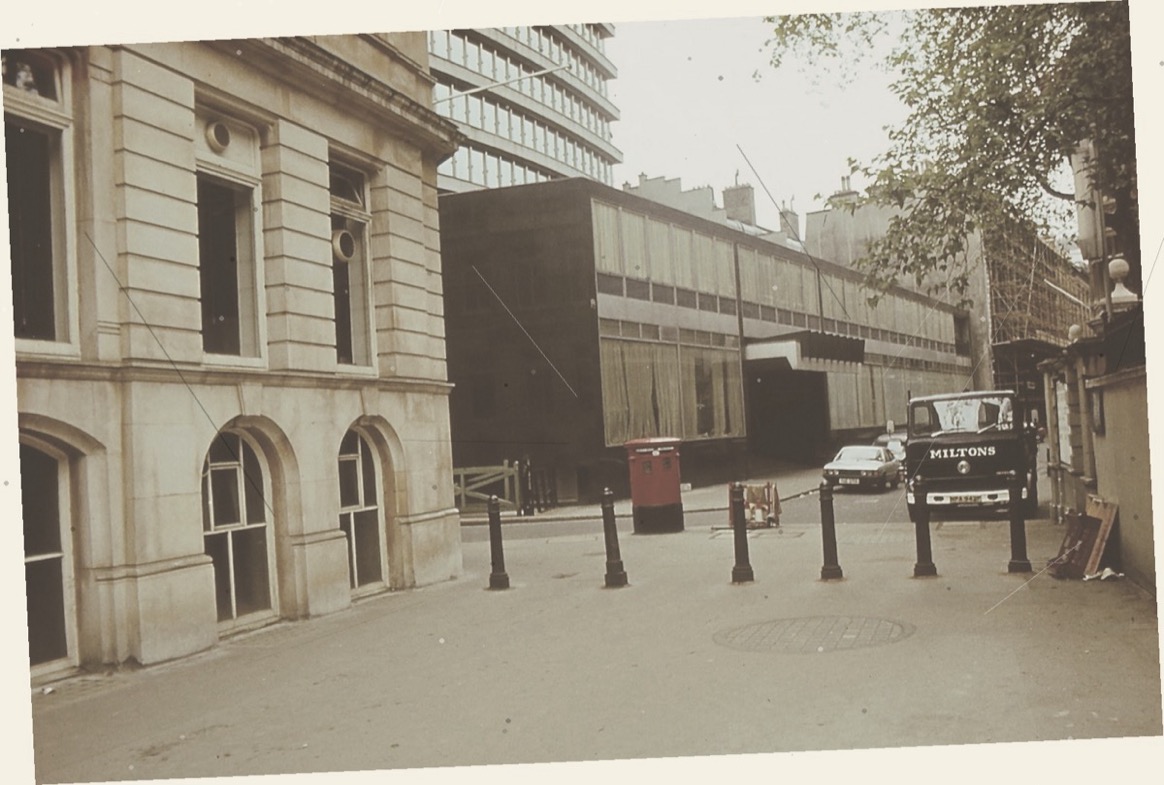 Before
AfterAI-processedUse the left and right arrow keys to compare the before and after images.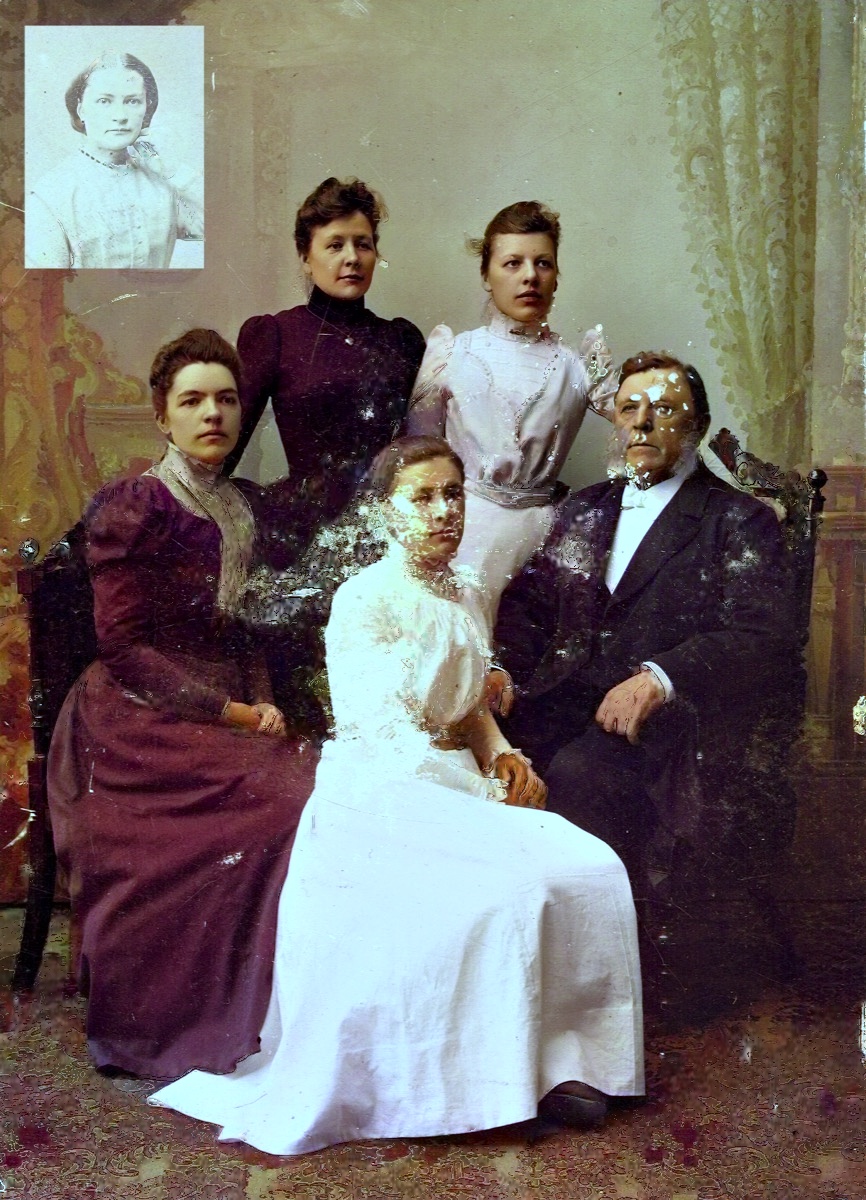 AfterAI-processed
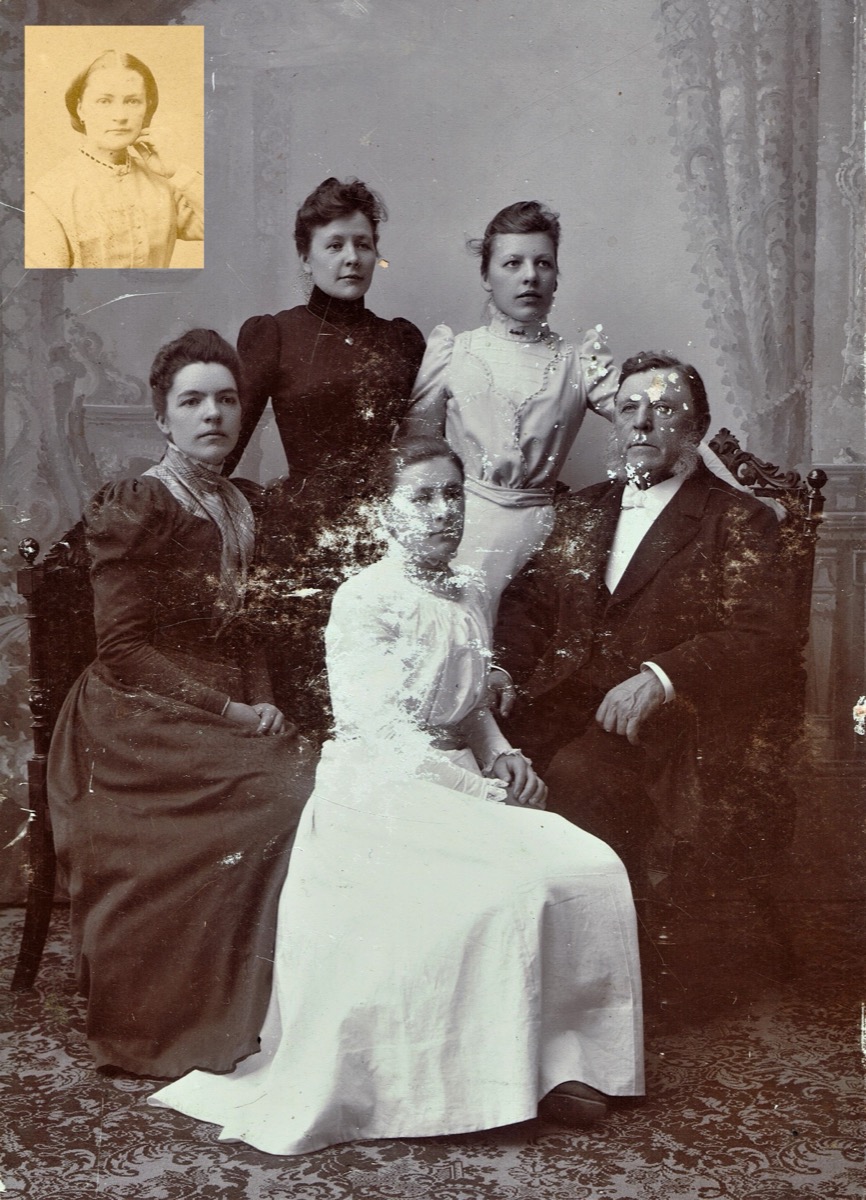 Before
AfterAI-processedUse the left and right arrow keys to compare the before and after images.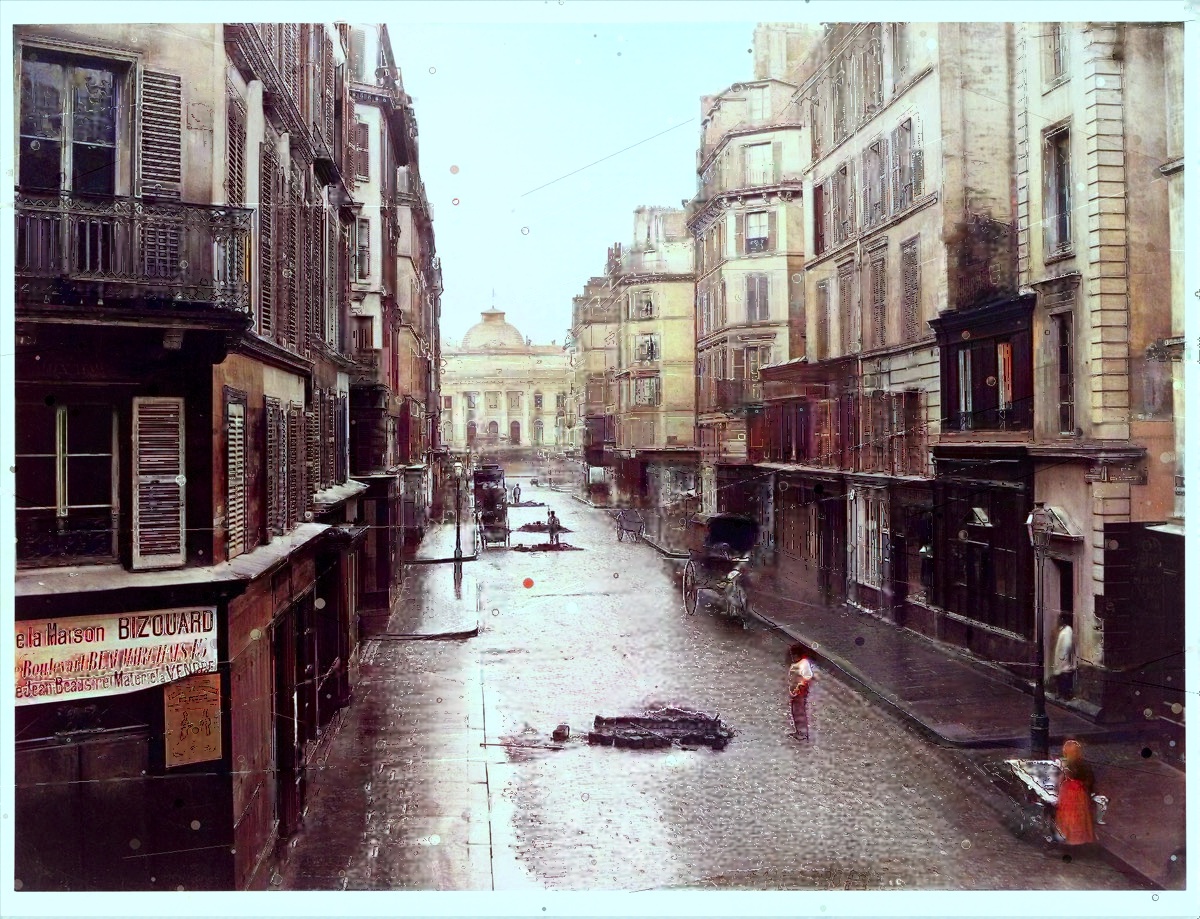 AfterAI-processed
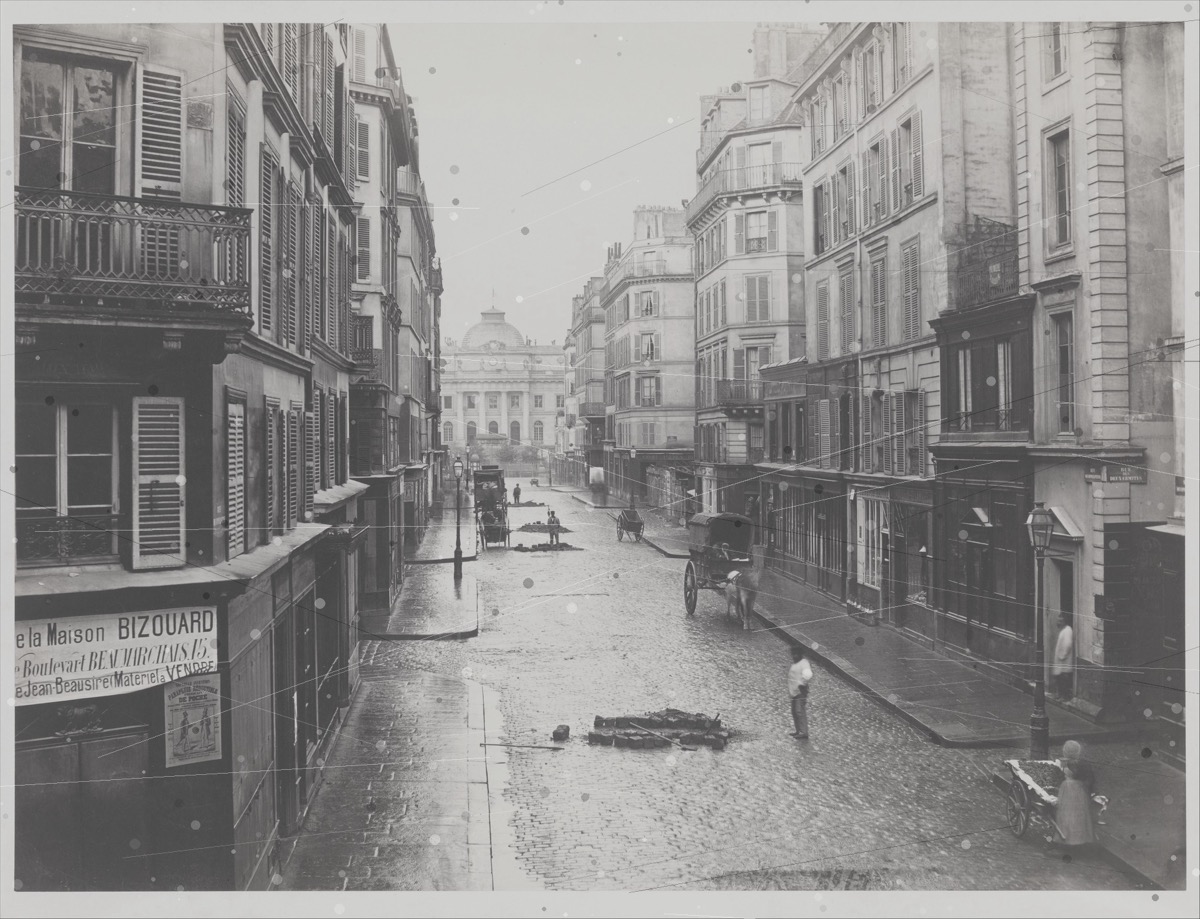 Before
AfterAI-processedUse the left and right arrow keys to compare the before and after images.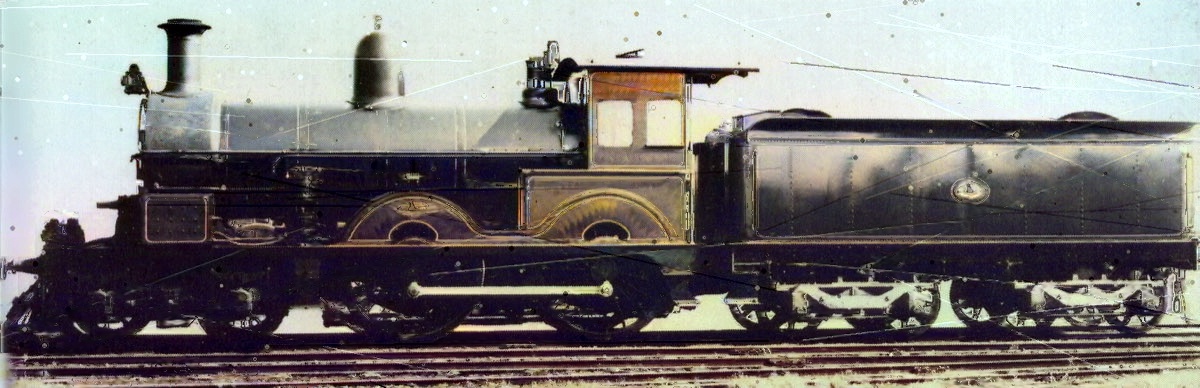 AfterAI-processed
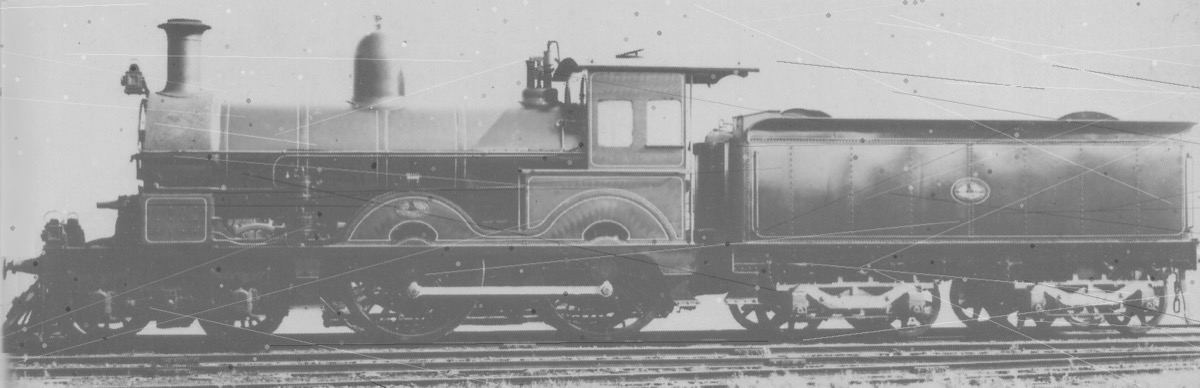 Before
AfterAI-processedPerfect for
- Shoebox photos that survived decades of handling, sun and damp
- The only picture you have of someone — too precious to leave faded
- Scans from the family album that deserve to be seen clearly again
How restoring works
- 1
Upload your photo
Drag in a single photo, a whole folder, or a .zip. We handle JPG, PNG, TIFF and more.
- 2
AI repairs and revives
We remove scratches and dust, sharpen faces, reduce blur, and add warm, natural color.
- 3
Download in full resolution
Preview free, then download a clean, watermark-free image ready to print or share.
Built for families, not data harvesting
Every photo is processed in the EU, never used to train AI models, and deleted automatically. You stay in control from start to finish.
Read the privacy policyRestoring — common questions
- Can you fix badly damaged photos?
- Often, yes. With a free account you can remove scratches, dust and creases and improve faded faces. Try a free preview to see the result before you pay anything.
- Can I restore many photos at once?
- Yes. Drop in a folder or a .zip and we'll process them together — then download each one, or all of them as a single ZIP.
- Where are my photos stored?
- On servers in the EU. Files are deleted automatically after about 24 hours without an account, or 7 days with one, and you can delete them yourself at any time. Nightly backups may keep copies of photos and results for about 14 days after the backup is made, even if you delete a photo sooner.