
Torn, faded, forgotten? We bring it back.
Remove scratches and tears, improve faded faces, then add warm color. Results depend on how much of the photo survived, so start with a free preview; repairs need a free account.
From torn and faded to whole again
Use the left and right arrow keys to compare the before and after images.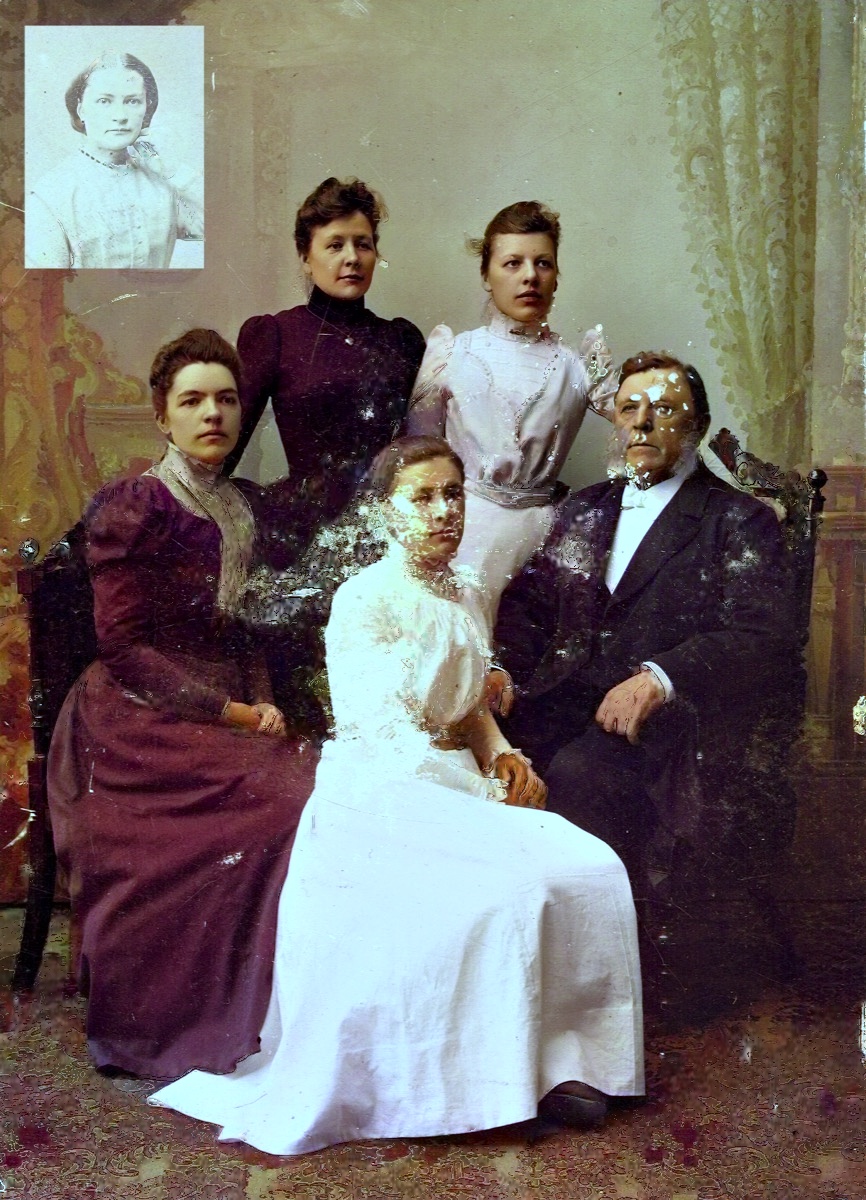 AfterAI-processed
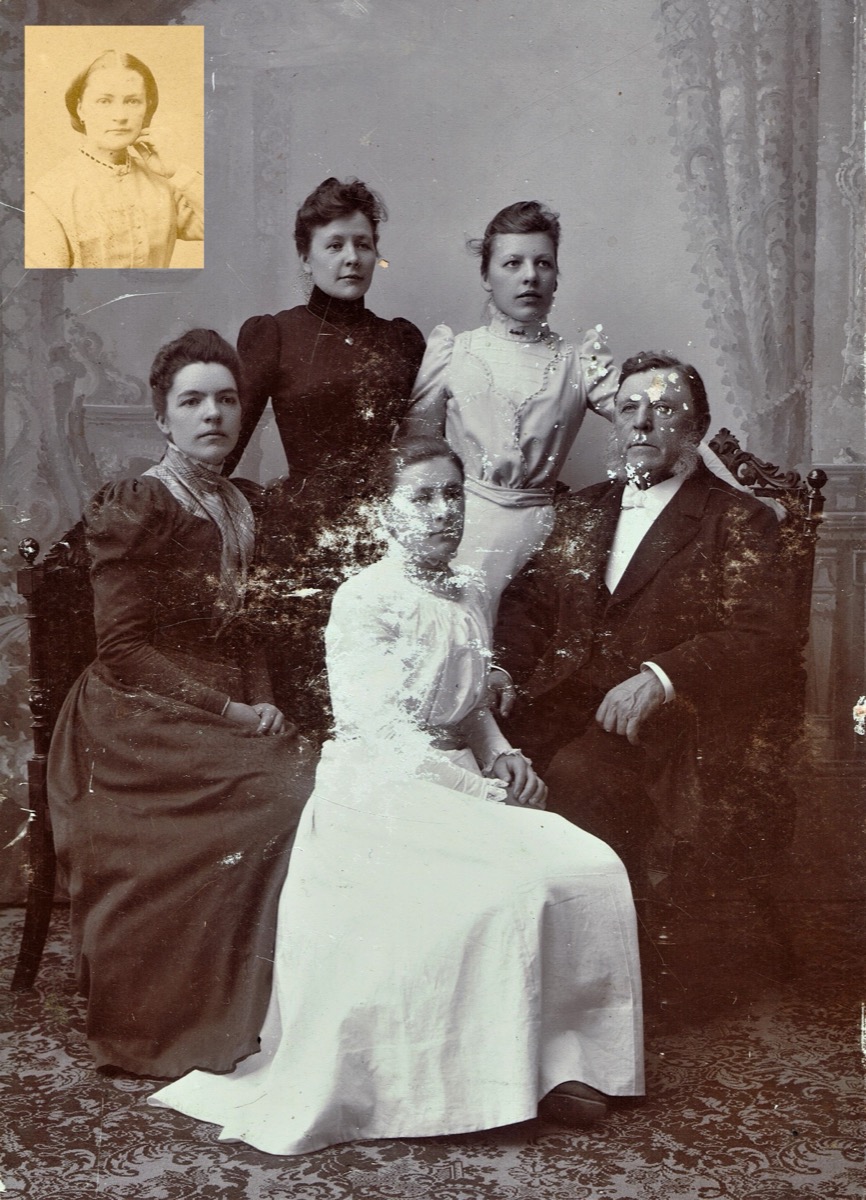 Before
AfterAI-processedUse the left and right arrow keys to compare the before and after images.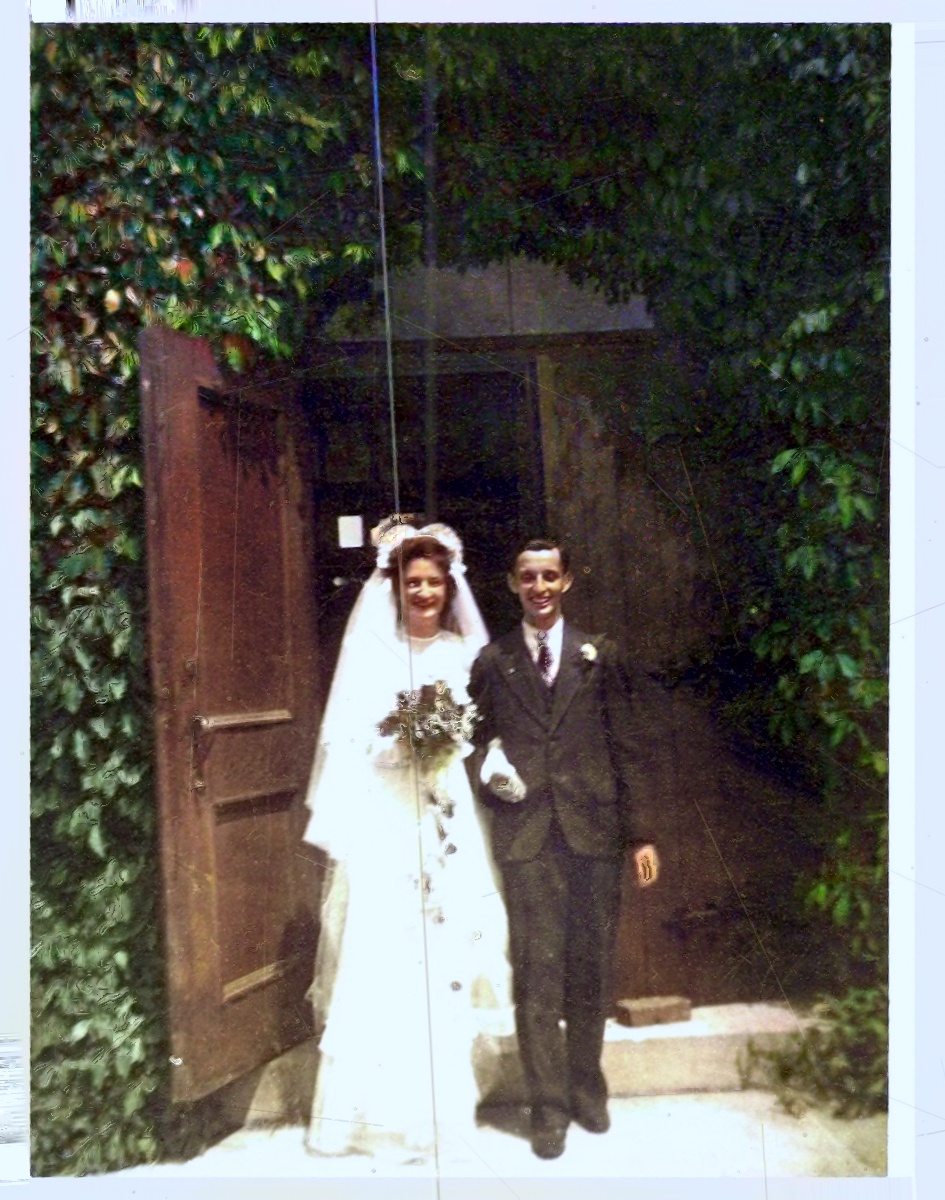 AfterAI-processed
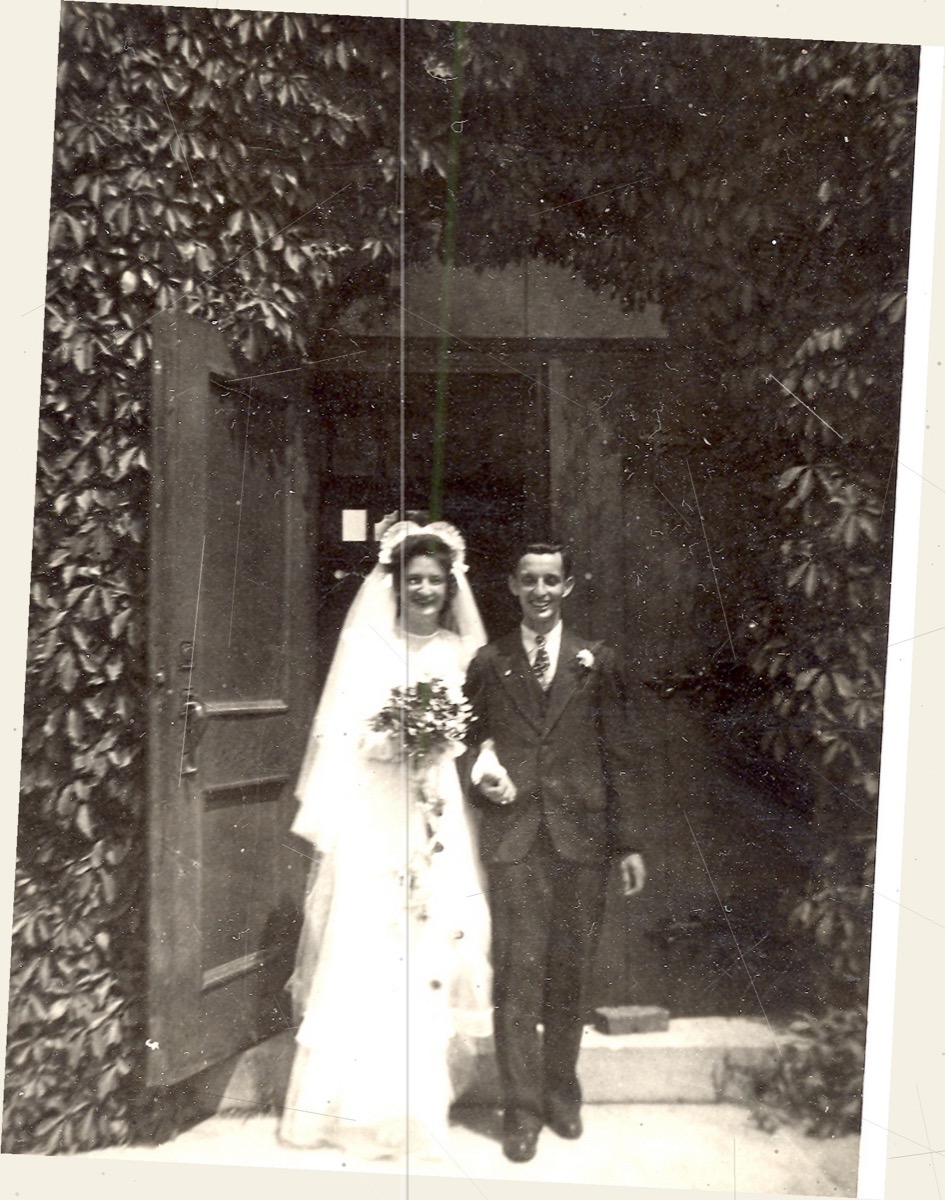 Before
AfterAI-processedUse the left and right arrow keys to compare the before and after images.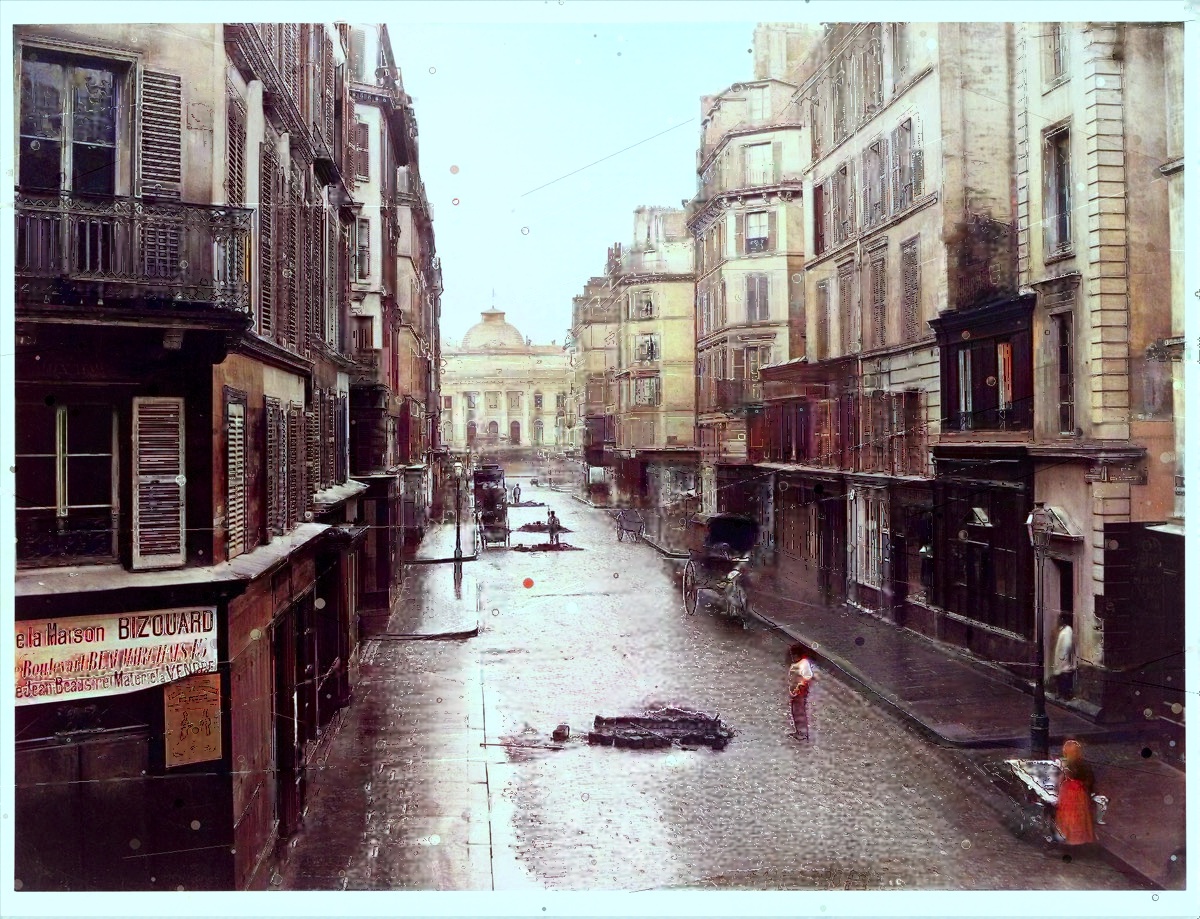 AfterAI-processed
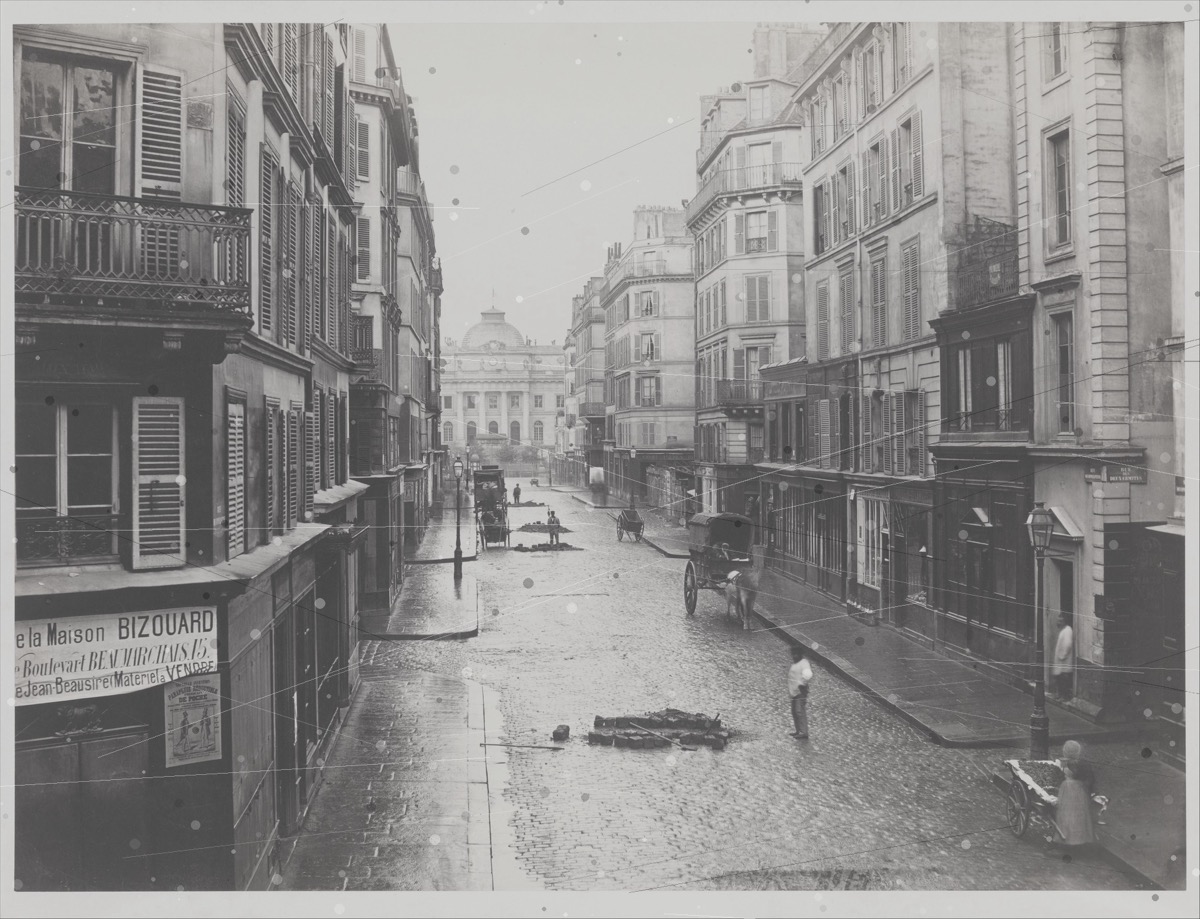 Before
AfterAI-processedUse the left and right arrow keys to compare the before and after images.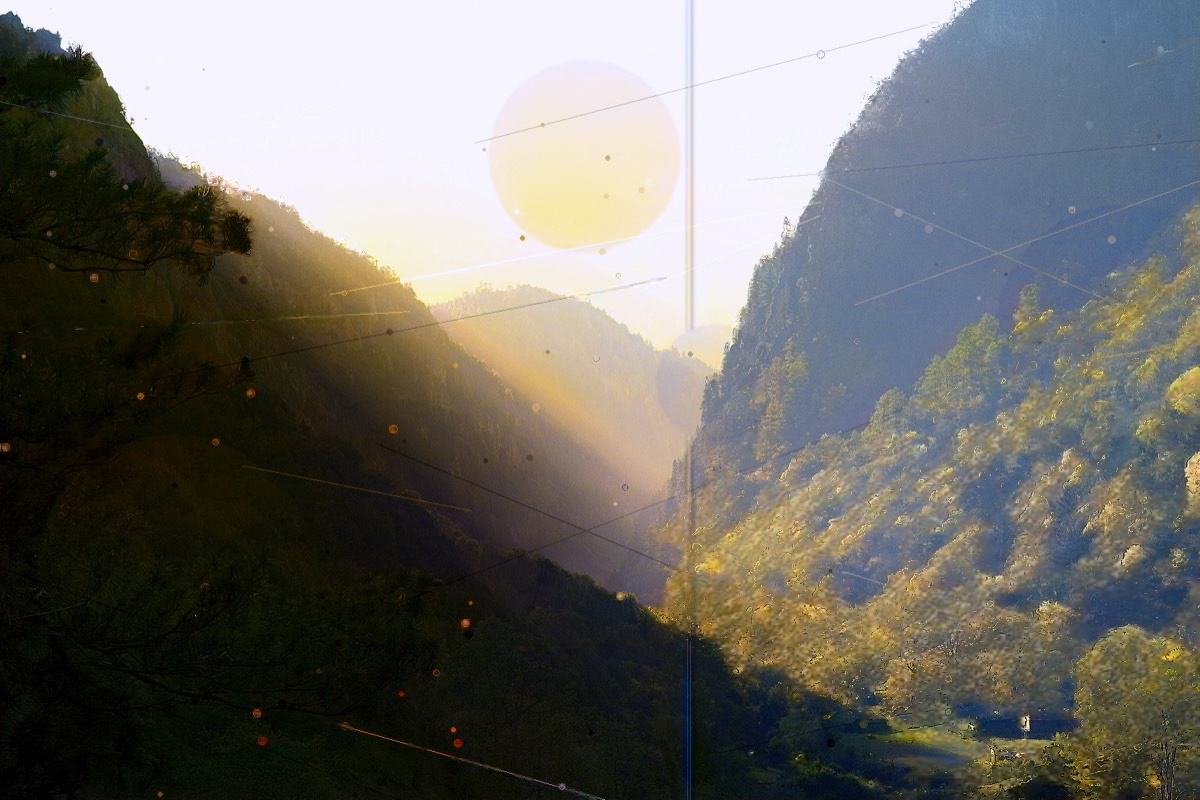 AfterAI-processed
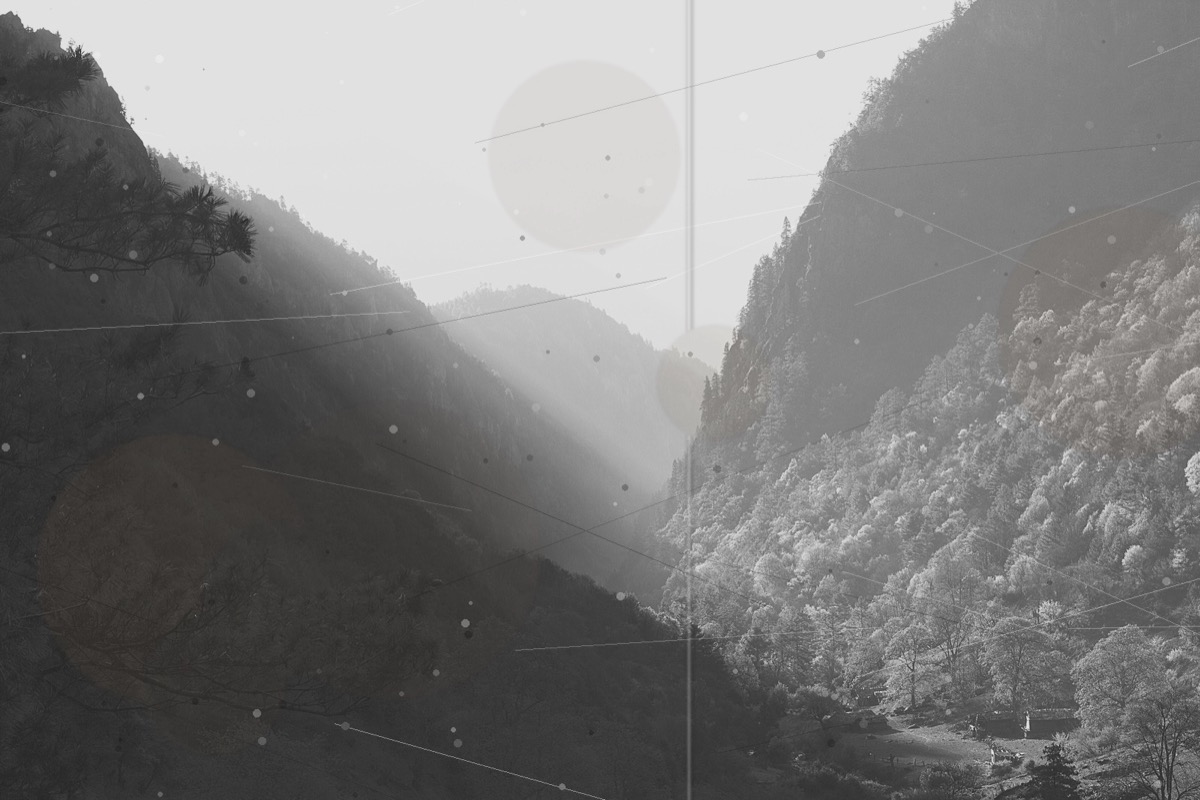 Before
AfterAI-processedUse the left and right arrow keys to compare the before and after images.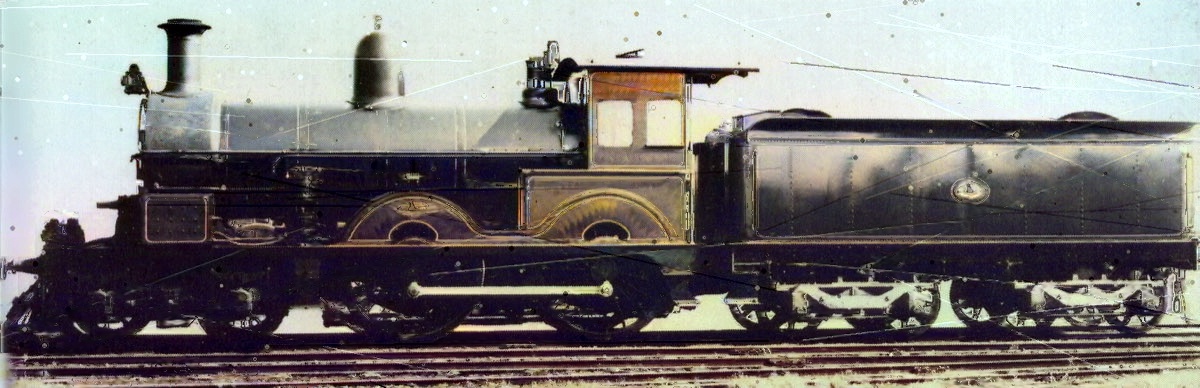 AfterAI-processed
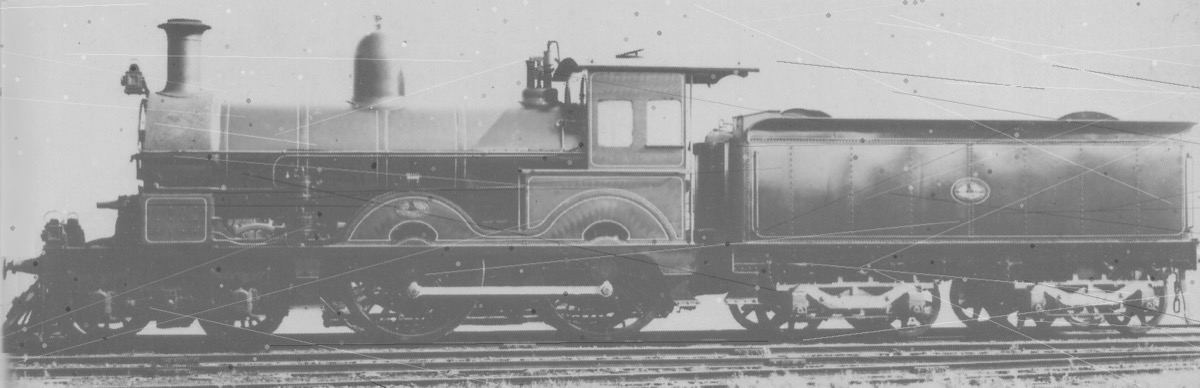 Before
AfterAI-processedPerfect for
- Photos rescued from floods, fires, attics and basements
- Torn or creased prints where the damage crosses a face
- The photo everyone said was beyond saving
How restoring damage works
- 1
Upload the damaged photo
Drag in even a torn, stained or badly faded photo. JPG, PNG, TIFF and more are all welcome.
- 2
AI repairs the damage
We remove scratches, tears, dust and creases, improve faded faces, then add warm, natural color. Areas that are completely missing stay missing.
- 3
Download in full resolution
Download a clean, watermark-free, high-resolution image — whole again, ready to print, frame and keep.
Your most fragile memories, handled with care
Often the damaged photo is the only one left. We process it on EU servers, never use it to train AI, and delete it automatically — you stay in control.
Read the privacy policyDamaged photos — common questions
- My photo is torn in half — can you still help?
- If both pieces are scanned together, the tear line can often be cleaned up along with scratches and stains. We don't invent what's missing, so large lost areas stay visible. Check the free preview before you decide.
- What about heavy fading or water damage?
- We can recover detail from badly faded and stained photos and add natural color. Results vary with the damage, so try a free preview first — there's no risk.
- Where is my photo processed and stored?
- On servers in the EU. Files are deleted automatically after about 24 hours without an account, or 7 days with one, and you can delete them yourself at any time from your account. Nightly backups may keep copies of photos and results for about 14 days after the backup is made, even if you delete a photo sooner.