
บล็อก Recolor the Past
คำแนะนำที่อ่านง่ายเกี่ยวกับการสแกน ฟื้นฟู เติมสี และเก็บรักษาภาพถ่ายครอบครัวอันทรงคุณค่า
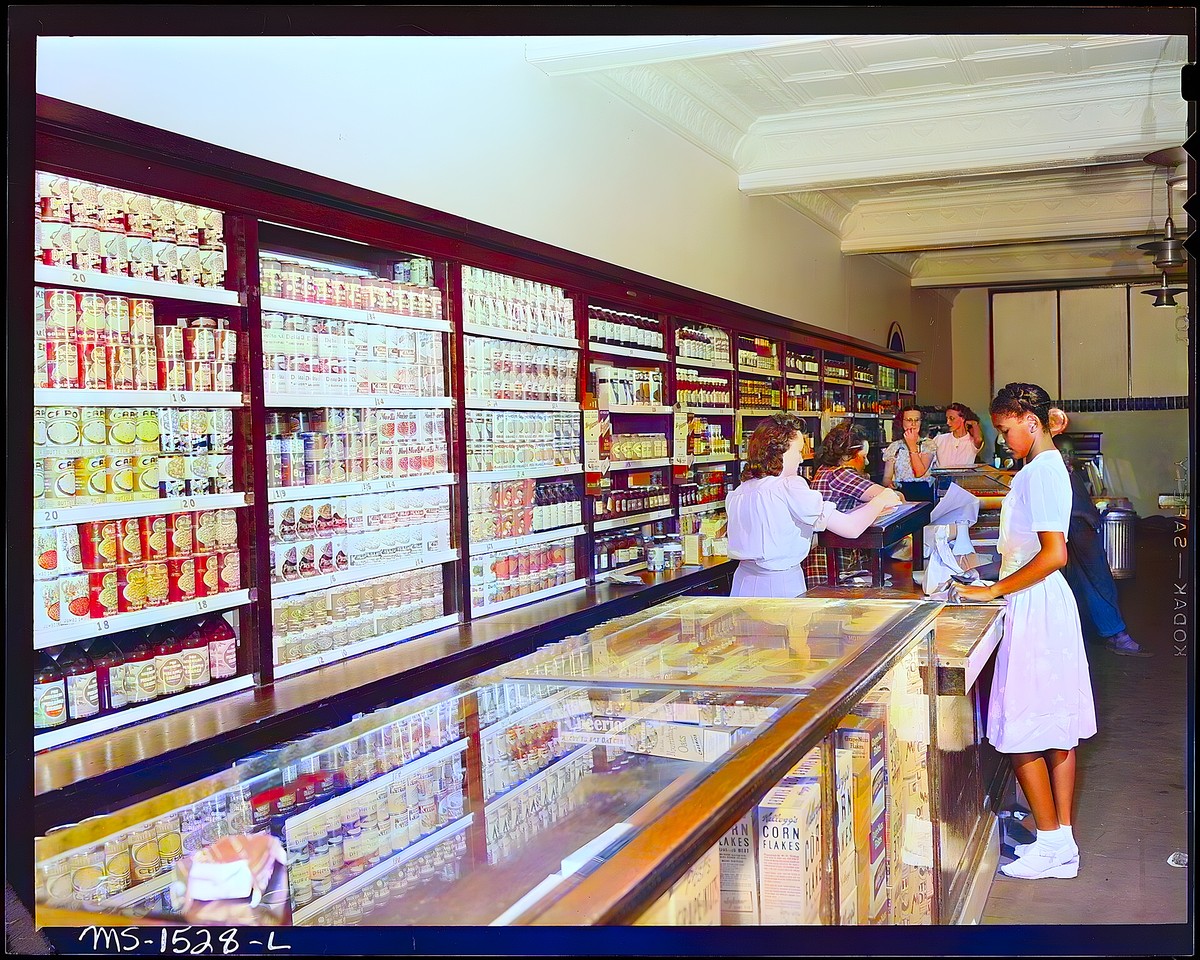
จากภาพถ่ายบนกระดาษสู่พิกเซลและสี: วิวัฒนาการของการแปลงภาพถ่ายเป็นดิจิทัลและการทำงานของ Recolor the Past ในปัจจุบัน
ในอดีต การแปลงภาพถ่ายเป็นดิจิทัลต้องใช้กล้องถ่ายสำเนาเฉพาะทาง เครื่องสแกนแบบแท่น และโปรแกรมคอมพิวเตอร์หลายตัว บทความนี้เปรียบเทียบทางเลือกในปัจจุบัน พร้อมอธิบายว่า Recolor the Past รวมการสแกนฟรี การแก้ไขมุมมอง และการเติมสีด้วย AI แบบเลือกใช้ไว้ในขั้นตอนเดียวได้อย่างไร
4 สิงหาคม 2569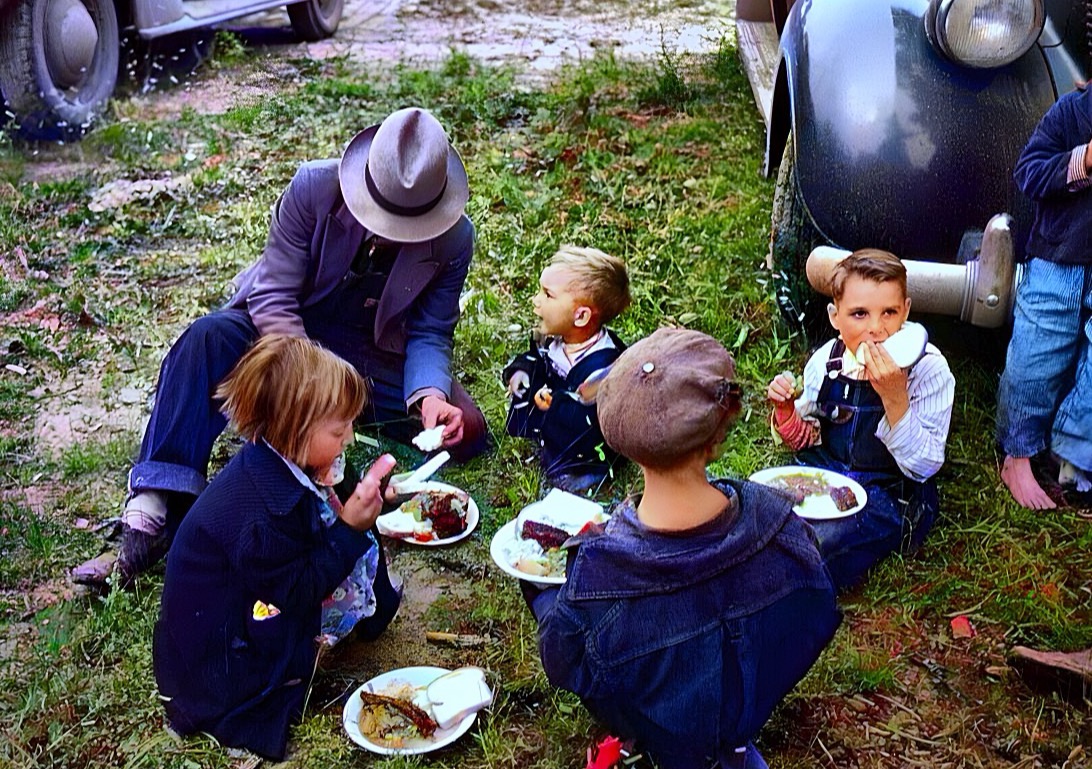
แอป Recolor the Past: จากภาพถ่ายที่พิมพ์ไปจนถึงอัลบั้มครอบครัวที่ได้รับการฟื้นฟู
คู่มือฉบับสมบูรณ์สำหรับการสแกนหรือนำเข้ารูปภาพ การจัดเตรียมรูปภาพใน Studio การสร้างตัวอย่างฟรี การเลือกตัวเลือกการคืนค่า และการจัดระเบียบผลลัพธ์ที่มีความละเอียดสูงสุด
12 กรกฎาคม 2569จัดเตรียมแล้วคืนค่า: อธิบายตัวเลือกรูปภาพทุกรายการแล้ว
เรียนรู้ว่าการแก้ไขใดที่คุณทำในเครื่องใน Studio และกระบวนการกู้คืนเพิ่มเติมใดที่สร้างผลลัพธ์สุดท้าย
1 กรกฎาคม 2569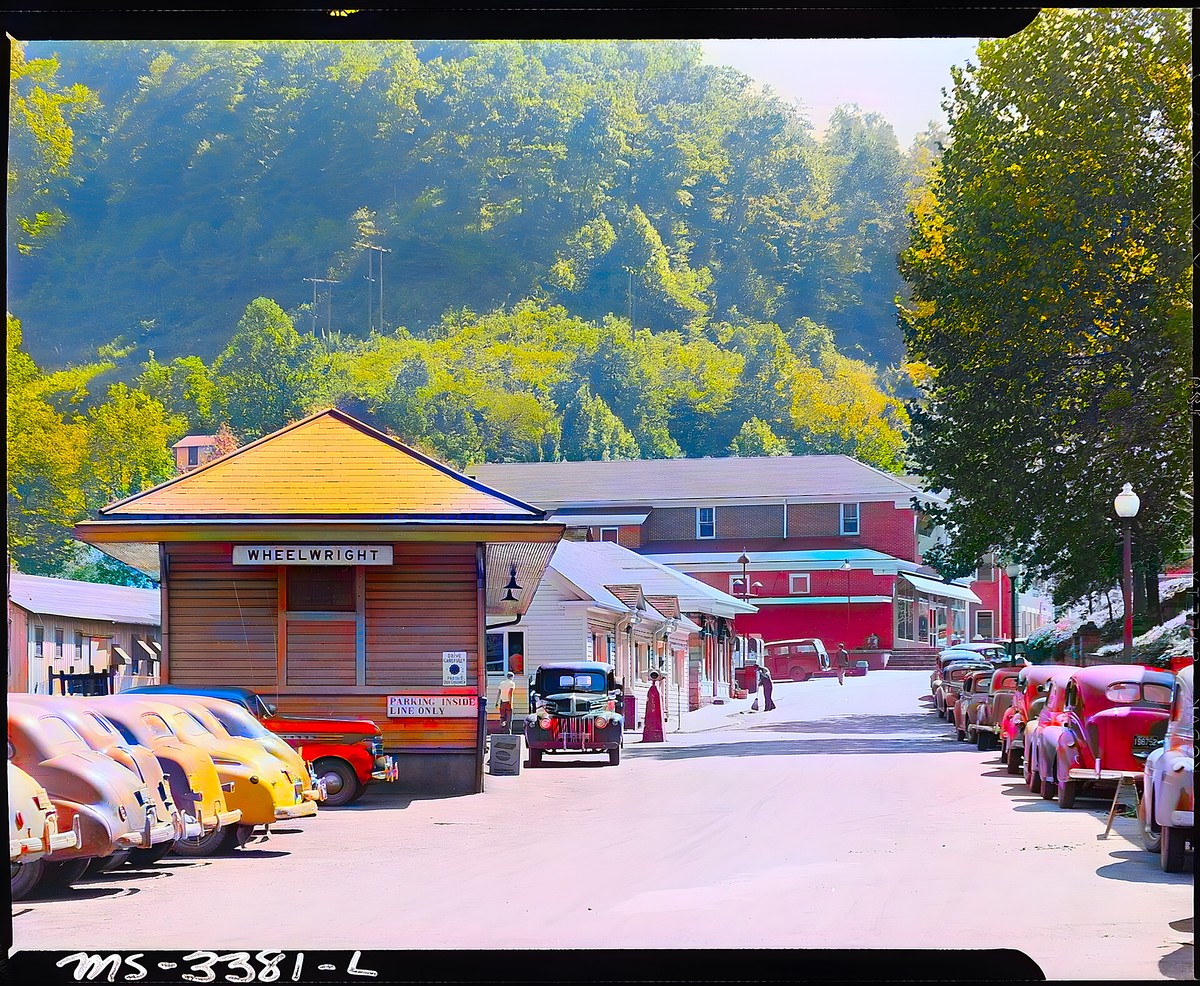
วิธีสแกนภาพถ่ายเก่าด้วยโทรศัพท์ของคุณ (Google PhotoScan) จากนั้นจึงปรับสี
คำแนะนำทีละขั้นตอนในการถ่ายภาพงานพิมพ์เก่าๆ ที่คมชัดไร้แสงสะท้อนด้วย Google PhotoScan หรือแผ่นเรียบ เพื่อให้การปรับสีและการฟื้นฟูออกมาดีที่สุด
1 กรกฎาคม 2569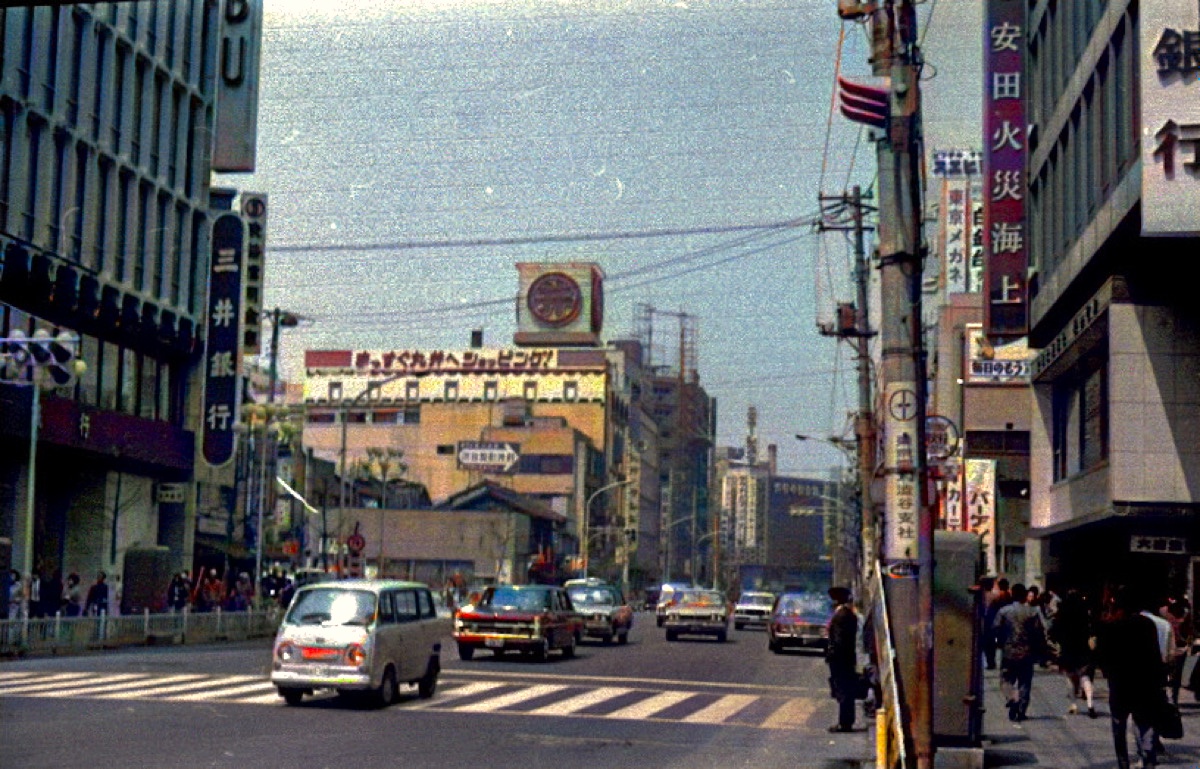
วิธีสแกนภาพถ่ายเก่าที่บ้านเพื่อให้ได้ผลลัพธ์ที่ดีที่สุด
คุณภาพการบูรณะของคุณเริ่มต้นด้วยการสแกน เคล็ดลับที่เป็นประโยชน์สำหรับการสแกนงานพิมพ์เก่าที่บ้าน เพื่อให้เก็บทุกรายละเอียดไว้
30 มิถุนายน 2569การอนุรักษ์ภาพถ่ายครอบครัวสำหรับคนรุ่นอนาคต
ภาพพิมพ์จางและกล่องสูญหาย คำแนะนำง่ายๆ ที่ใช้งานได้จริงในการแปลงข้อมูลเป็นดิจิทัล จัดระเบียบ และสำรองข้อมูลประวัติภาพถ่ายของครอบครัวของคุณอย่างปลอดภัย
27 มิถุนายน 2569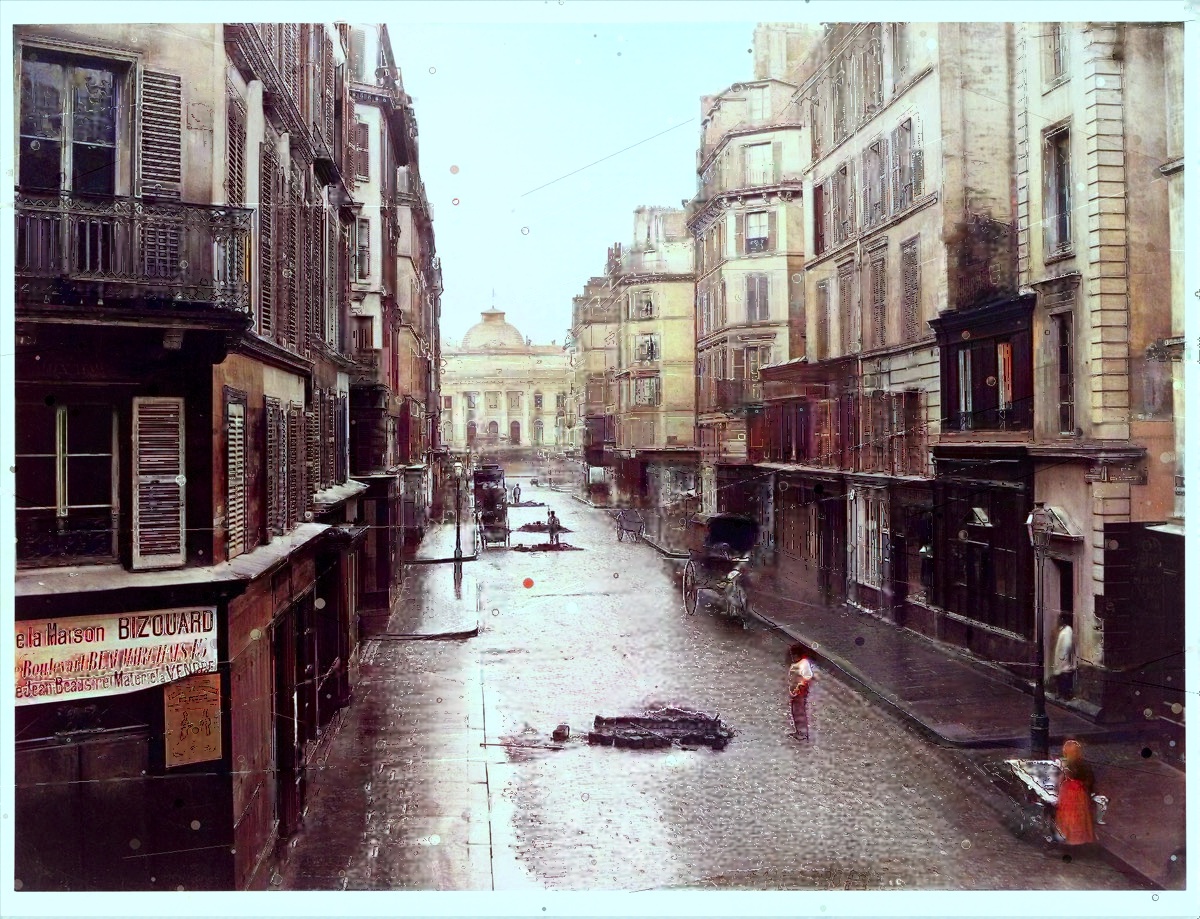
วิธีคืนค่าภาพถ่ายเก่าที่เสียหาย ขาด และซีดจาง
รอยขีดข่วน รอยพับ การซีดจาง และความเสียหายจากน้ำไม่จำเป็นต้องถาวร ต่อไปนี้คือวิธีการทำงานของการฟื้นฟูภาพถ่ายและวิธีทำให้ได้ผลลัพธ์ที่ดีที่สุด
24 มิถุนายน 2569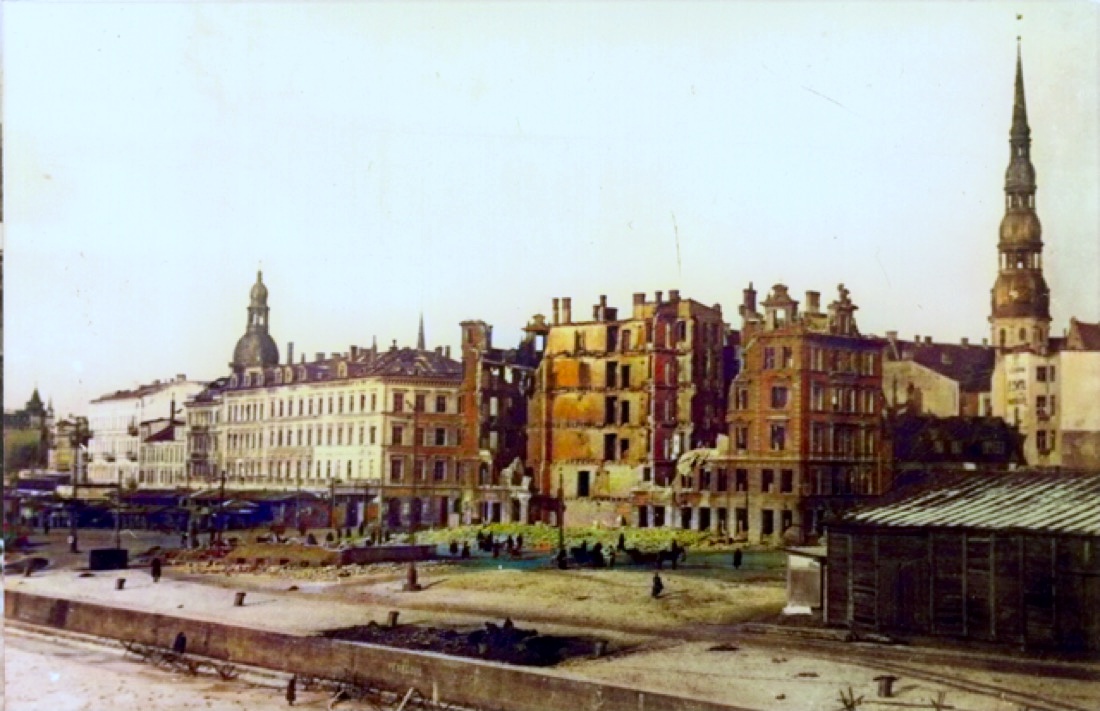
AI Photo Colorization ทำงานอย่างไร — และเหตุใดภาพถ่ายเก่าๆ จึงเป็นภาพขาวดำ
เจาะลึกว่าทำไมการถ่ายภาพในยุคแรกๆ จึงเป็นภาพขาวดำ และวิธีที่ AI สมัยใหม่นำสีสันที่น่าเชื่อถือและเป็นธรรมชาติกลับมาสู่ภาพเก่าๆ
20 มิถุนายน 2569เครื่องมือภาพถ่ายฟรี
เครื่องคำนวณความละเอียดการสแกนภาพถ่าย
คำนวณ DPI ขนาดพิกเซล ล้านพิกเซล และขนาดที่สามารถพิมพ์ได้สำหรับการสแกนภาพถ่ายเก่า เครื่องมือฟรีสำหรับการเก็บถาวรของครอบครัวและภาพถ่ายลำดับวงศ์ตระกูล
เครื่องคิดเลขขนาดการพิมพ์ภาพถ่าย
คำนวณการพิมพ์ภาพถ่ายคุณภาพสูงที่ใหญ่ที่สุดที่ภาพของคุณสามารถสร้างได้จากขนาดพิกเซล ขนาดการพิมพ์ฟรีและเครื่องคำนวณ PPI
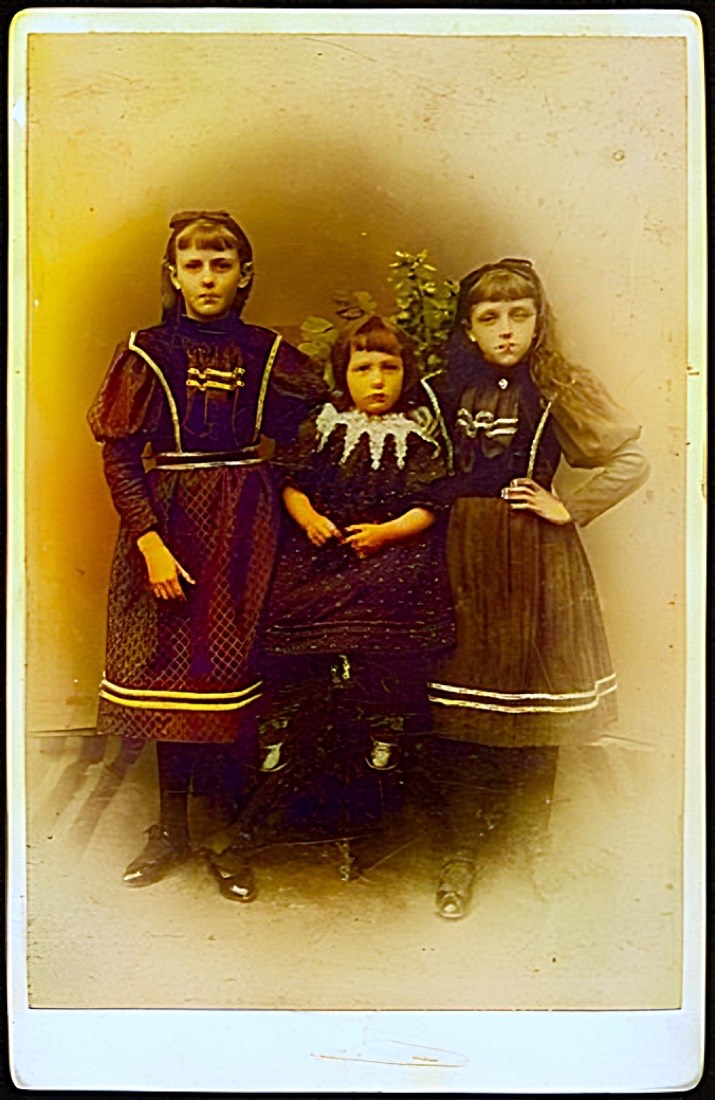
เครื่องคิดเลขจัดเก็บภาพถ่าย
ประมาณปริมาณพื้นที่เก็บข้อมูลที่คอลเลกชันภาพถ่ายที่สแกนต้องใช้ รวมถึงสำเนาสำรองด้วย เครื่องคิดเลขฟรีสำหรับเก็บภาพครอบครัว
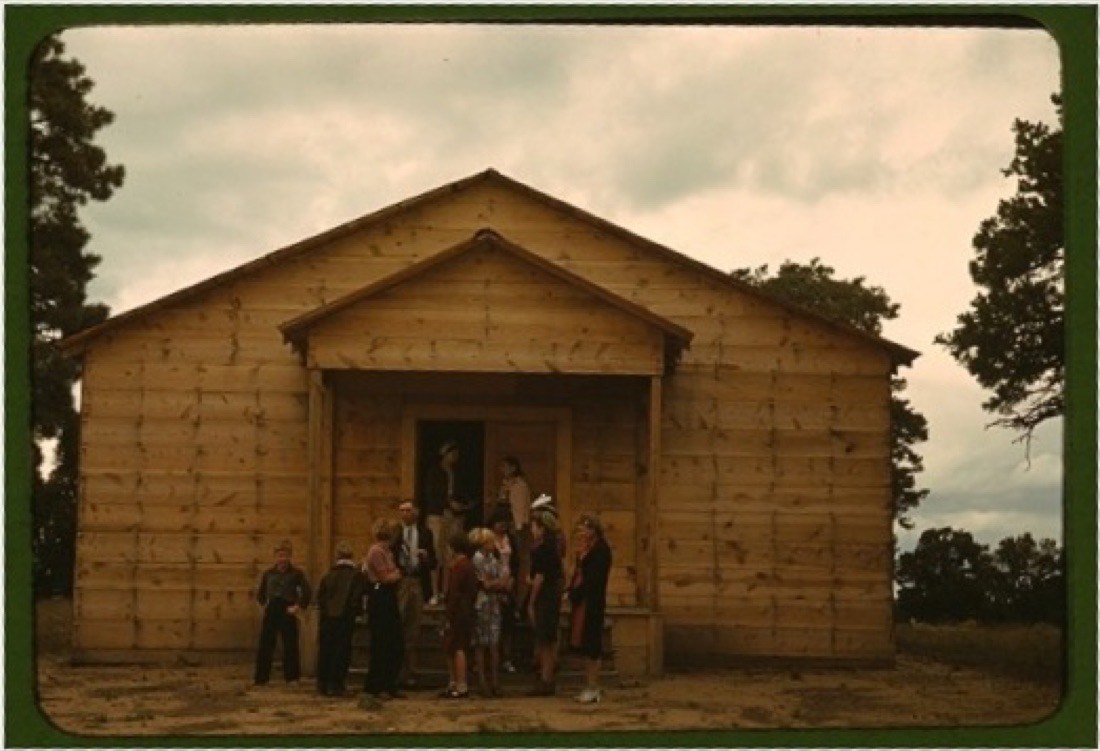
เครื่องคำนวณการครอบตัดอัตราส่วนภาพ
คำนวณจำนวนพิกเซลที่จะครอบตัดสำหรับรูปแบบภาพสี่เหลี่ยมจัตุรัส, 4:3, 3:2, 5:4 และ 16:9 โดยไม่ต้องขยายภาพ
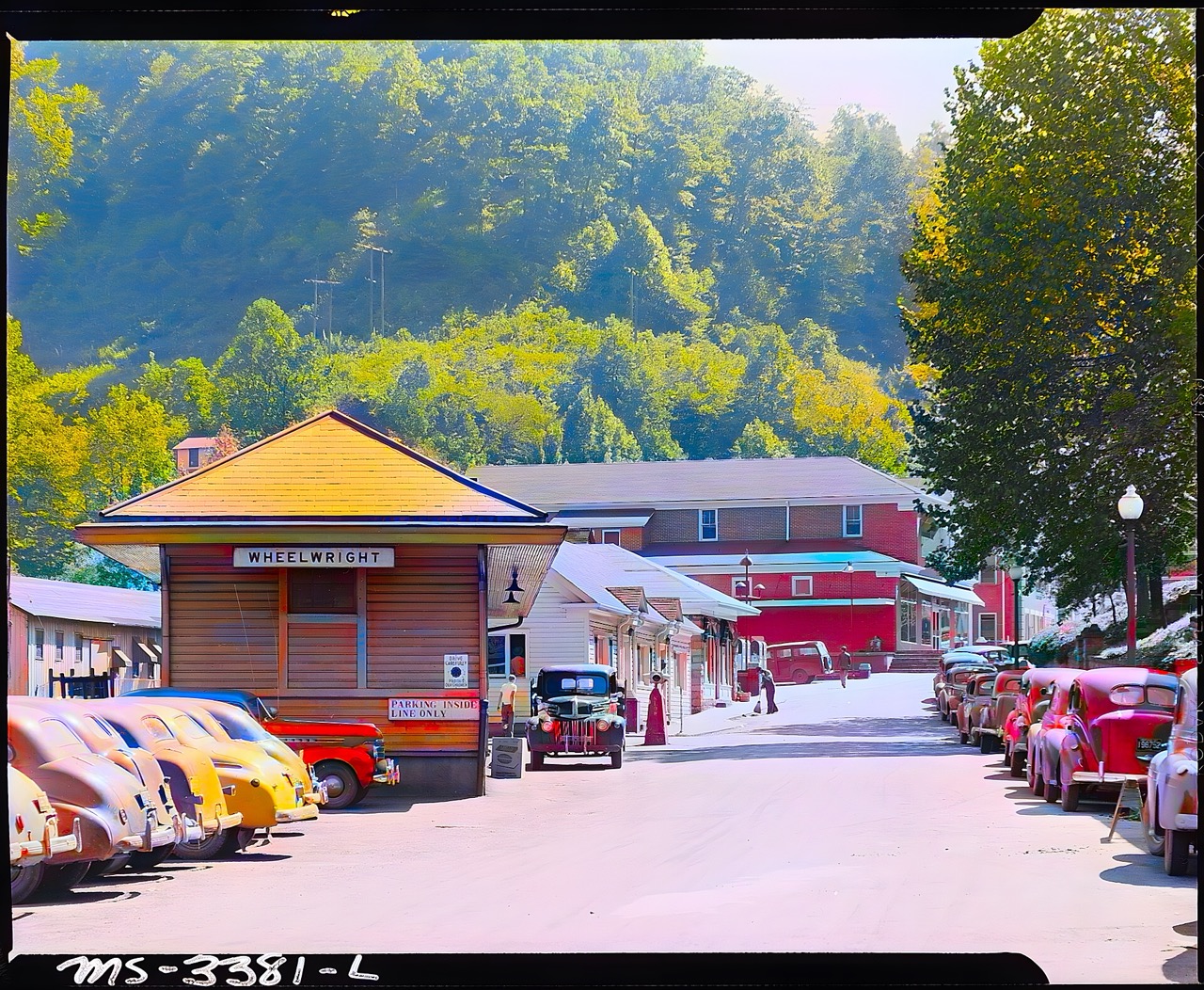
เครื่องมือประมาณวันที่ถ่ายภาพ
ประมาณว่าภาพถ่ายครอบครัวเก่าๆ ถูกสร้างขึ้นเมื่อใดโดยระบุรูปแบบทางกายภาพของภาพถ่ายนั้น คำแนะนำฟรีเกี่ยวกับดาแกรีไทป์ ประเภททิน การ์ดตู้ และสแนปช็อต
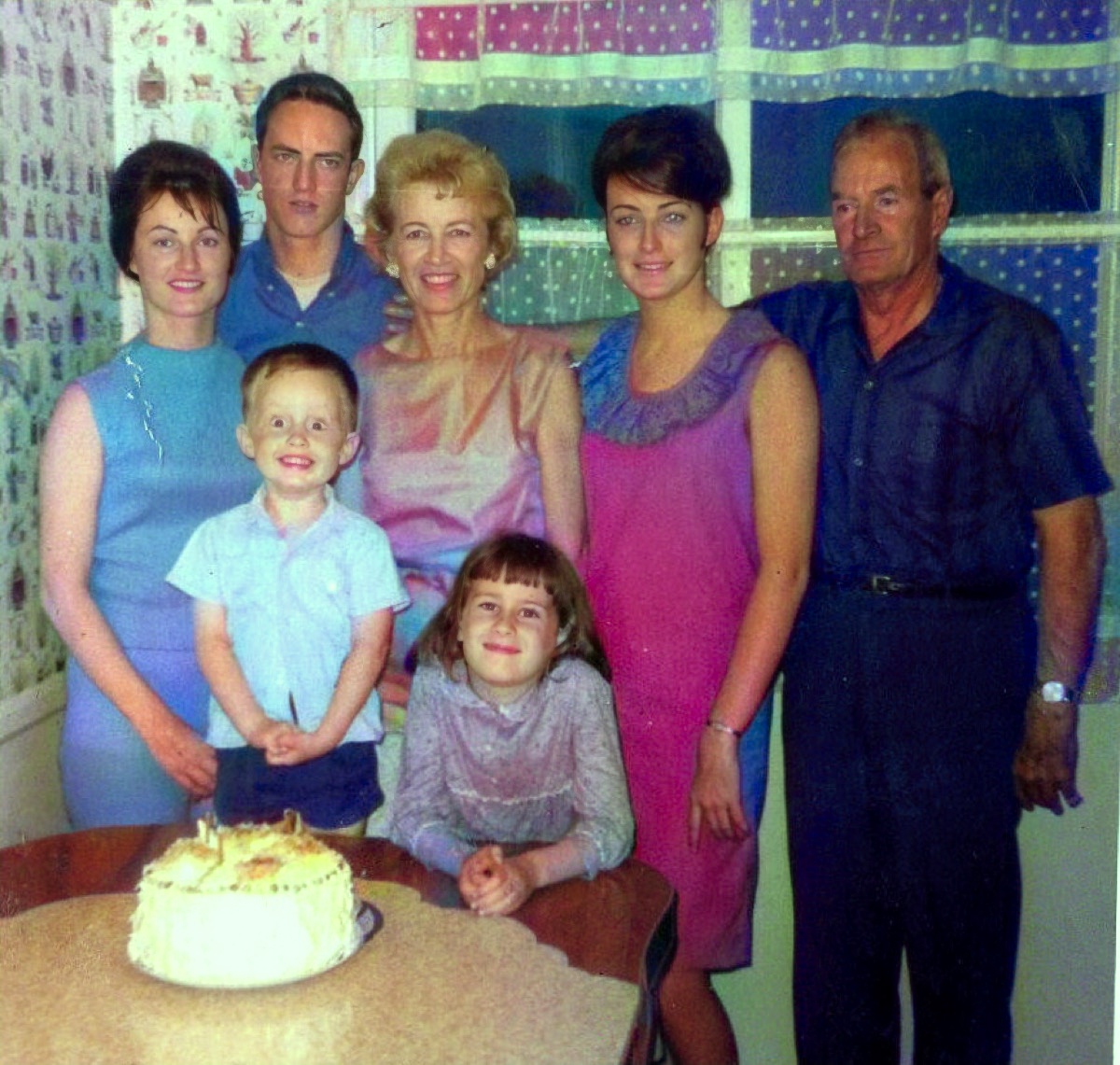
เครื่องกำเนิดชื่อไฟล์ภาพลำดับวงศ์ตระกูล
สร้างชื่อไฟล์ที่สอดคล้องกันและค้นหาได้สำหรับภาพถ่ายลำดับวงศ์ตระกูลโดยใช้วันที่ นามสกุล เหตุการณ์ และสถานที่ เครื่องมือตั้งชื่อไฟล์เก็บถาวรของครอบครัวฟรี
รายการตรวจสอบการเก็บรักษาภาพถ่าย
ปฏิบัติตามรายการตรวจสอบเชิงโต้ตอบเพื่อการจัดการ สแกน ตั้งชื่อ จัดเก็บ และสำรองภาพถ่ายครอบครัวเก่าอย่างปลอดภัย
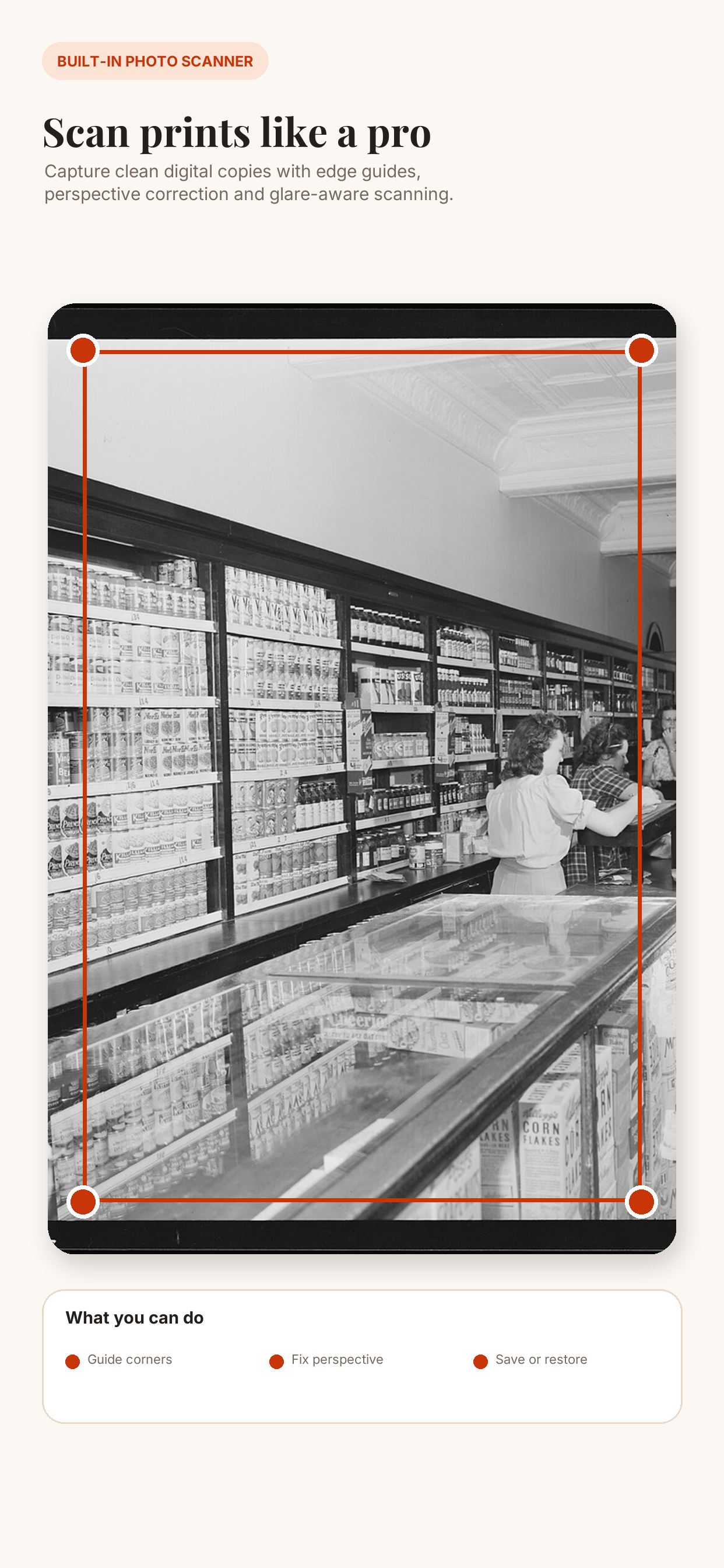
สแกนภาพถ่ายด้วยโทรศัพท์
สแกนภาพถ่ายครอบครัวที่พิมพ์ด้วยโทรศัพท์ของคุณ มุมมองที่ถูกต้อง ลดแสงสะท้อน จัดระเบียบอัลบั้ม และกู้คืนรูปภาพเก่าบน iPhone หรือ Android