손상되고 찢어지고 빛바랜 오래된 사진을 복원하는 방법
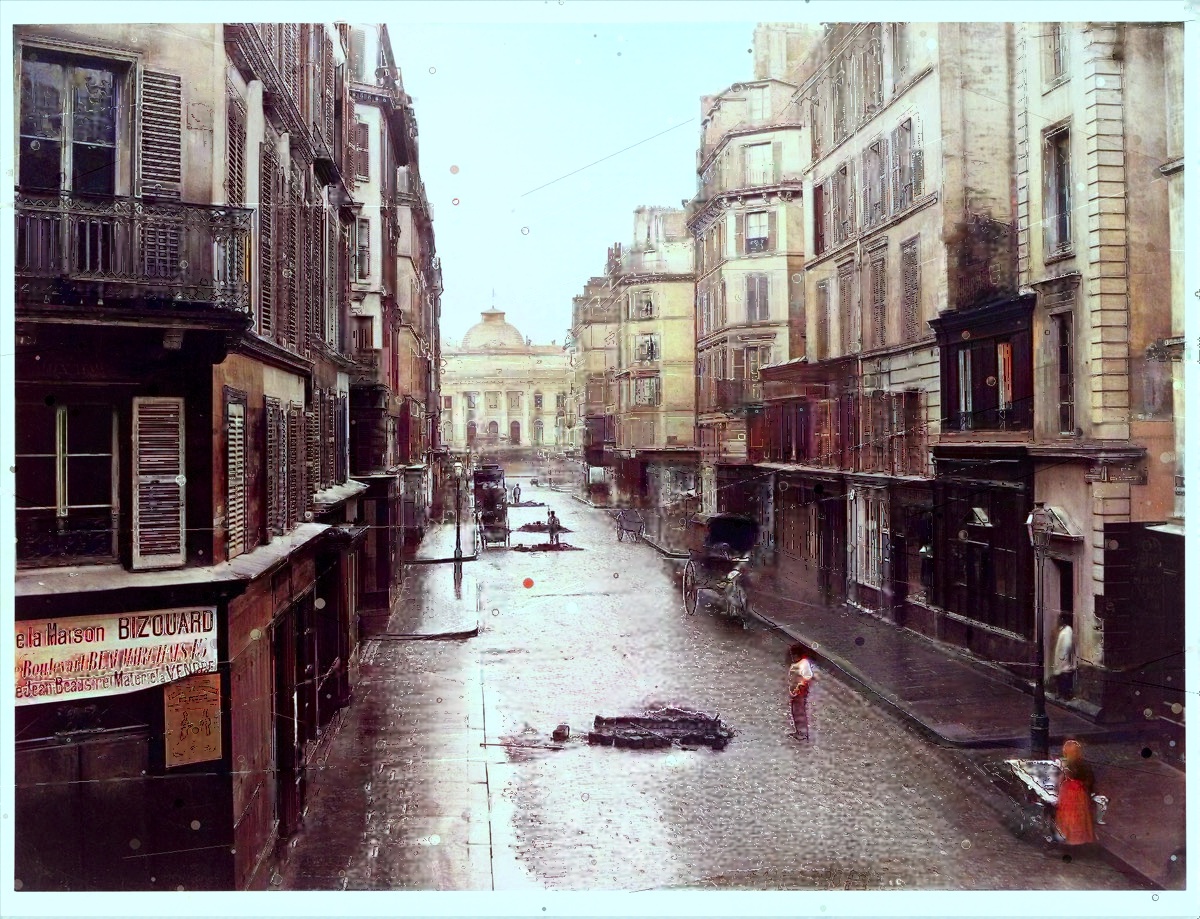
가장 흔한 종류의 손상
오래된 인쇄물은 예상할 수 있는 방식으로 손상됩니다. 취급으로 인한 미세한 긁힘과 먼지, 사진이 접힌 부분의 깊은 주름, 화학적 노화에 따른 은색 또는 황변, 습기찬 보관으로 인한 얼룩 등이 있습니다. 각각 약간씩 다른 치료가 필요합니다.
손상 복구
복원은 레이어로 이루어집니다. 먼저 눈에 띄는 결함(먼지, 미세한 긁힘, 작은 찢어짐)을 감지하고 주변 이미지를 사용하여 채워줌으로써 수리가 원활하게 조화됩니다. 희미해진 대비가 재구성되어 사진에 다시 깊이가 있습니다. 마지막으로, 부드럽게 선명하게 하면 수십 년간의 복사와 페이딩이 부드러워진 디테일이 다시 살아납니다.
전체적인 목표는 제한입니다. 좋은 복원은 심하게 편집된 이미지가 아니라 촬영 당일의 사진처럼 보여야 합니다.
얼굴은 특별하게 관리됩니다
사람들이 사진에서 가장 관심을 갖는 부분은 바로 얼굴입니다. 복원은 여기에 특별한 주의를 기울여 눈, 피부, 머리카락의 자연스러운 세부 사항을 복구하는 동시에 존재하지 않았던 특징을 절대로 만들어내지 않도록 주의합니다.
당신이 도울 수 있는 일
- 스캔하고 가능하면 사진을 찍지 마세요. 평판 스캔은 휴대폰 스냅샷보다 훨씬 더 자세한 내용을 캡처합니다(스캔 가이드 참조).
- 원본을 유지하세요. 복원 작업은 사본에서 이루어집니다. 깨지기 쉬운 원본은 안전하게 유지되어야 합니다.
- 사전 편집하지 마세요. 필터를 건너뛰고 자동 강화하세요. 손대지 않은 가장 깨끗한 스캔이 최고의 시작점을 제공합니다.
손상이 심한 경우
일부 사진에서는 넓은 영역이 완전히 사라졌습니다. 모서리가 누락되고 얼굴이 찢어졌습니다. 어떤 도구도 기록되지 않은 것을 만들어낼 수 없으며, 정직한 복원은 그런 척할 수 없습니다. 그러나 놀랍게도 망가졌다고 치부했던 사진이 놀라울 만큼 온전한 모습으로 돌아오는 경우가 많습니다.
손상된 사진에 사용해 보세요. 미리보기는 무료이므로 결정하기 전에 결과를 확인할 수 있습니다.
관련 글
인화 사진에서 픽셀과 컬러까지: 사진 디지털화의 발전과 오늘날 Recolor the Past의 작동 방식
과거에는 사진을 디지털화하려면 전용 복사 카메라와 평판 스캐너, 여러 데스크톱 프로그램이 필요했습니다. 오늘날 이용할 수 있는 방법을 살펴보고 Recolor the Past가 무료 스캔, 원근 보정, 선택형 AI 컬러 복원을 어떻게 하나의 과정으로 연결하는지 알아보세요.
Recolor the Past 앱: 인화된 사진에서 복원된 가족 앨범으로
사진 스캔 또는 가져오기, Studio에서 사진 준비, 무료 미리 보기 생성, 복원 옵션 선택 및 전체 해상도 결과 정리에 대한 완벽한 가이드입니다.
준비 후 복원: 모든 사진 옵션 설명
Studio에서 로컬로 수행하는 수정 사항과 최종 결과를 생성하는 선택적 복원 프로세스에 대해 알아보세요.